iTero Element 2 and iTero Element Flex User Manual
© 2019 Align Technology, Inc. All rights reserved.
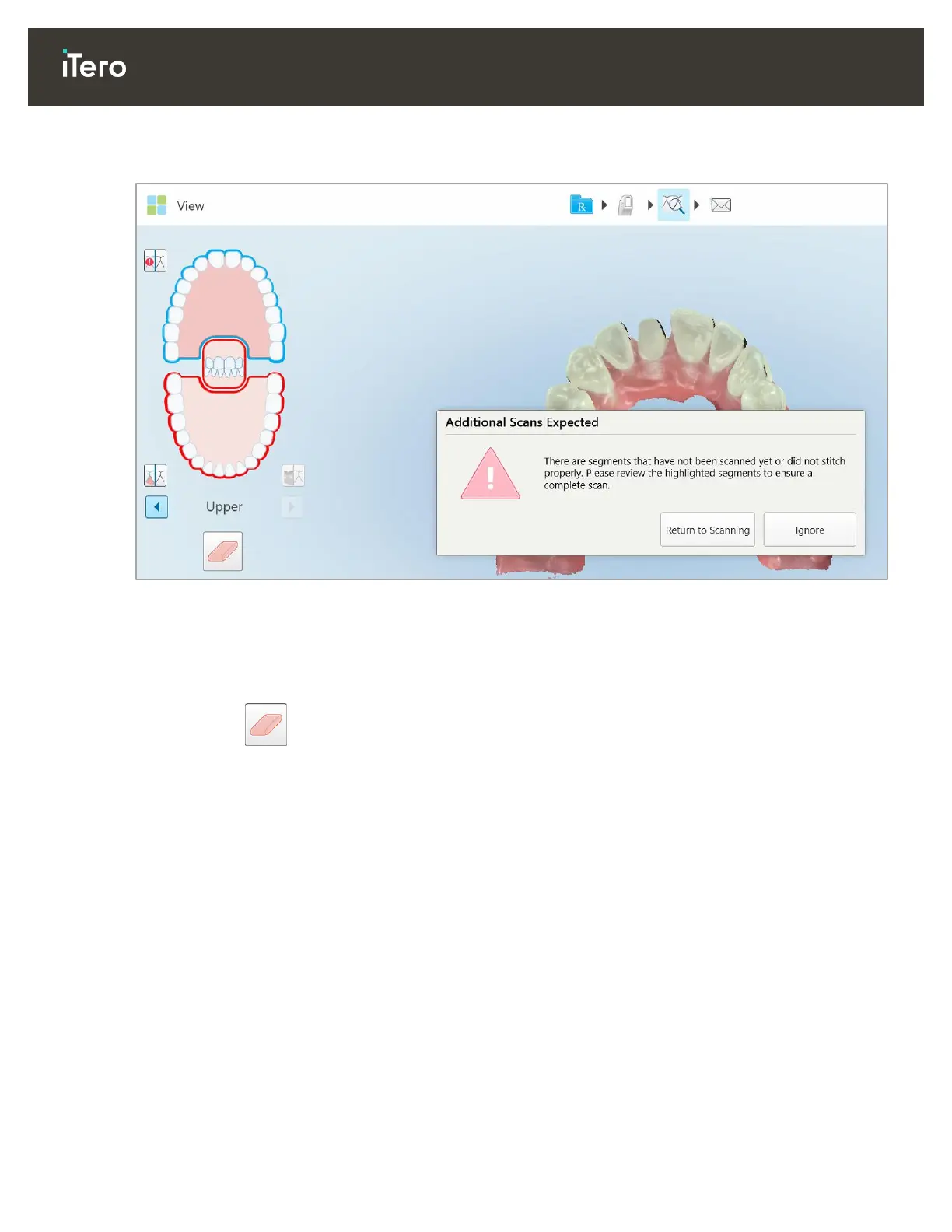
The message may be generic, or very specific to the issue including guidance on how to correct the issue. In
some cases, you will be warned that the case may be returned from the lab if you do not fix the issues.
Figure 75: Missing scan message and missing segments highlighted in red
You can tap Return to Scanning to go back to Scan mode and rescan the missing segments, which are
highlighted in red in the navigation controls.
4.3.2 Working with the Eraser tool
The Eraser tool enables you to erase a selected area of the scanned model and then rescan it.
For example:
You can remove moisture and artifacts at the margin level, such as blood or saliva.
If the prepped tooth shows areas of red on the Occlusal Clearance legend, you can reduce the prepped
tooth, erase the area on the model, and then rescan it, as described below.



 To Next Page