© 2019 Align Technology, Inc. All rights reserved.
iTero Element 2 and iTero Element Flex User Manual
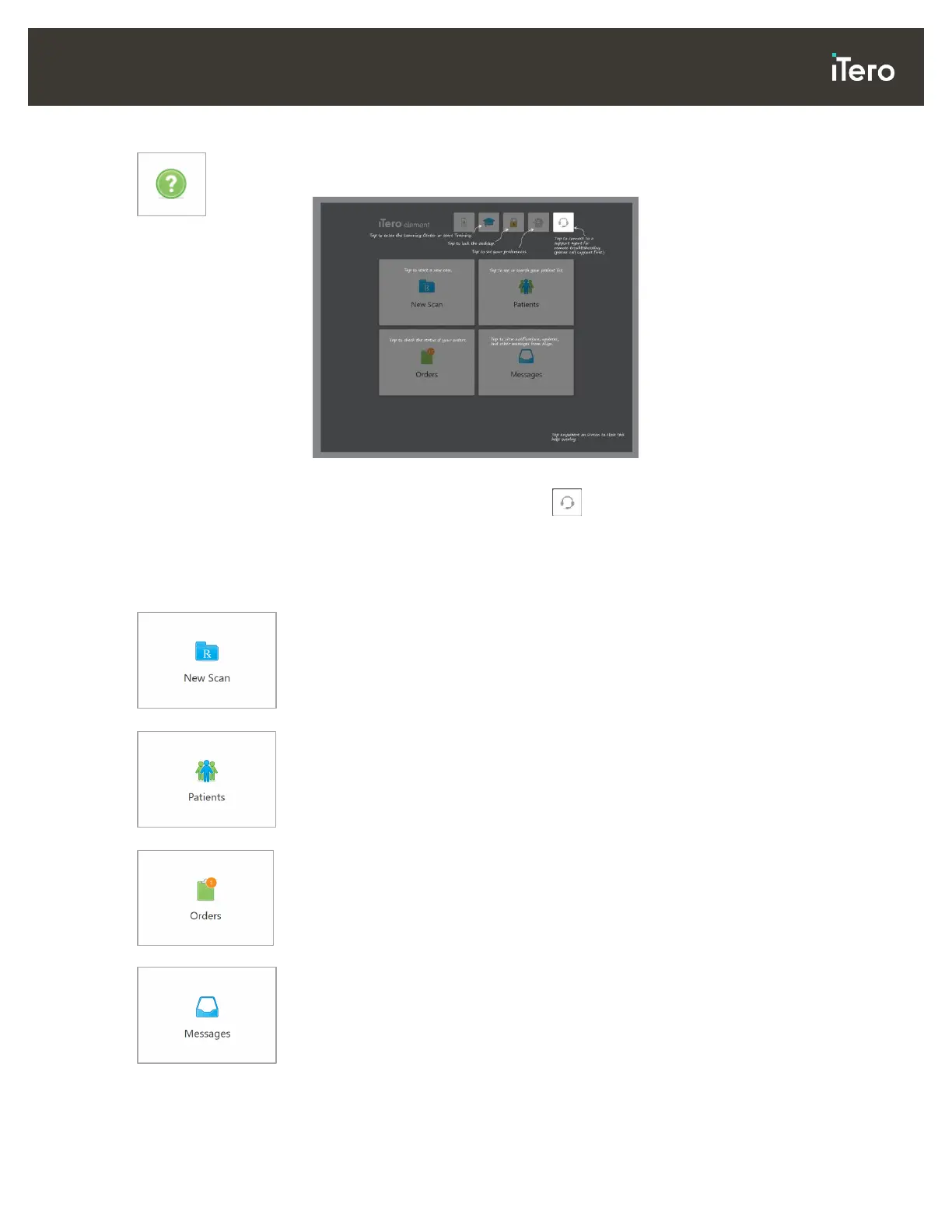
Help: Tap to display a translucent Help overlay with hints to aid in the navigation of
features and tools.
Figure 35: Help overlay
In this view, the button changes to . Tap the button for remote assistance
from Customer Support. Customer Support is available from every Help overlay.
Note: Please call Customer Support before trying to connect remotely.
Tap anywhere to close the Help overlay and return to the relevant screen.
New Scan: Tap to open the New Scan window to fill in the Rx before starting a
new scan.
For more information, see section 4.
Patients:
Tap to view the Patients page with a list of all your patients, their
chart number, and last scan date.
For more information, see section 5.
Orders: Tap to display a list of all your orders.
For more information, see section 6.
Messages: Tap to view your messages from Align Technology.
For more information, see section 7.
The Battery and Settings buttons are displayed on each of the scanner windows as well, as described in
section 3.5.1.



 To Next Page