Tap to save your selection and return to the New Scan window.
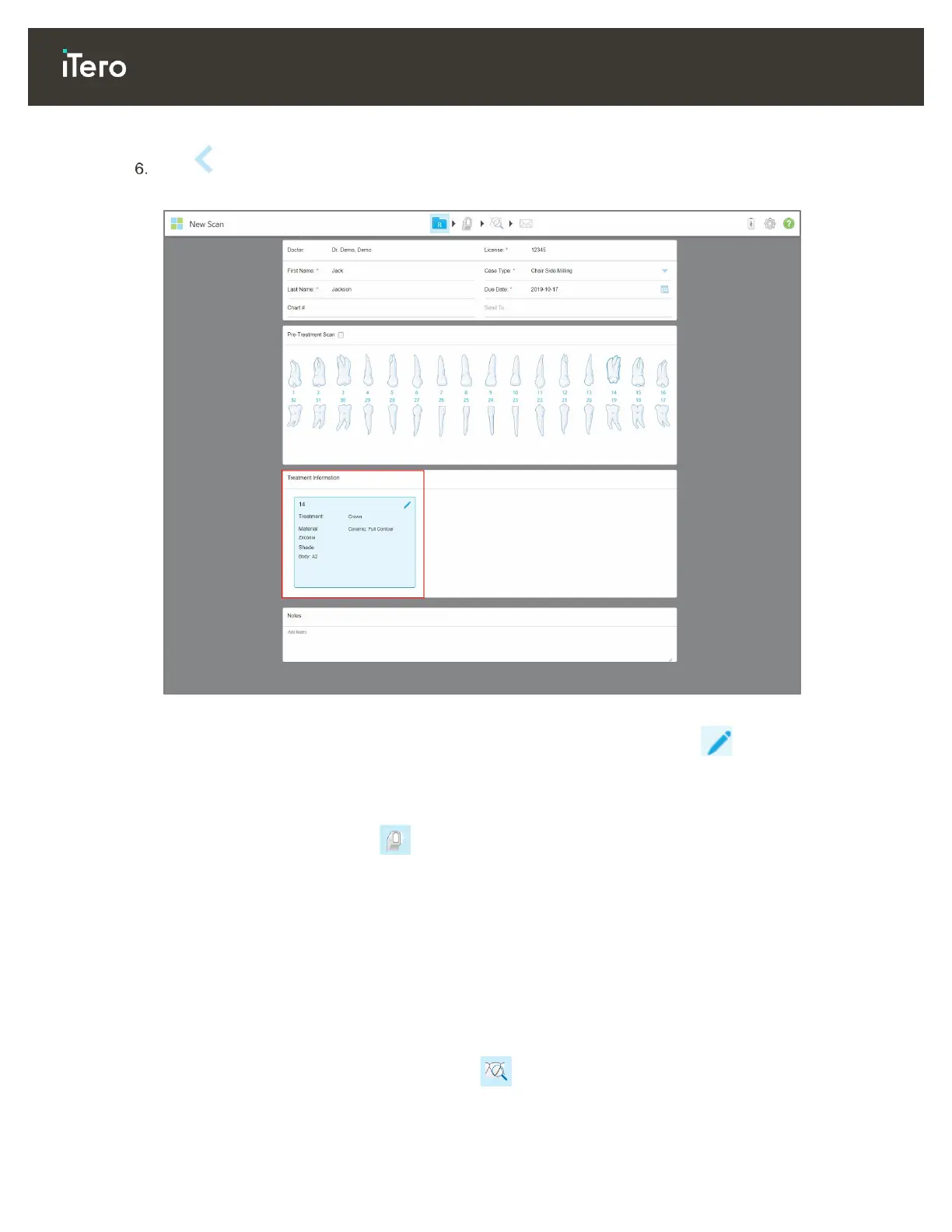
Your preferences are displayed in the Treatment Information area.
Figure 61: Treatment Information area
You can edit your preferences at any time before sending the scan by tapping .
4.2 Scanning the patient
After you have filled in the Rx, tap on the toolbar to enter Scan mode. The Scan window is displayed,
enabling you to start scanning the patient.
While scanning, you can perform the following actions:
View additional scan feedback, described in section 4.2.3.1
Toggle between color and monochrome mode, described in section 4.2.3.2
After scanning, you can edit the scan by:
Deleting a segment, as described in section 4.2.4.1
Deleting a selected area, as described in section 4.2.4.2
Capturing areas with missing anatomy, as described in section 4.2.4.3
When you have finished scanning the patient, tap on the toolbar to move to View mode, where you can
ensure that your scan is complete before sending it to the lab or storage, as described in section 4.3.



 To Next Page