EasyManua.ls Logo

iTero Element 2 - Defining the Rx Settings

iTero Element 2
134 pages
Print Icon
To Next Page IconTo Next Page
To Previous Page IconTo Previous Page
Loading...
iTero Element 2 and iTero Element Flex User Manual
© 2019 Align Technology, Inc. All rights reserved.
40
iTero Element 2 and iTero Element Flex User Manual
3.6.2.2 Defining the Rx settings
You can define the settings that are displayed by default when you open the Scan Details window to fill in a
new Rx.
To define the Rx settings:
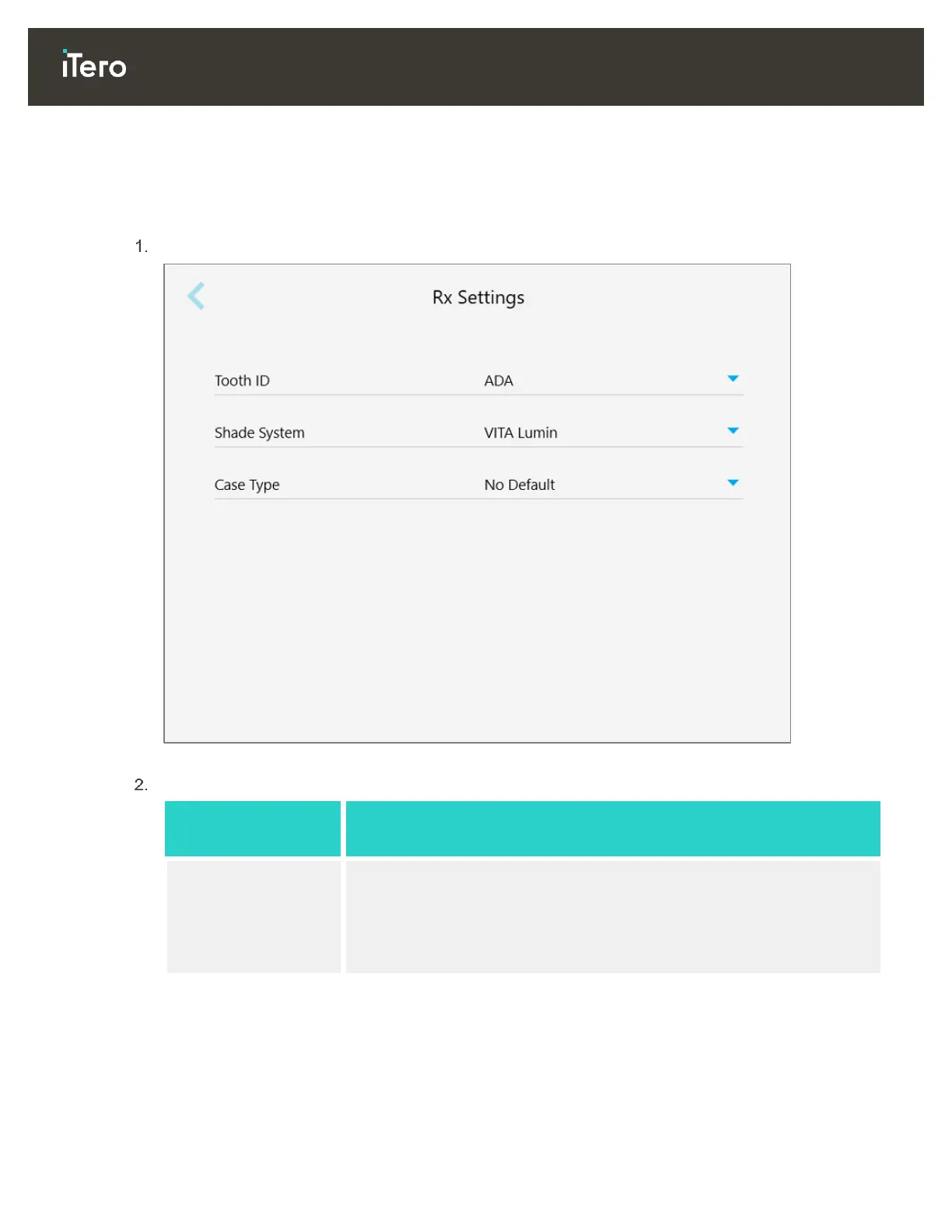
Tap the Rx Settings button.
Figure 47: Rx Settings window
Select your default Rx preferences from the Rx Settings window.

Rx setting
Rx options
Tooth ID
Select the default tooth ID system:
FDI
ADA
Quadrant
Shade System
Select the default shade system:
VITA Lumin
VITApan 3D Master
Other

Table of Contents

Related product manuals