iTero Element 2 and iTero Element Flex User Manual
© 2019 Align Technology, Inc. All rights reserved.
5.1 Searching for patients
If required, you can search for patients in the iTero database using their names or chart numbers.
To search for a patient:
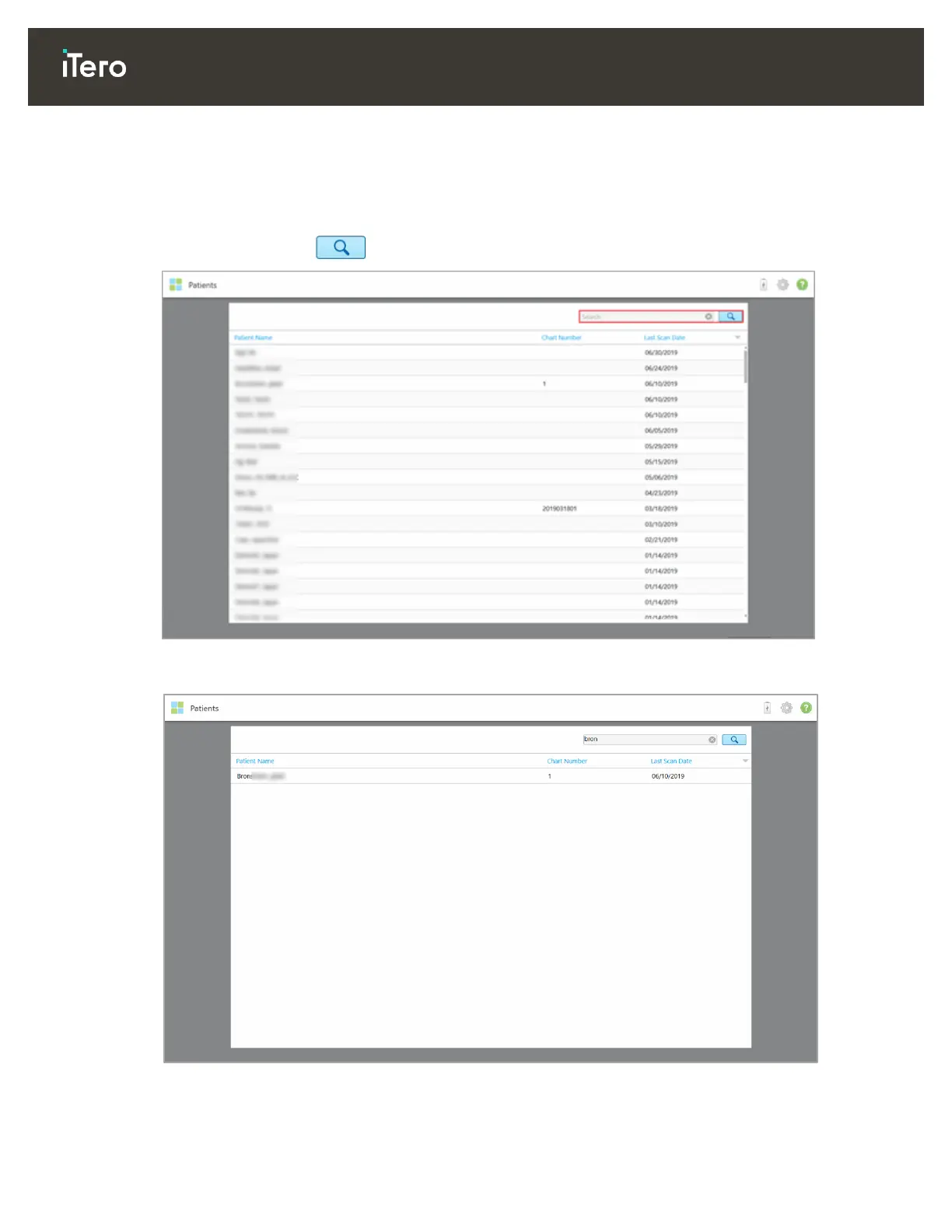
In the Patients page, enter the patient’s name or chart number (or part thereof) in the search bar and then
tap the search button .
Figure 103: Searching for a patient
The patients that match your search criteria are displayed.
Figure 104: Patients matching the search criteria are displayed



 To Next Page