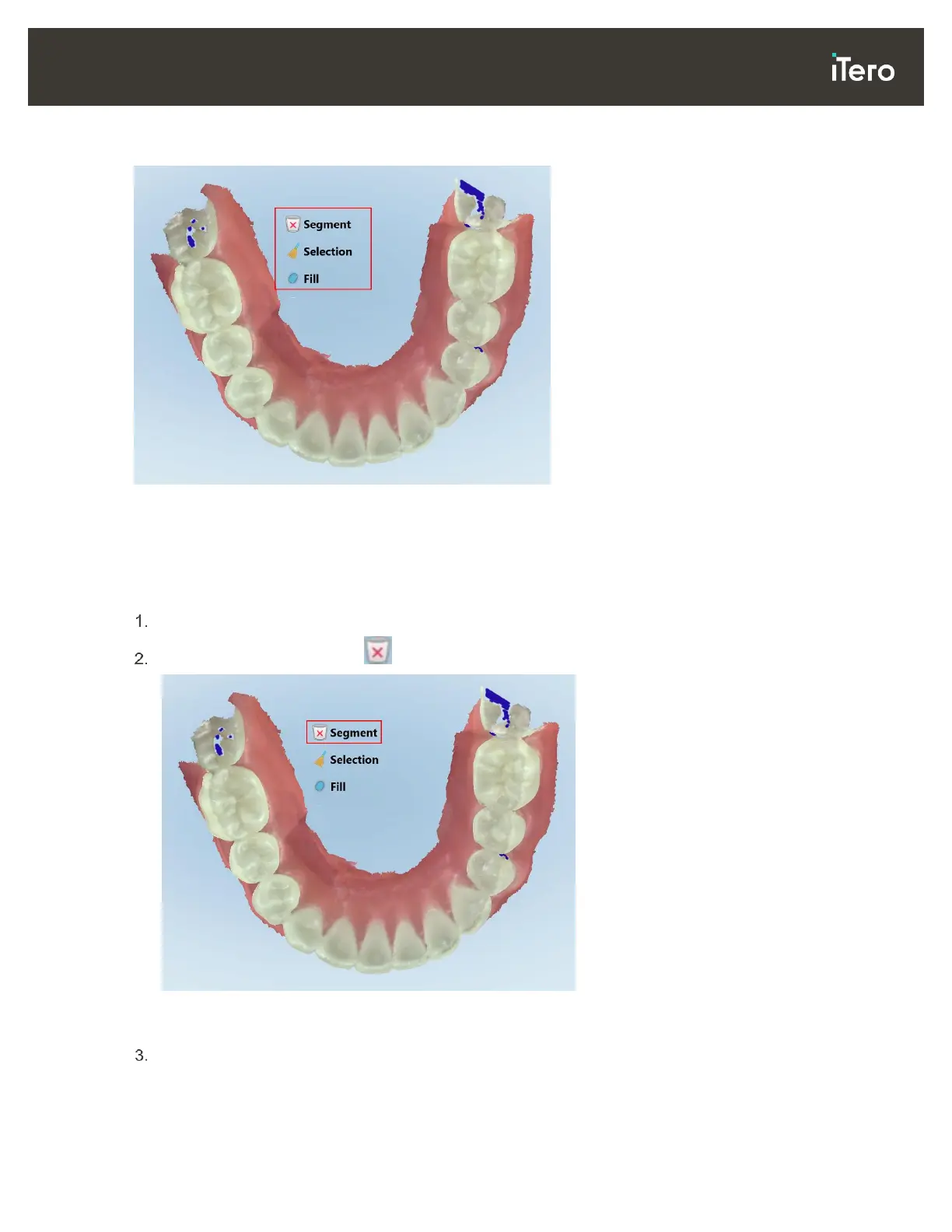
The editing tools are accessed by pressing on the screen.
Figure 68: Editing tools
4.2.4.1 Deleting a segment
The Delete Segment tool enables you to delete the entire scanned segment.
To delete the segment:
Press the screen to display the editing tools.
Tap the Delete Segment tool .
Figure 69: Delete Segment tool
A confirmation message is displayed.
Click OK to confirm the deletion.
The entire scanned segment is deleted.



 To Next Page