© 2019 Align Technology, Inc. All rights reserved.
iTero Element 2 and iTero Element Flex User Manual
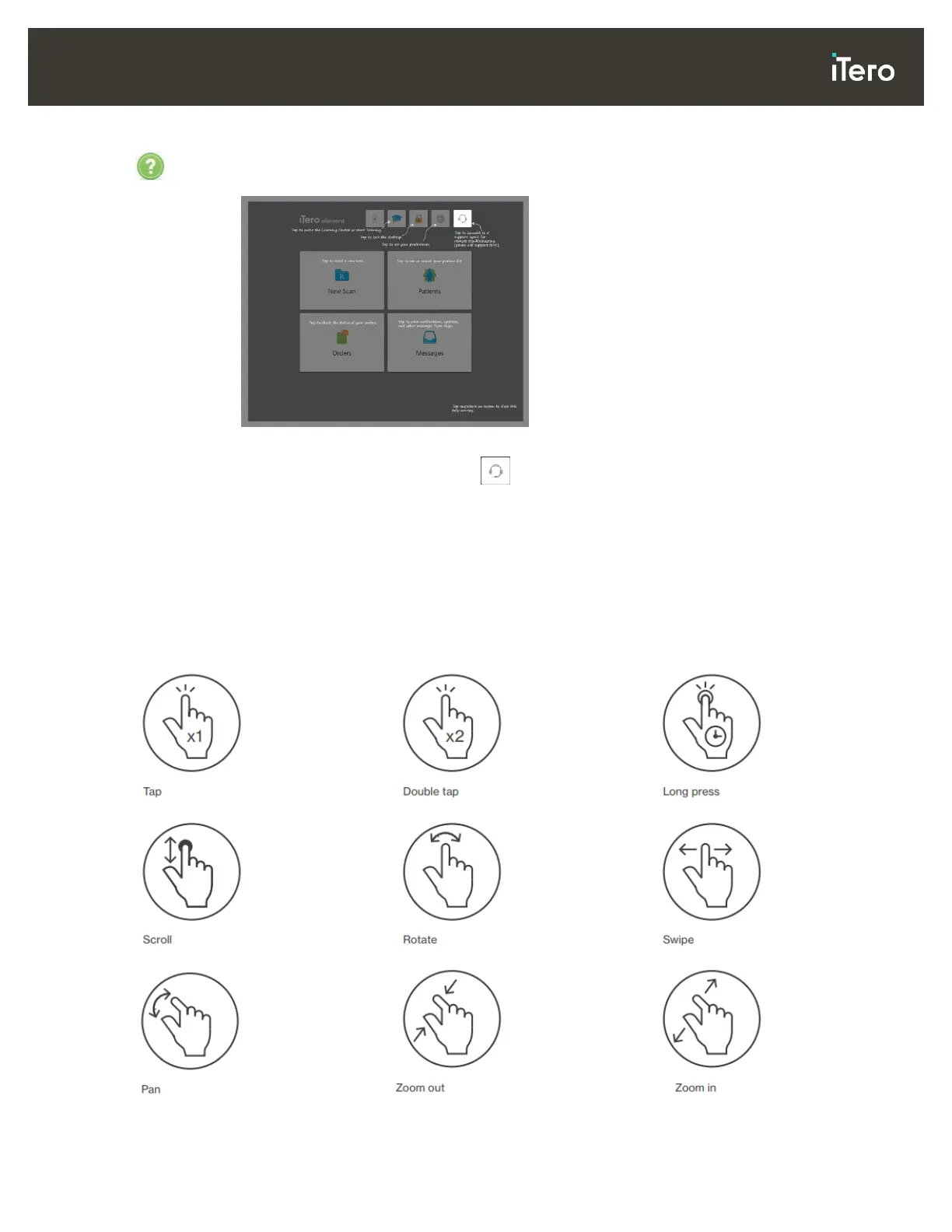
Tap to display a translucent Help overlay with hints to aid in the navigation of features and
tools.
Figure 37: Help overlay
In this view, the button changes to . Tap the button for remote assistance from
Customer Support. Customer Support is available from every Help overlay.
Tap anywhere to close the Help screen and return to the relevant screen.
3.5.2 Touch-screen gestures
The iTero software supports touch-screen (also known as multi-touch) gestures. These gestures are
predefined motions used to interact with multi-touch devices.
Examples of common touch-screen gestures:



 To Next Page