EasyManua.ls Logo

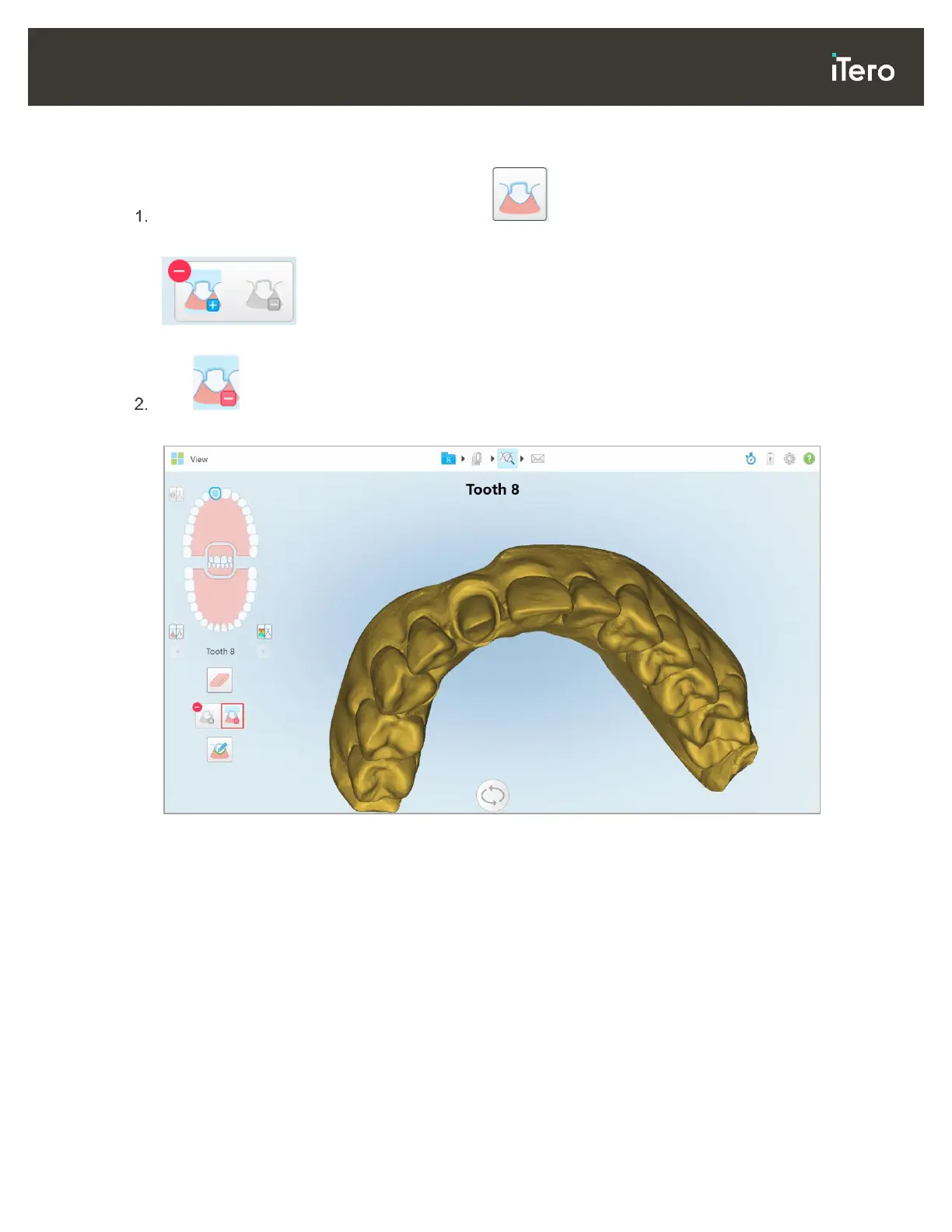
iTero Element 2 - Figure 90: die Separation Tool Options; Figure 91: Scan Is Displayed in Low Resolution

iTero Element 2
134 pages
Print Icon
To Next Page IconTo Next Page
To Previous Page IconTo Previous Page
Loading...
© 2019 Align Technology, Inc. All rights reserved.
73
iTero Element 2 and iTero Element Flex User Manual
To create the die separation manually:
In the View window, tap the Die Separation tool .
The tool expands to show the following options:
Figure 90: Die Separation tool options
Tap and mark the whole segment with your finger.
The scan is displayed in low resolution.
Figure 91: Scan is displayed in low resolution


Table of Contents

Related product manuals