iTero Element 2 and iTero Element Flex User Manual
© 2019 Align Technology, Inc. All rights reserved.
When the verification is complete, tap Next.
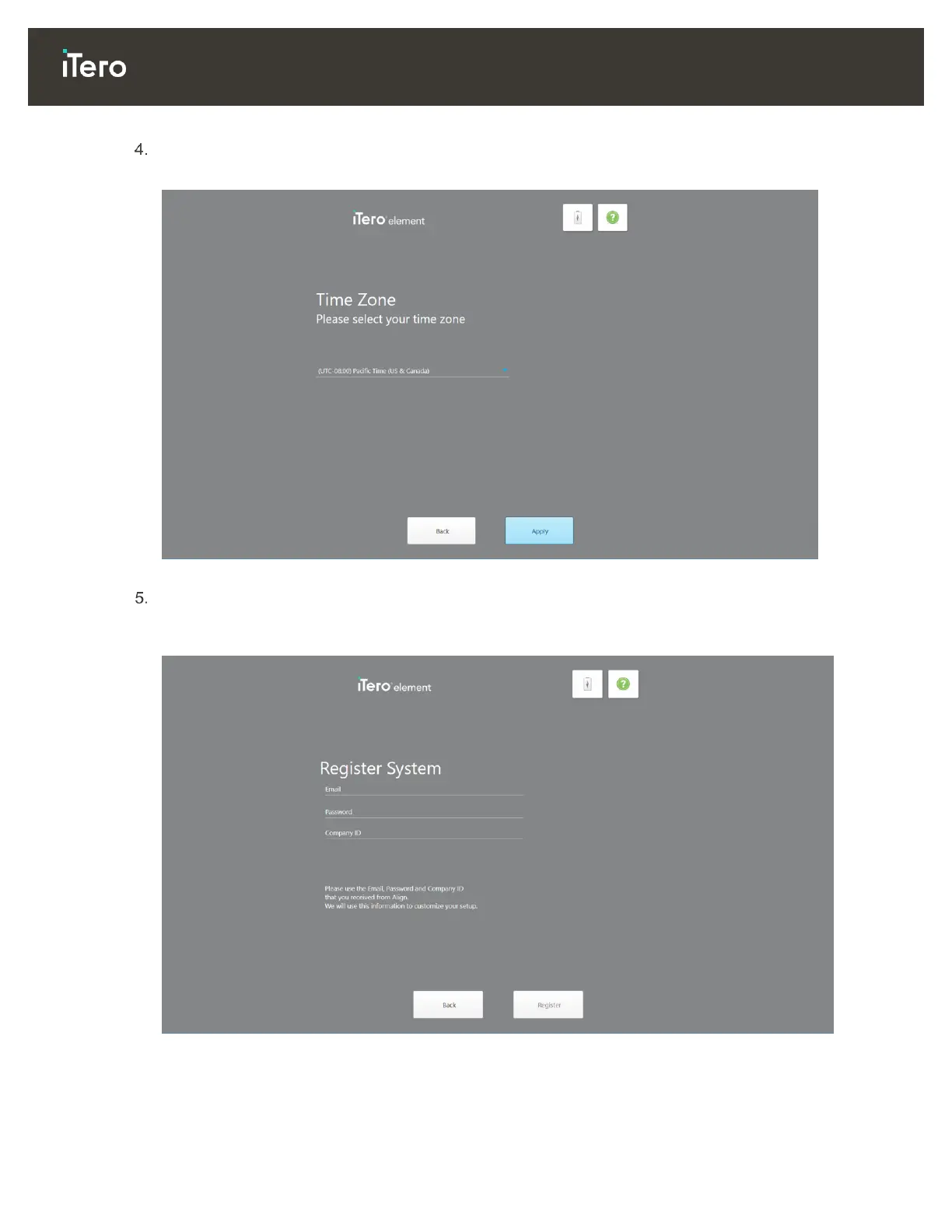
The Time Zone page is displayed.
Figure 22: Selecting your time zone
Tap Next if the default time zone is correct or select your time zone from the drop-down list and then tap
Apply.
The Register System page is displayed.
Figure 23: Registering the system to customize the setup



 To Next Page