iTero Element 2 and iTero Element Flex User Manual
© 2019 Align Technology, Inc. All rights reserved.
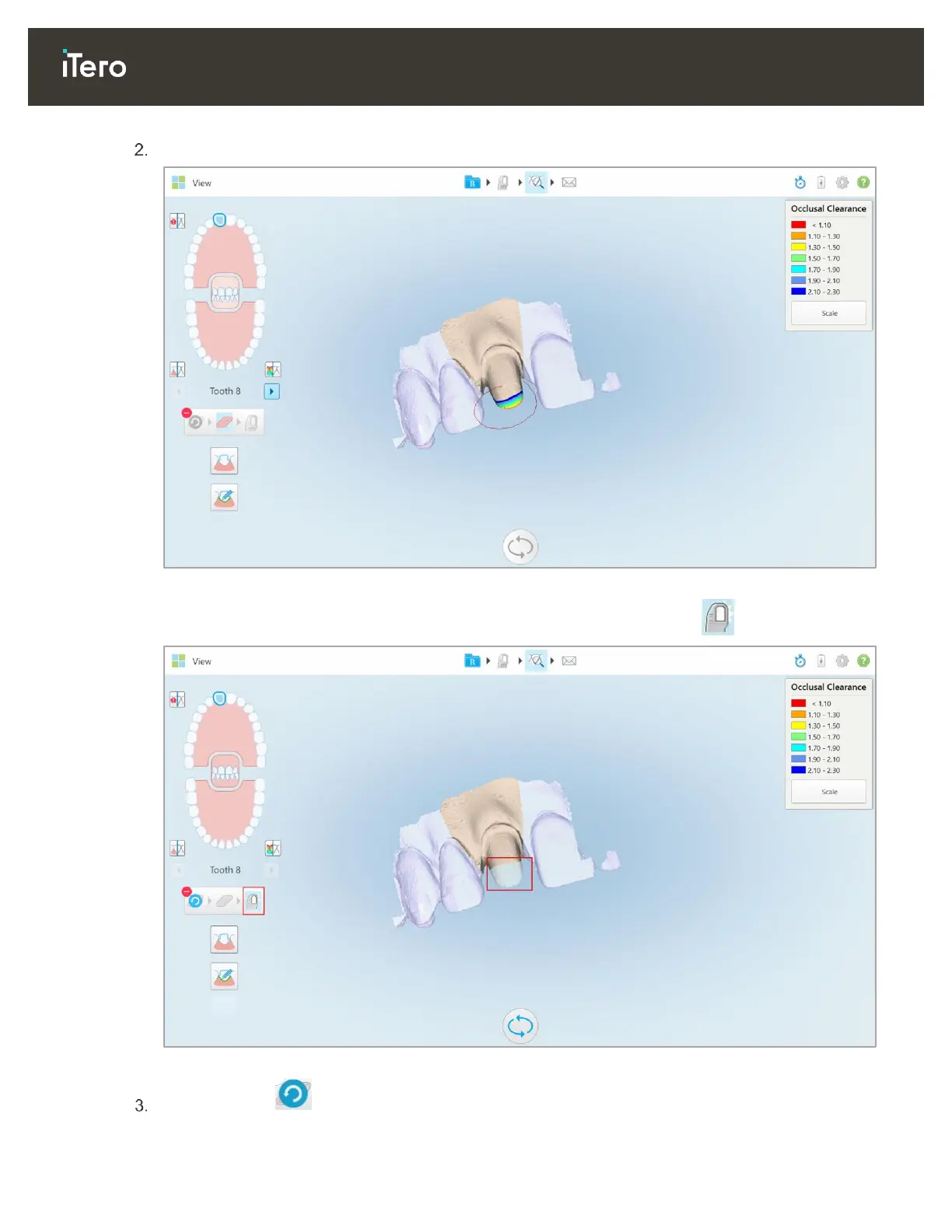
With your finger, mark the area to be modified.
Figure 78: Mark the area to be modified
As soon as you lift your finger, the selected area is removed and the scan tool is enabled.
Figure 79: Selected area removed and scan tool enabled
If required, click to undo the deletion.



 To Next Page