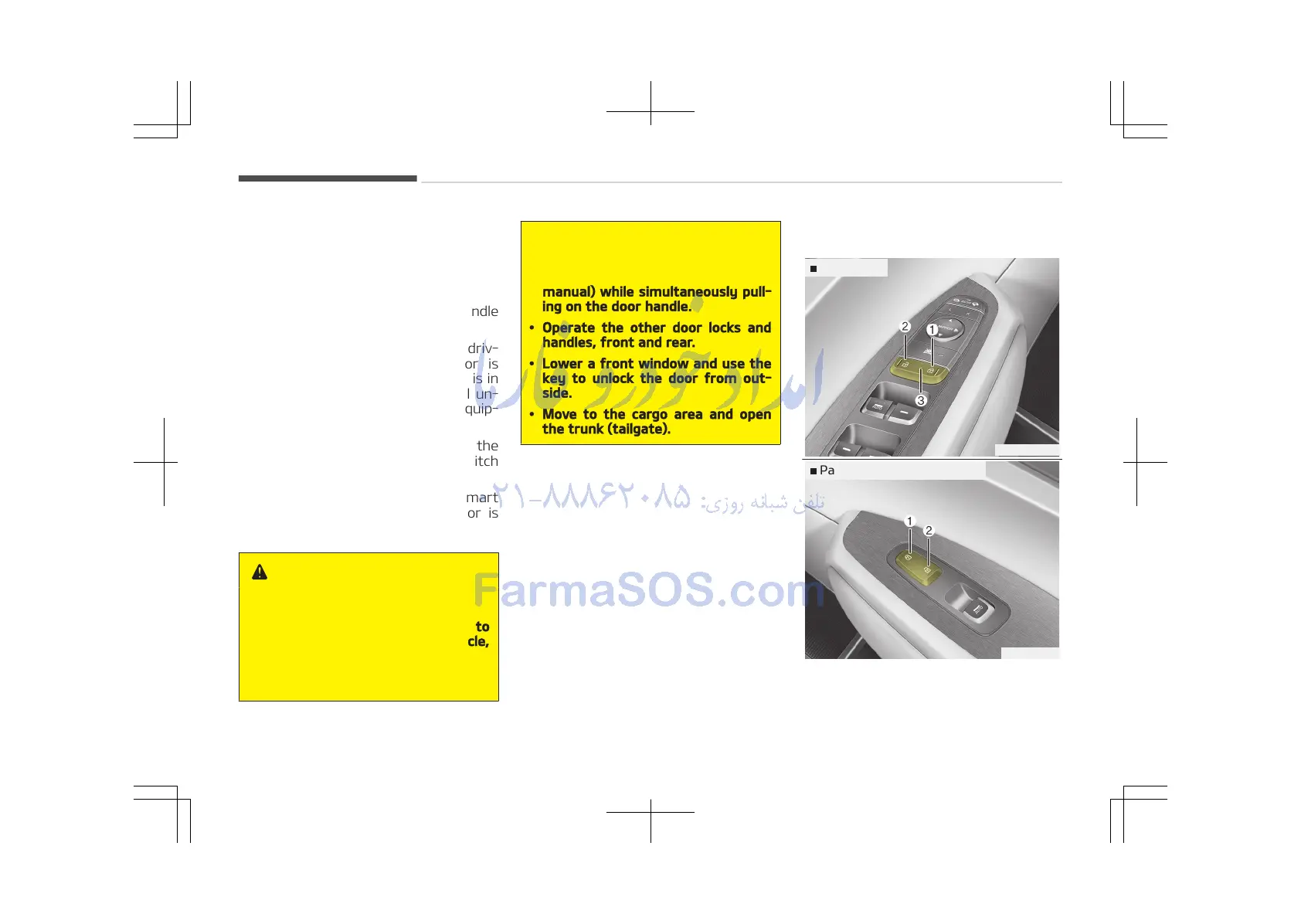
• To lock a door, push the door lock
button (1) to the Lock position. If
the door is locked properly, the red
mark on the door lock button will not
be visible.
• To open a door, pull the door handle
(2) outward.
• If the inner door handle of the driv‐
ers (or front passengers) door is
pulled when the door lock button is in
the lock position, the button will un‐
lock and the door will open. (if equip‐
ped)
• Front doors cannot be locked if the
ignition key is in the ignition switch
and any front door is opened.
• Doors cannot be locked if the smart
key is in the vehicle and an door is
open.
WARNING
n
Door lock malfunction
If a power door lock ever fails to
function while you are in the vehicle,
try one or more of the following
techniques to exit:
(Continued)
(Continued)
• Operate the door unlock feature
repeatedly (both electronic and
manual) while simultaneously pull‐
ing on the door handle.
• Operate the other door locks and
handles, front and rear.
• Lower a front window and use the
key to unlock the door from out‐
side.
• Move to the cargo area and open
the trunk (tailgate).
With central door lock switch















 To Next Page