button to play the pre‐
vious/next frequency.
TUNE
Turn the
TUNE knob to select the
desired frequency.
Selecting/Saving Presets
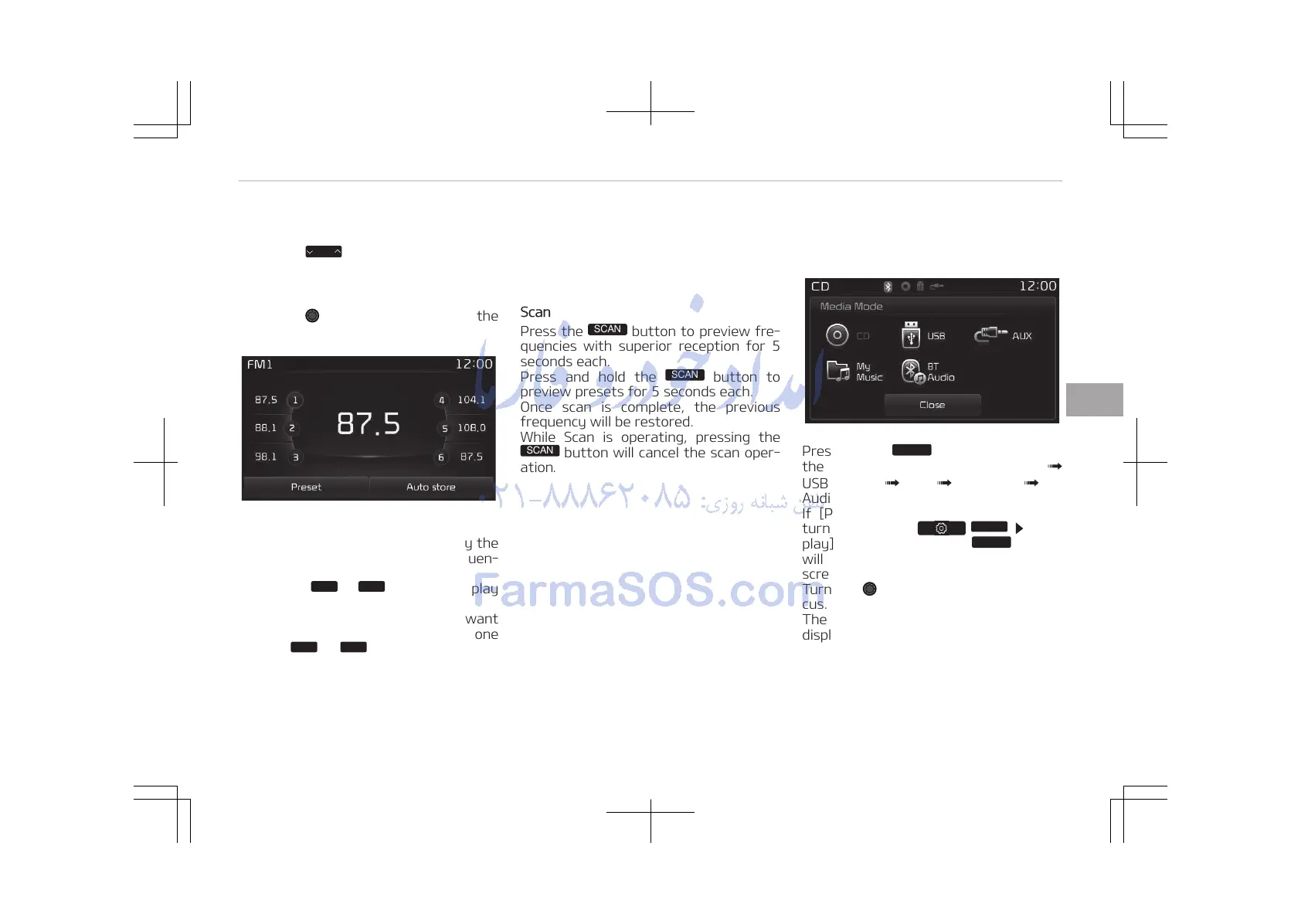
Press the [Preset] button to display the
broadcast information for the frequen‐
cy saved to each button.
Press the
buttons to play
the desired preset.
While listening to a frequency you want
to save as a preset, press and hold one
of the
preset buttons to
save the current frequency to the se‐
lected preset.
Auto Store
Press the [Auto store] button to auto‐
matically save receivable frequencies to
Preset buttons.
Scan
Press the
button to preview fre‐
quencies with superior reception for 5
seconds each.
Press and hold the
button to
preview presets for 5 seconds each.
Once scan is complete, the previous
frequency will be restored.
While Scan is operating, pressing the
button will cancel the scan oper‐
ation.
Media mode
Media Mode Screen
Pressing the
button will change
the operating mode in order of CD
USB (iPod
®
) AUX My Music BT
Audio.
If [Pop-up Mode] / [Mode Pop-up] is
turned on within /
[Dis‐
play], then pressing the
button
will display the Media Pop-up Mode
screen.
Turn the TUNE knob to move the fo‐
cus. Press the knob to select.
The media mode pop up screen can be
displayed only when there are two or
more media modes turned on.
5-71
5
Audio system















 To Next Page