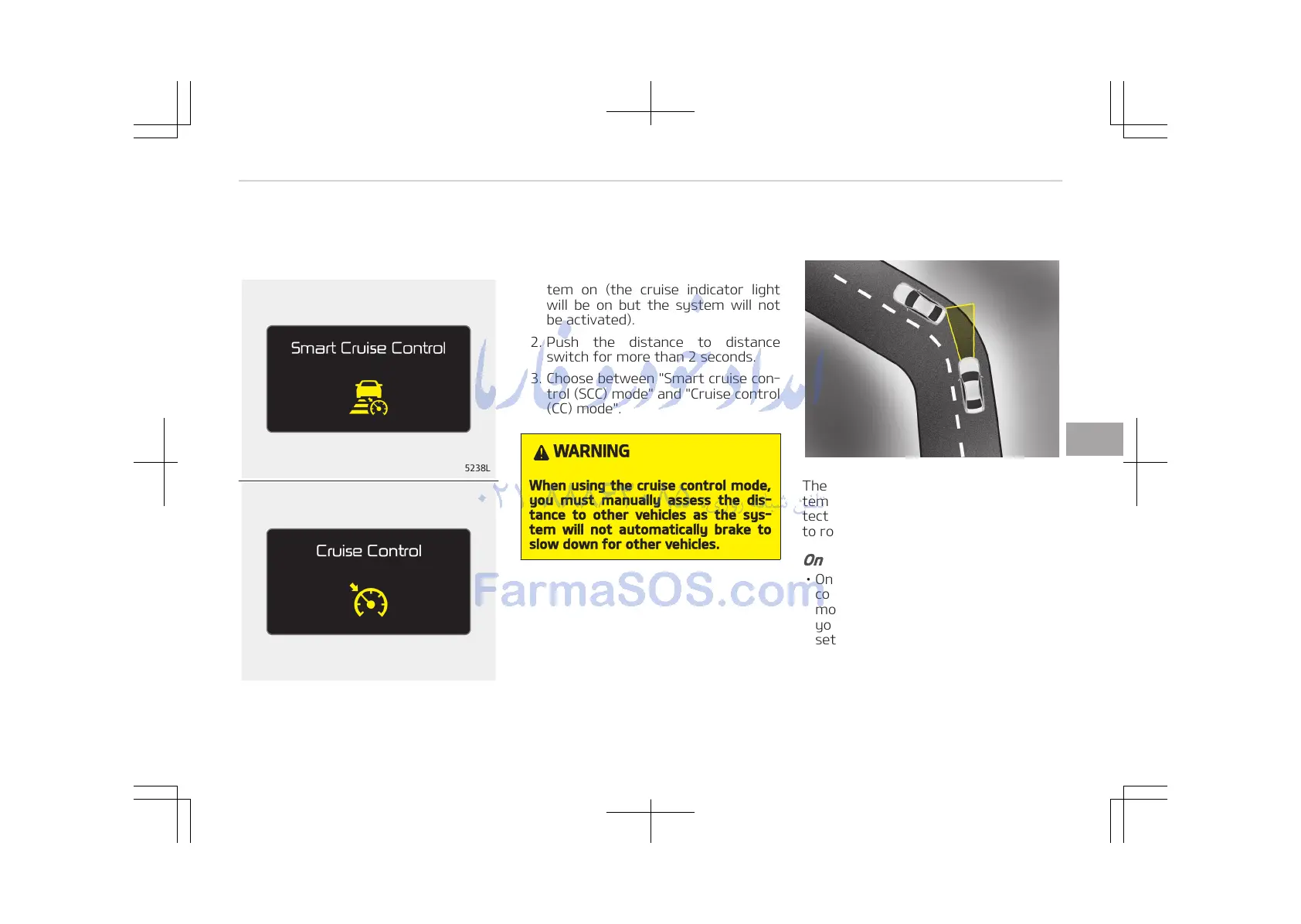
The driver may choose to only use the
cruise control mode (speed control
function) by doing as follows:
1. Turn the smart cruise control sys‐
tem on (the cruise indicator light
will be on but the system will not
be activated).
2. Push the distance to distance
switch for more than 2 seconds.
3. Choose between "Smart cruise con‐
trol (SCC) mode" and "Cruise control
(CC) mode".
WARNING
When using the cruise control mode,
you must manually assess the dis‐
tance to other vehicles as the sys‐
tem will not automatically brake to
slow down for other vehicles.
Limitations of the system
The advanced smart cruise control sys‐
tem may have limits to its ability to de‐
tect distance to the vehicle ahead due
to road and traffic conditions.
On curves
• On curves, the advanced smart cruise
control system may not detect a
moving vehicle in your lane, and then
your vehicle could accelerate to the
set speed. Also, the vehicle speed will
rapidly down when the vehicle ahead
is recognized suddenly.
6-91
6
Driving your vehicle















 To Next Page