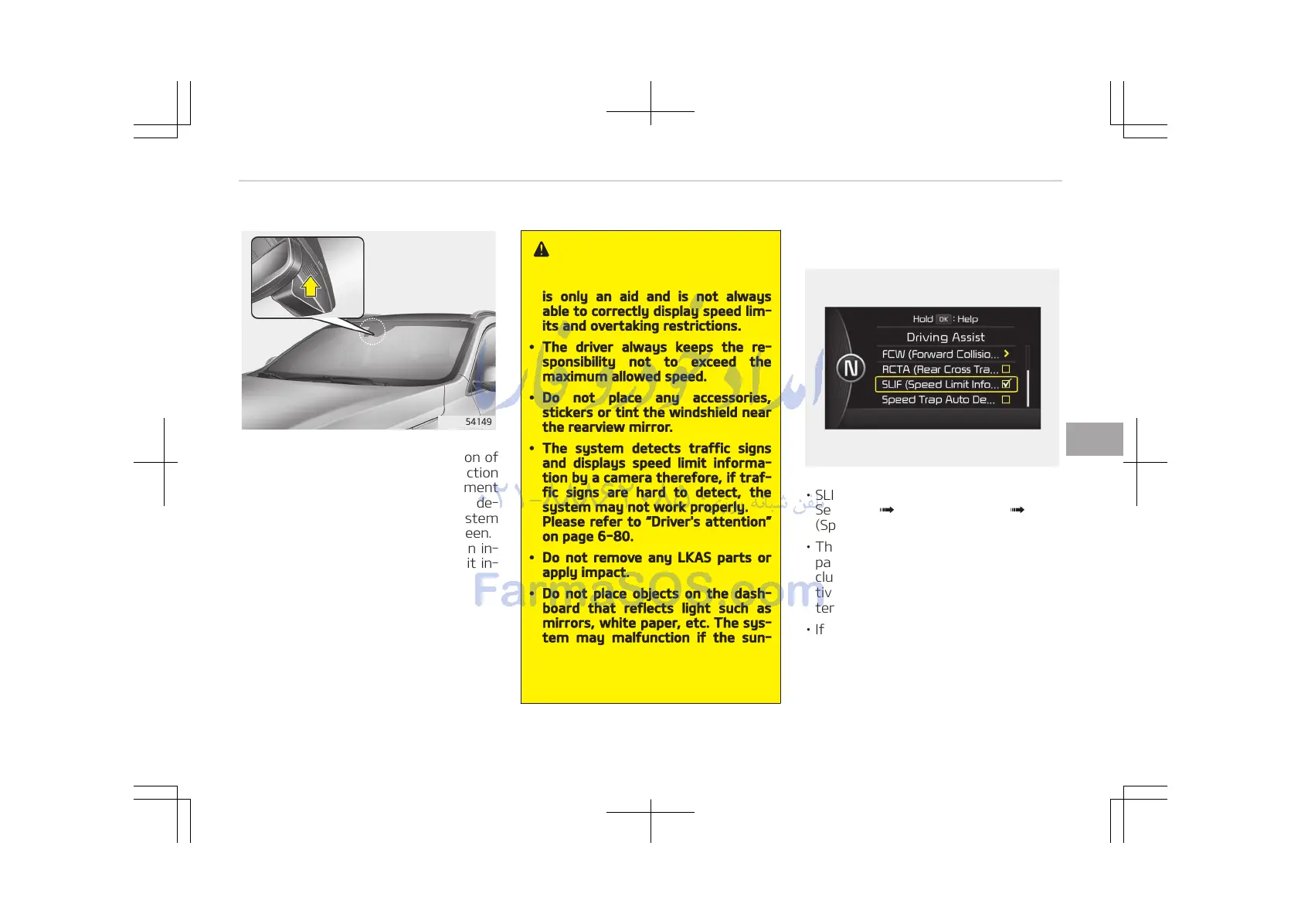
The system displays the information of
speed limit and no passing restriction
to the driver in both the instrument
cluster and navigation screen. SLIF de‐
tects traffic signs with camera system
attached on the top of the windscreen.
The SLIF also utilizes the navigation in‐
formation to display the speed limit in‐
formation.
WARNING
• Speed Limit Information Function
is only an aid and is not always
able to correctly display speed lim‐
its and overtaking restrictions.
• The driver always keeps the re‐
sponsibility not to exceed the
maximum allowed speed.
• Do not place any accessories,
stickers or tint the windshield near
the rearview mirror.
• The system detects traffic signs
and displays speed limit informa‐
tion by a camera therefore, if traf‐
fic signs are hard to detect, the
system may not work properly.
Please refer to Driver's attention
on page 6-80.
• Do not remove any LKAS parts or
apply impact.
• Do not place objects on the dash‐
board that reflects light such as
mirrors, white paper, etc. The sys‐
tem may malfunction if the sun‐
light is reflected.
• The system is not available in all
countries.
SLIF activation/deactivation
• SLIF Setting method: Cluster User
Settings Driving Assist SLIF
(Speed Limit Information Function)
• The information of speed limit and no
passing restriction will appear on the
cluster using a symbol if you have ac‐
tivated SLIF in User Settings of clus‐
ter.
• If SLIF is activated in navigation set‐
ting, the information also displayed in
navigation screen.
6-77
6
Driving your vehicle















 To Next Page