- Shortly press the button: TA
On/Off
- Press and hold the button:
Previews each broadcast for 5
seconds each.
• CD, USB, My Music mode
- Press and hold the button:
Previews each song (file) for
10 seconds each.
- Press and hold the button
again to continue listening to
the current song (file).
10.
• MP3 CD / USB mode: Folder
Search.
14. TUNE knob
• Radio mode: turn to change
broadcast frequencies.
•
CD, USB, iPod
®
, My Music mode:
turn to search tracks/channels/
files.
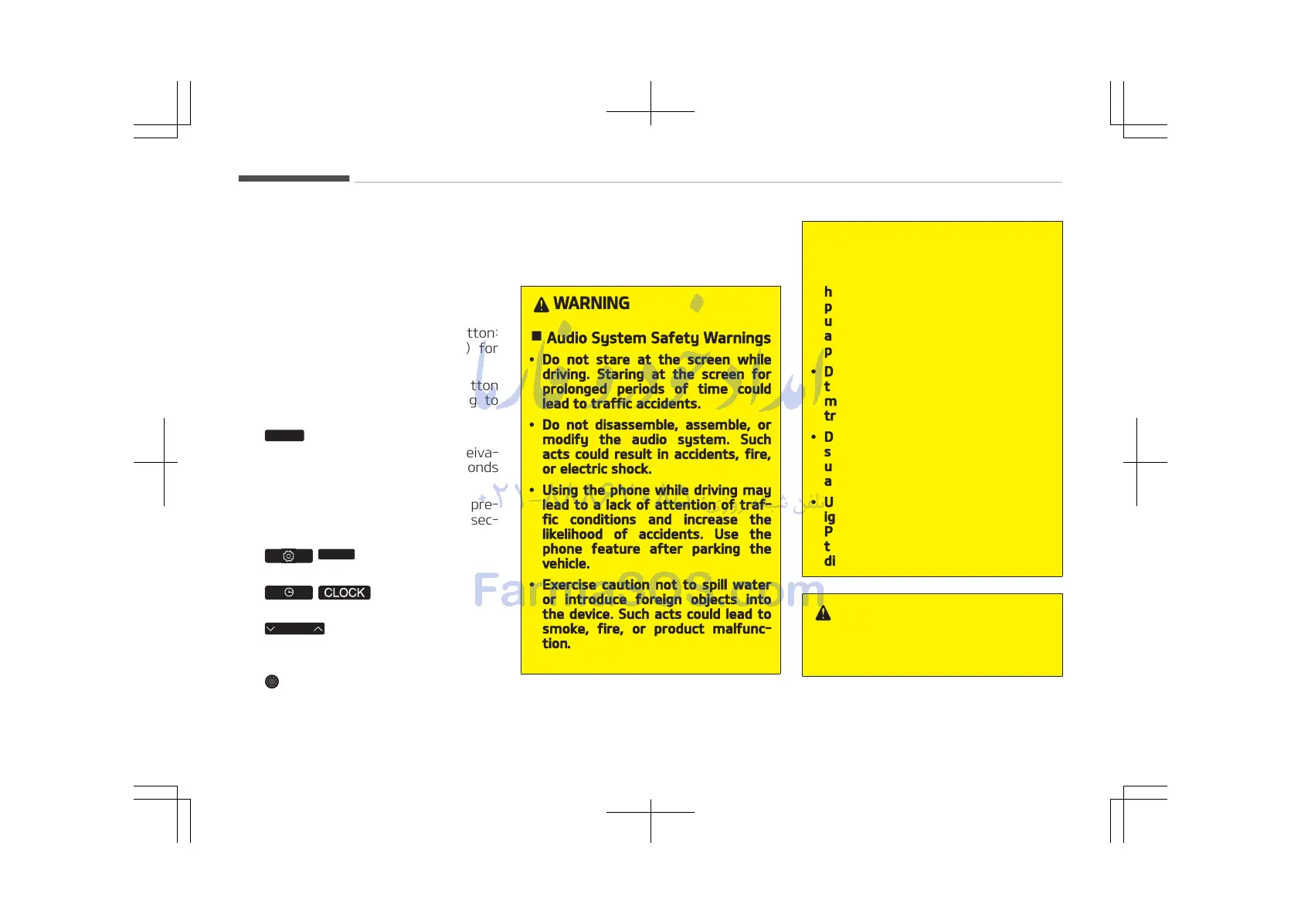
WARNING
n
Audio System Safety Warnings
• Do not stare at the screen while
driving. Staring at the screen for
prolonged periods of time could
lead to traffic accidents.
• Do not disassemble, assemble, or
modify the audio system. Such
acts could result in accidents, fire,
or electric shock.
• Using the phone while driving may
lead to a lack of attention of traf‐
fic conditions and increase the
likelihood of accidents. Use the
phone feature after parking the
vehicle.
• Exercise caution not to spill water
or introduce foreign objects into
the device. Such acts could lead to
smoke, fire, or product malfunc‐
tion.
(Continued)
(Continued)
• Please refrain from use if the
screen is blank or no sound can be
heard as these signs may indicate
product malfunction. Continued
use in such conditions could lead to
accidents (fires, electric shock) or
product malfunctions.
• Do not touch the antenna during
thunder or lightening as such acts
may lead to lightning induced elec‐
tric shock.
• Do not stop or park in parking- re‐
stricted areas to operate the prod‐
uct. Such acts could lead to traffic
accidents.
• Use the system with the vehicle
ignition turned on.
Prolonged use with the ignition
turned off could result in battery
discharge.
WARNING
n
Distracted driving
(Continued)
Audio system
5-56















 To Next Page