If there is memory available, up to
6,000 files can be saved. Identical files
cannot be copied more than 1,000
times.
To check memory information, go to
[SETUP] [System] [Memory Infor‐
mation]
Rewinding/Fast-forwarding Files
While playing, press and hold the
button to rewind or fast-forward the
current file.
Scan (With RDS)
Press and hold the button to play
the file 10 seconds of each file.
Press and hold the
button again
to turn off.
Scan (Without RDS)
Press the
button to play the first
10 seconds of each file.
Press the
button again to turn
off.
MENU: Bluetooth
®
Wireless
Technology Audio
Using Bluetooth
®
Wireless Technology
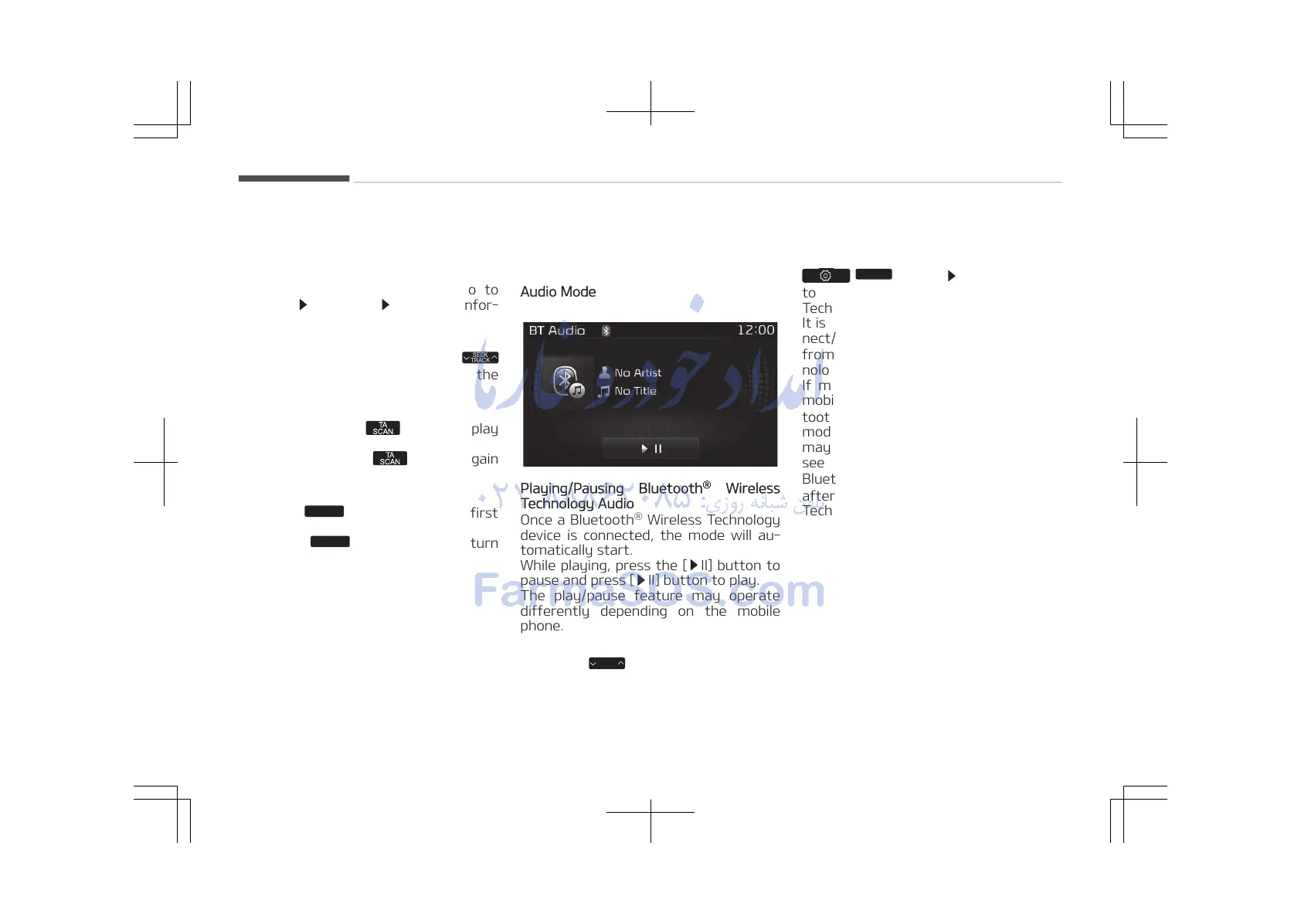
Audio Mode
Playing/Pausing Bluetooth
®
Wireless
Technology Audio
Once a Bluetooth
®
Wireless Technology
device is connected, the mode will au‐
tomatically start.
While playing, press the [ II] button to
pause and press [ II] button to play.
The play/pause feature may operate
differently depending on the mobile
phone.
Changing Files
Press the
button to move to the
previous or next file.
Setting Connection
If a Bluetooth
®
Wireless Technology de‐
vice has not been connected, press the
/
button [Phone] button
to display the Bluetooth
®
Wireless
Technology connection screen.
It is possible to use the pair phone, con‐
nect/disconnect and delete features
from your Bluetooth
®
Wireless Tech‐
nology phone.
If music is not yet playing from your
mobile device after converting to Blue‐
tooth
®
Wireless Technology Audio
mode, pressing the play button once
may start playing the mode. Check to
see that music is playing from the
Bluetooth
®
Wireless Technology device
after converting to Bluetooth
®
Wireless
Technology Audio Mode.
Audio system
5-82















 To Next Page