It is possible to get the message with
no foreign substance on the rear
bumper, for example, when driving in
sparse rural or open area, such as des‐
ert, where there is insufficient data for
operation.
This message may also activate during
heavy rain or due to road spray.
In this case, the vehicle does not need
service.
If the system does not work properly, a
warning message will appear and the
light on the switch will turn off. The
system will turn off automatically.
We recommend you to have the sys‐
tem checked by an authorized Kia deal‐
er.
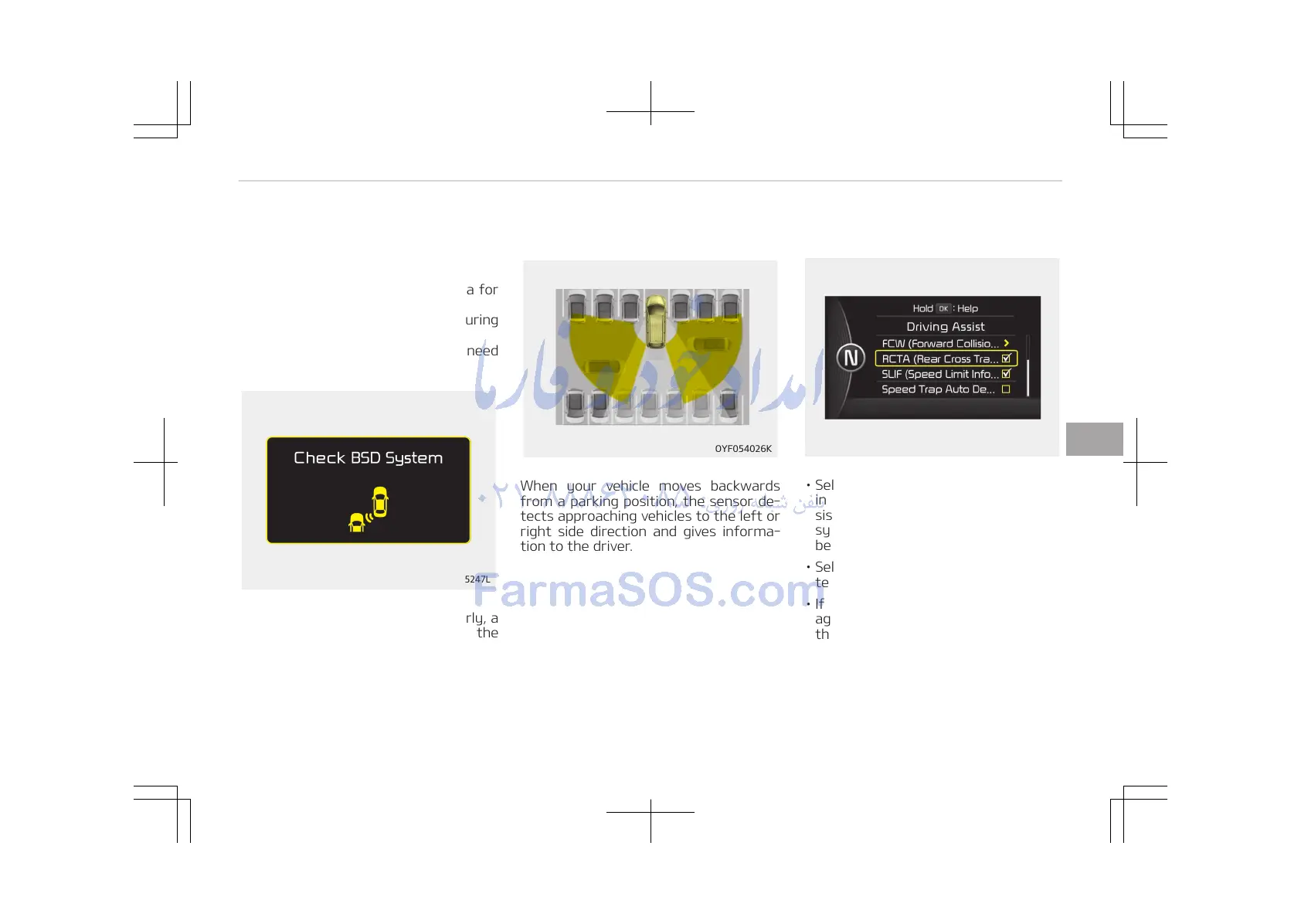
RCTA (Rear Cross Traffic Alert)
When your vehicle moves backwards
from a parking position, the sensor de‐
tects approaching vehicles to the left or
right side direction and gives informa‐
tion to the driver.
Operating conditions
• Select RCTA (Rear Cross Traffic Alert)
in "User Settings" under "Driving As‐
sist" on the instrument cluster. The
system will turn on and stand by to
be activated.
• Select RCTA again, to turn the sys‐
tem off.
• If the vehicle is turned off and on
again, the RCTA system will return to
the state right before the vehicle was
turned off. Turn the RCTA system off
when not in use.
• The system is operated when the ve‐
hicle speed is below 10 km/h with the
shift lever in R (Reverse).
6-117
6
Driving your vehicle















 To Next Page