Voice Recognition Mode (if
equipped)
Using Voice Recognition
• To start voice command, shortly
press the button on the steering
wheel controls.
• If voice command is in [Normal Mode],
then the system will say Please say
a command. Ding.
• If voice command is in [Expert Mode],
then the system will only say a
Ding-.
• Setting Voice command [Normal
Mode]/[Expert Mode]:
Press the
/ button
Select [System] Select [VRS Mode]
Set [Normal Mode]/[Expert Mode].
• Say the voice command.
NOTICE
For proper voice recognition, say the
voice command after the guidance
message and the Ding sound.
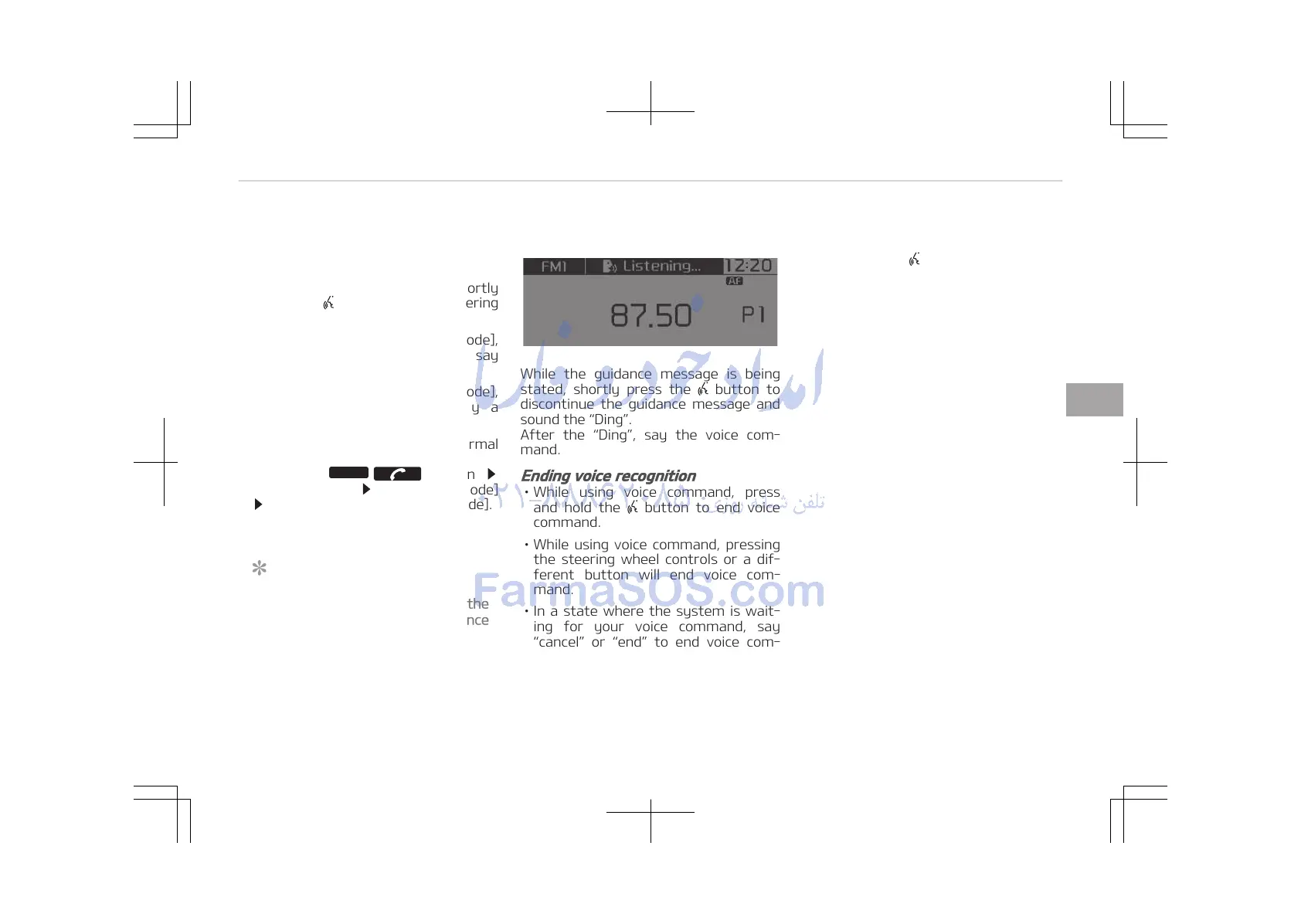
Skipping the Guidance Message
While the guidance message is being
stated, shortly press the button to
discontinue the guidance message and
sound the Ding.
After the Ding, say the voice com‐
mand.
Ending voice recognition
• While using voice command, press
and hold the button to end voice
command.
• While using voice command, pressing
the steering wheel controls or a dif‐
ferent button will end voice com‐
mand.
• In a state where the system is wait‐
ing for your voice command, say
cancel or end to end voice com‐
mand.
• In a state where the system is wait‐
ing for your voice command, press
and hold the
button to end voice
command.
5-31
5
Audio system















 To Next Page