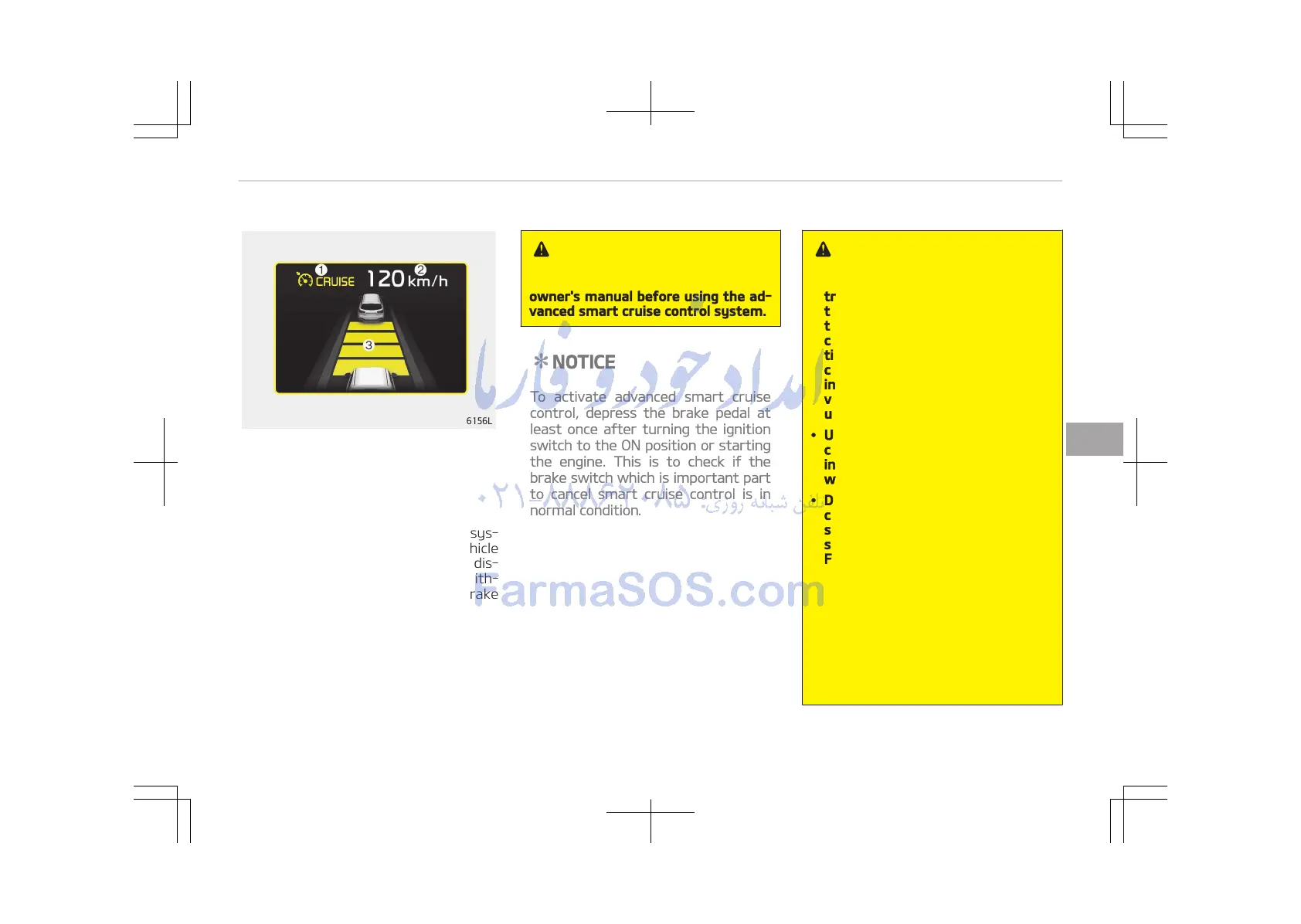
1. Cruise indicator
2. Set speed
3. Vehicle-to-vehicle distance
The advanced smart cruise control sys‐
tem allows you to program the vehicle
to maintain constant speed and dis‐
tance detecting the vehicle ahead with‐
out depressing the accelerator or brake
pedal.
WARNING
For your safety, please read the
owner's manual before using the ad‐
vanced smart cruise control system.
NOTICE
To activate advanced smart cruise
control, depress the brake pedal at
least once after turning the ignition
switch to the ON position or starting
the engine. This is to check if the
brake switch which is important part
to cancel smart cruise control is in
normal condition.
WARNING
• If the advanced smart cruise con‐
trol is left on (cruise indicator in
the instrument cluster illumina‐
ted), the advanced smart cruise
control can be activated uninten‐
tionally. Keep the advanced smart
cruise control system off (cruise
indicator turn off) when the ad‐
vanced smart cruise control is not
used.
• Use the advanced smart cruise
control system only when travel‐
ing on open highways in good
weather.
• Do not use the advanced smart
cruise control when it may not be
safe to keep the car at a constant
speed.
For instance,
- Highway interchange and toll‐
gate
- Road surrounded by abnormally
multiple steel constructions
(subway construction, steel
tunnel, etc.)
- Parking lot
(Continued)
6-81
6
Driving your vehicle















 To Next Page