(Continued)
• Even if the warning chime is not
activated, always pay attention to
the driving conditions to prevent
dangerous situations from occur‐
ring.
CAUTION
If the vehicle ahead (vehicle speed:
less than 30 km/h) disappears to the
next lane, the warning chime will
sound and a message will appear.
(Continued)
(Continued)
Adjust your vehicle speed for vehi‐
cles or objects that can suddenly ap‐
pear in front of you by depressing
the brake pedal according to the
road condition ahead and driving
condition.
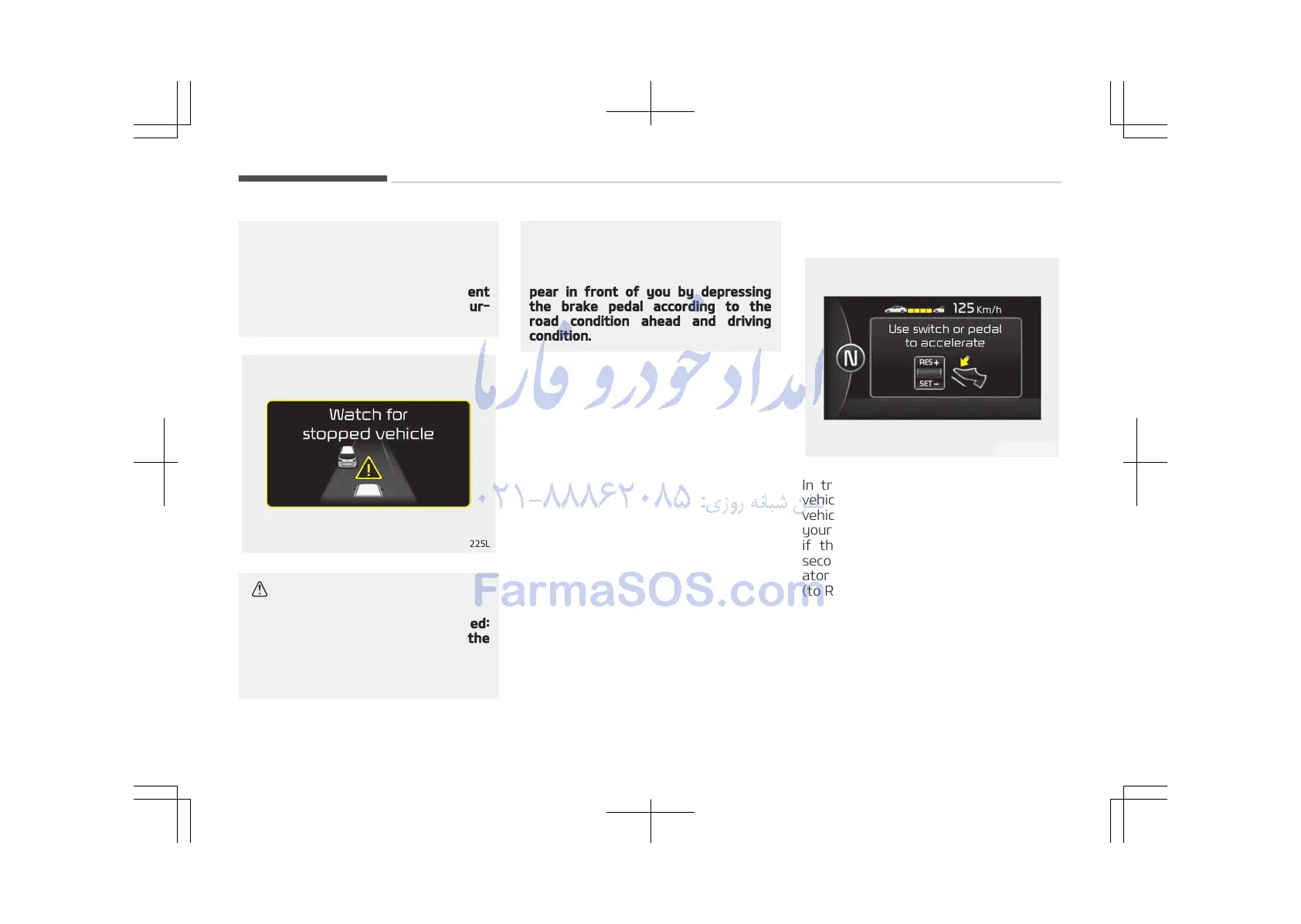
In traffic situation
In traffic, your vehicle will stop if the
vehicle ahead of you stops. Also, if the
vehicle ahead of you starts moving,
your vehicle will start as well. However,
if the vehicle stops for more than 3
seconds, you must depress the acceler‐
ator pedal or move up/down the lever
(to RES+ or SET-) to start driving.
Driving your vehicle
6-88















 To Next Page