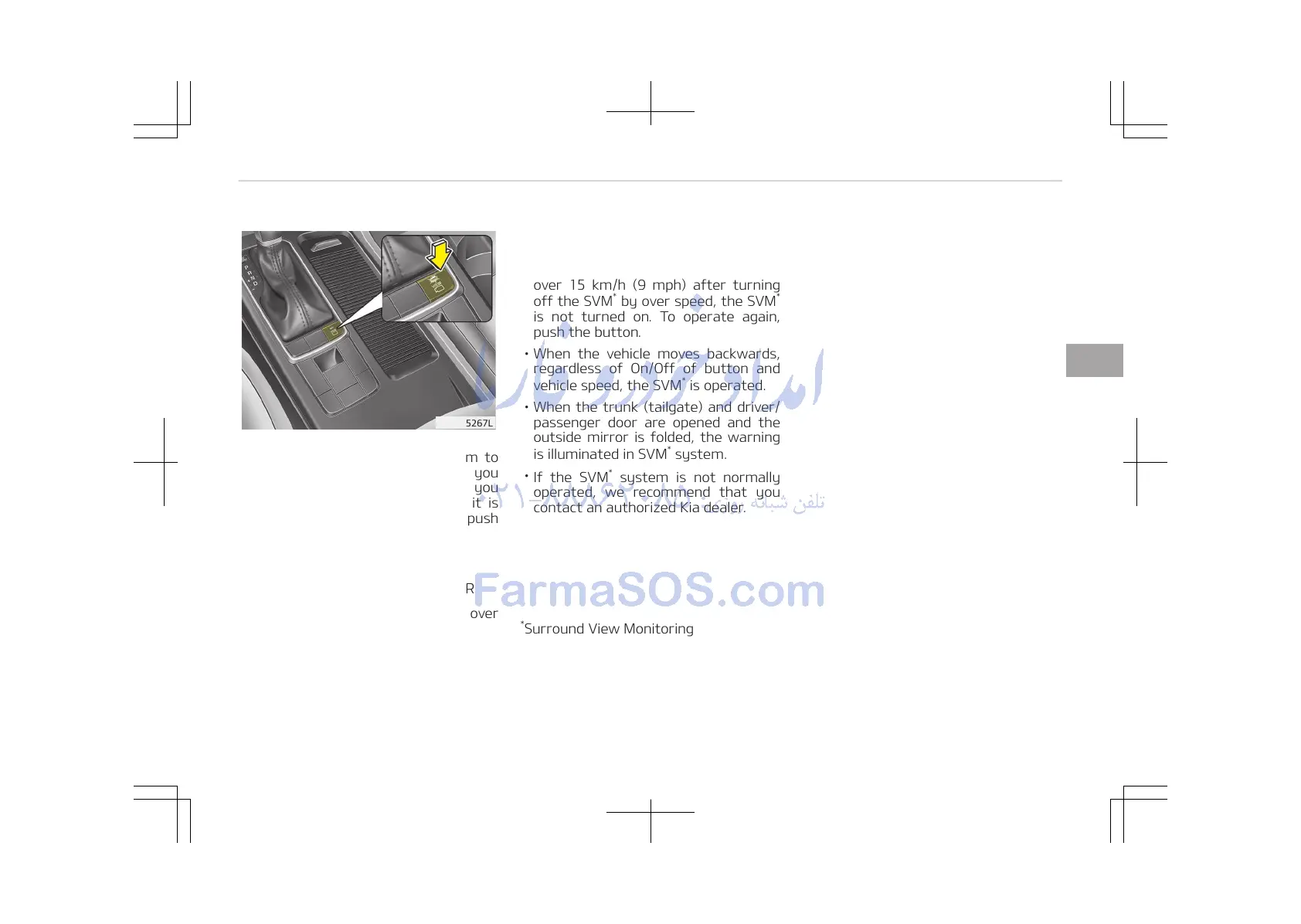
This is the parking support system to
show around circumstance when you
park the vehicle in monitor. When you
push the button in [ON] position, it is
operated. To cancel the system, push
again.
Operating conditions
-
When ignition is ON
-
When the transaxle is on D, N or R
-
When the vehicle speed is not over
15 km/h (9 mph)
• When the vehicle speed is over
15 km/h (9 mph), the SVM
*
system is
turned off. If the vehicle speed is not
over 15 km/h (9 mph) after turning
off the SVM
*
by over speed, the SVM
*
is not turned on. To operate again,
push the button.
• When the vehicle moves backwards,
regardless of On/Off of button and
vehicle speed, the SVM
*
is operated.
• When the trunk (tailgate) and driver/
passenger door are opened and the
outside mirror is folded, the warning
is illuminated in SVM
*
system.
•
If the SVM
*
system is not normally
operated, we recommend that you
contact an authorized Kia dealer.
*
Surround View Monitoring
4-125
4
Features of your vehicle















 To Next Page