❈ May differ depending on the selec‐
ted audio.
Voice Recognition Mode Setting (if
equipped)
This feature is used to select the de‐
sired prompt feedback option from
Normal and Expert.
• Normal: When using voice recognition,
provides detailed guidance prompts
• Expert: When using voice recognition,
omits some guidance prompts
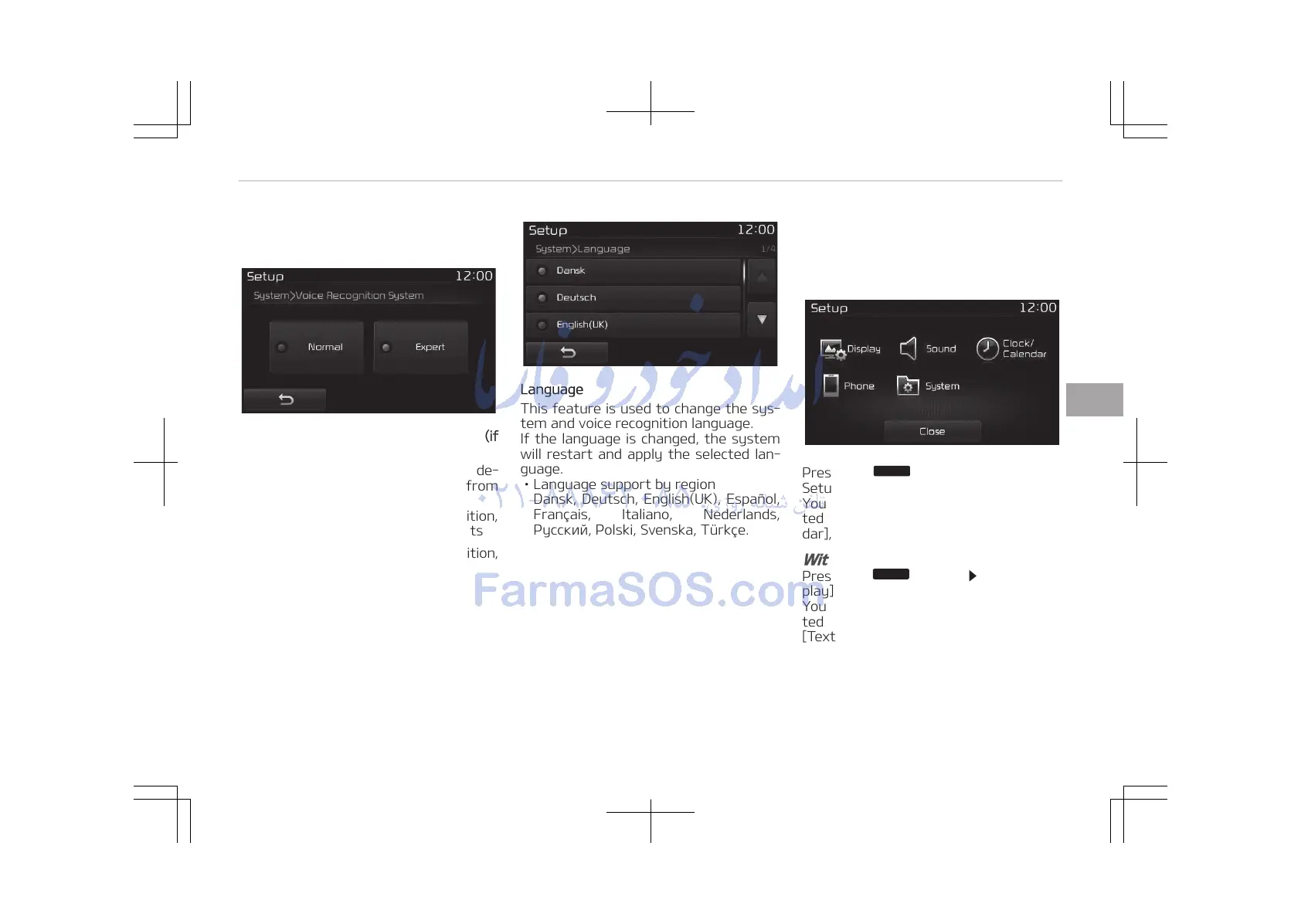
Language
This feature is used to change the sys‐
tem and voice recognition language.
If the language is changed, the system
will restart and apply the selected lan‐
guage.
• Language support by region
Dansk, Deutsch, English(UK), Español,
Français, Italiano, Nederlands,
Pyccĸ, Polski, Svenska, Türkçe.
Setup Mode (Type B-2 or Type
B-2 for Colombia model without
harman/kardon)
Press the
button to display the
Setup screen.
You can select and control options rela‐
ted to [Display], [Sound], [Clock/Calen‐
dar], [Phone] and [System].
With the Display Button
Press the
button Select [Dis‐
play]
You can select and control options rela‐
ted to [Brightness], [Mode Pop-up],
[Text Scroll] and [Media Display].
5-113
5
Audio system















 To Next Page