To use the cargo security screen, pull
the handle backward and insert the
edges into the slots.
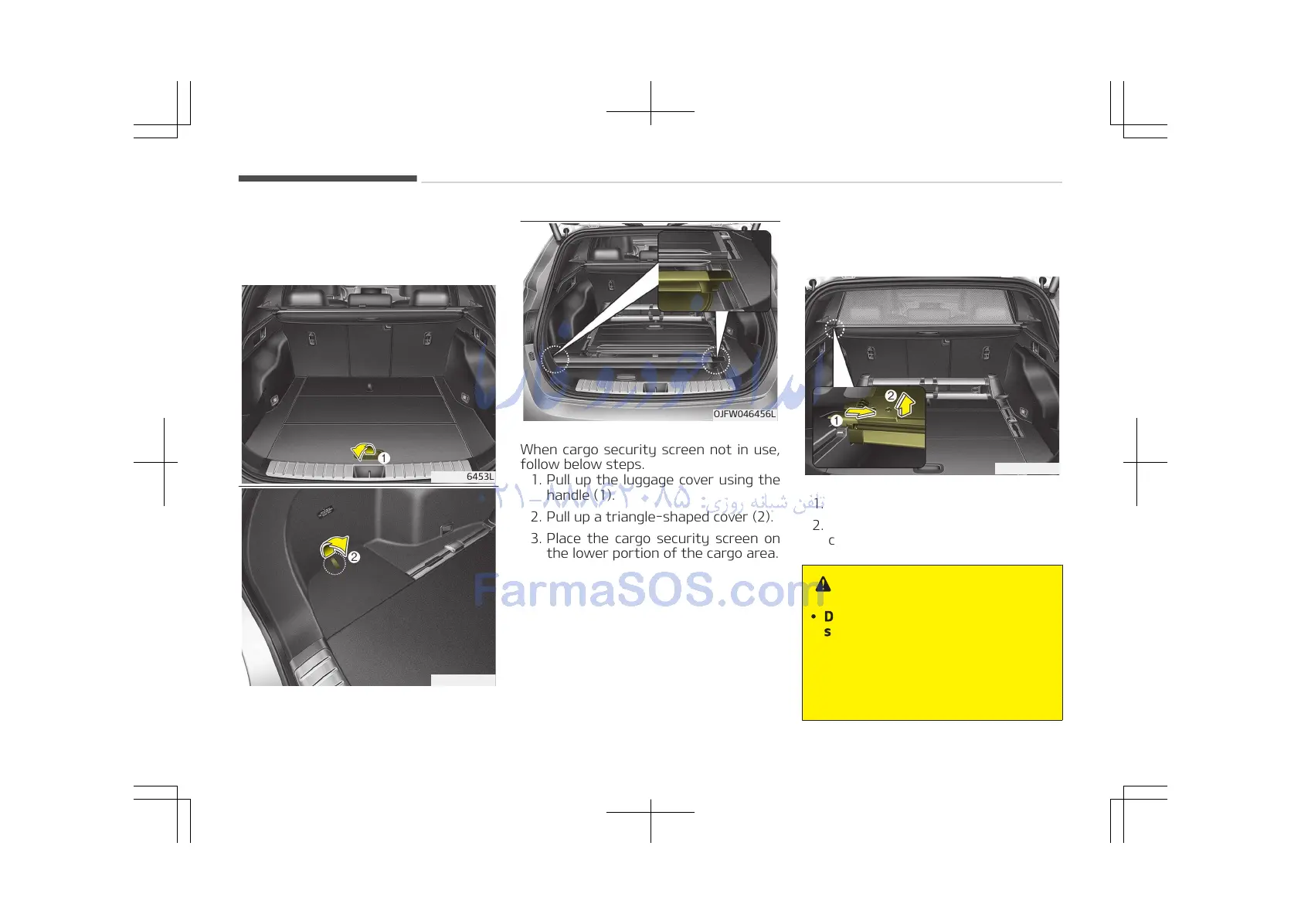
When cargo security screen not in use,
follow below steps.
1. Pull up the luggage cover using the
handle (1).
2. Pull up a triangle-shaped cover (2).
3. Place the cargo security screen on
the lower portion of the cargo area.
To remove the cargo security
screen
1. Push in the guide pin (1).
2. While pushing the lever, pull out the
cargo security screen (2).
WARNING
• Do not place objects on the cargo
security screen. Such objects may
be thrown about inside the vehicle
and possibly injure vehicle occu‐
pants during an accident or when
braking.
(Continued)
Features of your vehicle
4-186















 To Next Page