Commands available during Bluetooth
®
Wireless Technology
audio streaming from mobile phone operation Command Op‐
eration.
Command Function
Play Plays the currently paused song.
Command Function
Pause Pauses the current song.
Setup Mode (Type A-1, Type
A-2)
With the Display Button
Press the button Select [Dis‐
play]
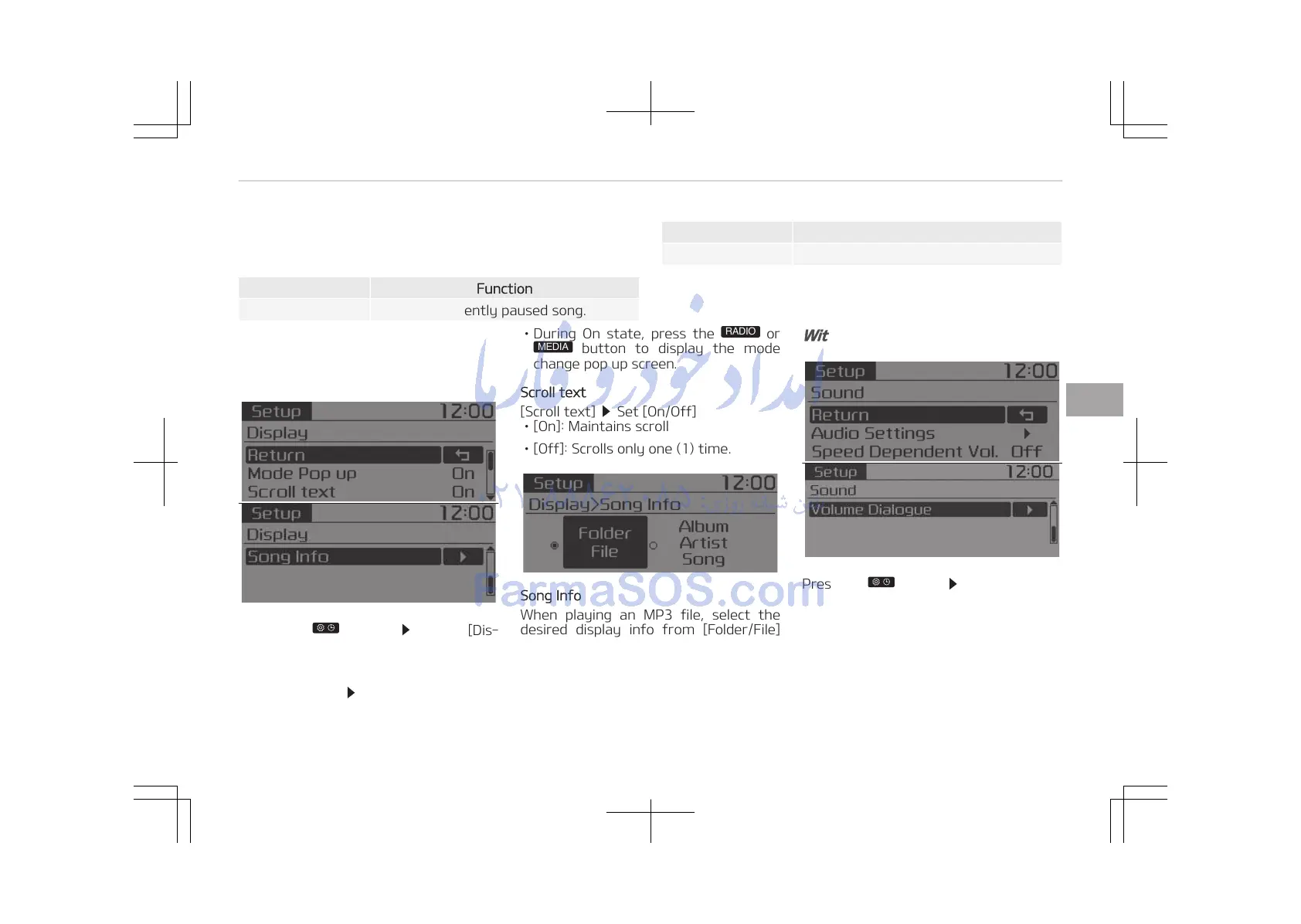
Mode Pop up
[Mode Pop up]
Changes [On] selec‐
tion mode
• During On state, press the
button to display the mode
change pop up screen.
Scroll text
[Scroll text]
Set [On/Off]
• [On]: Maintains scroll
• [Off]: Scrolls only one (1) time.
Song Info
When playing an MP3 file, select the
desired display info from [Folder/File]
or [Album/Artist/Song].
With the Sound button
Press the button Select [Sound]
5-37
5
Audio system















 To Next Page