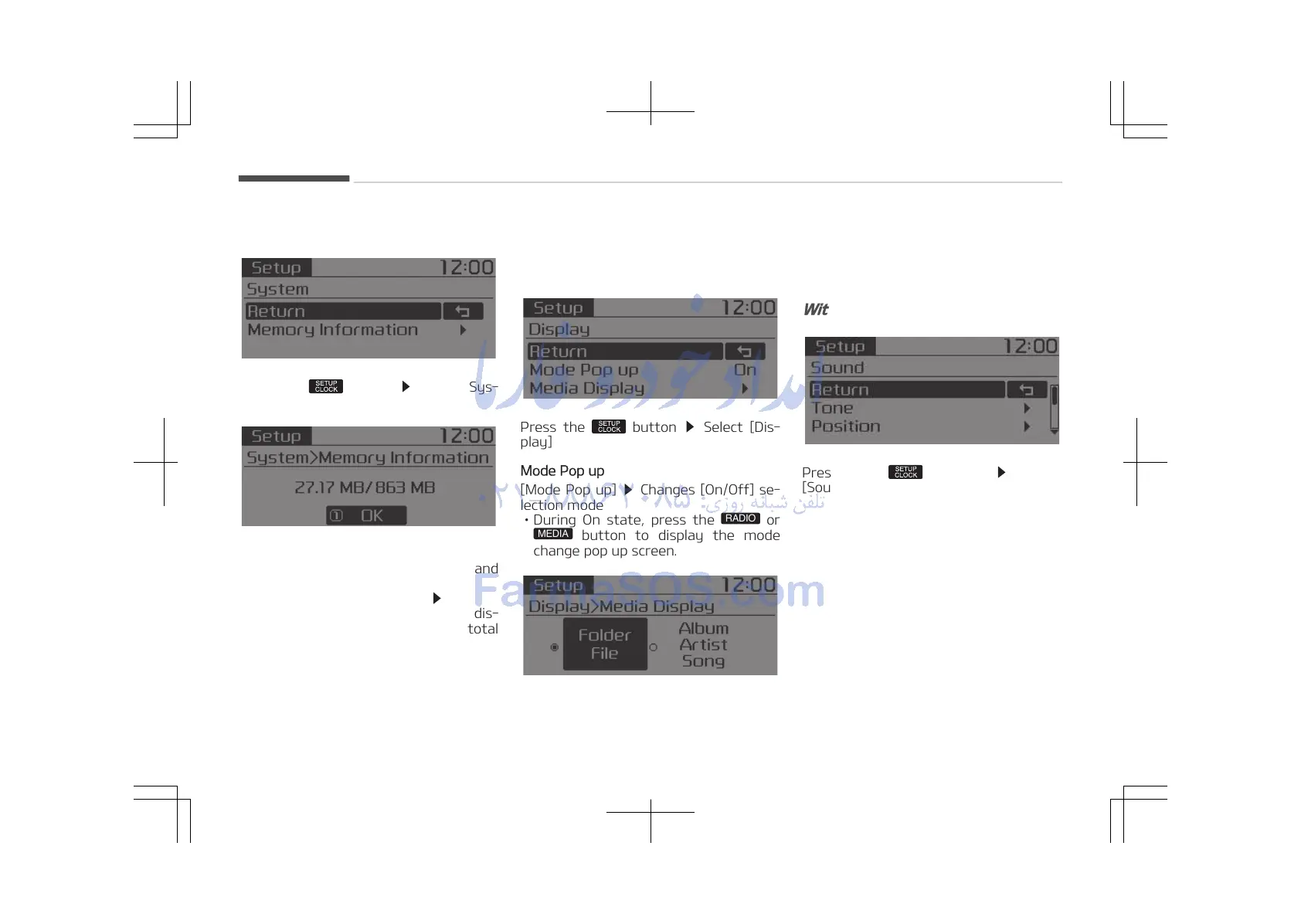
With the System Button
Press the button Select [Sys‐
tem]
Memory Information (if equipped)
Displays currently used memory and
total system memory.
Select [Memory Information]
OK
The currently used memory is dis‐
played on the left side while the total
system memory is displayed on the
right side.
Setup Mode (Type A-3, Type
A-4, for Colombia)
With the Display Button
Press the button Select [Dis‐
play]
Mode Pop up
[Mode Pop up]
Changes [On/Off] se‐
lection mode
• During On state, press the
button to display the mode
change pop up screen.
Media Display
When playing an MP3 file, select the
desired display info from [Folder/File]
or [Album/Artist/Song].
With the Sound Button
Press the button Select
[Sound].
Audio system
5-48















 To Next Page