The currently used memory is dis‐
played on the left side while the total
system memory is displayed on the
right side.
❈ May differ depending on the selec‐
ted audio.
VRS Mode (if equipped)
This feature is used to change voice
command feedback between Normal
and Expert modes.
Select [VRS Mode]
• Normal: This mode is for beginner
users and provides detailed instruc‐
tions during voice command opera‐
tion.
• Expert: This mode is for expert users
and omits some information during
voice command operation. (When us‐
ing Expert mode, guidance instruc‐
tions can be heard through the [Help]
or [Menu] commands.
Language
This menu is used to set the display
and voice recognition language.
Select [Language]
The system will reboot after the lan‐
guage is changed.
• Language support by region.
Dansk, Deutsch, English(UK), Español,
Français, Italiano, Nederlands,
Pyccĸ, Polski, Svenska, Türkçe.
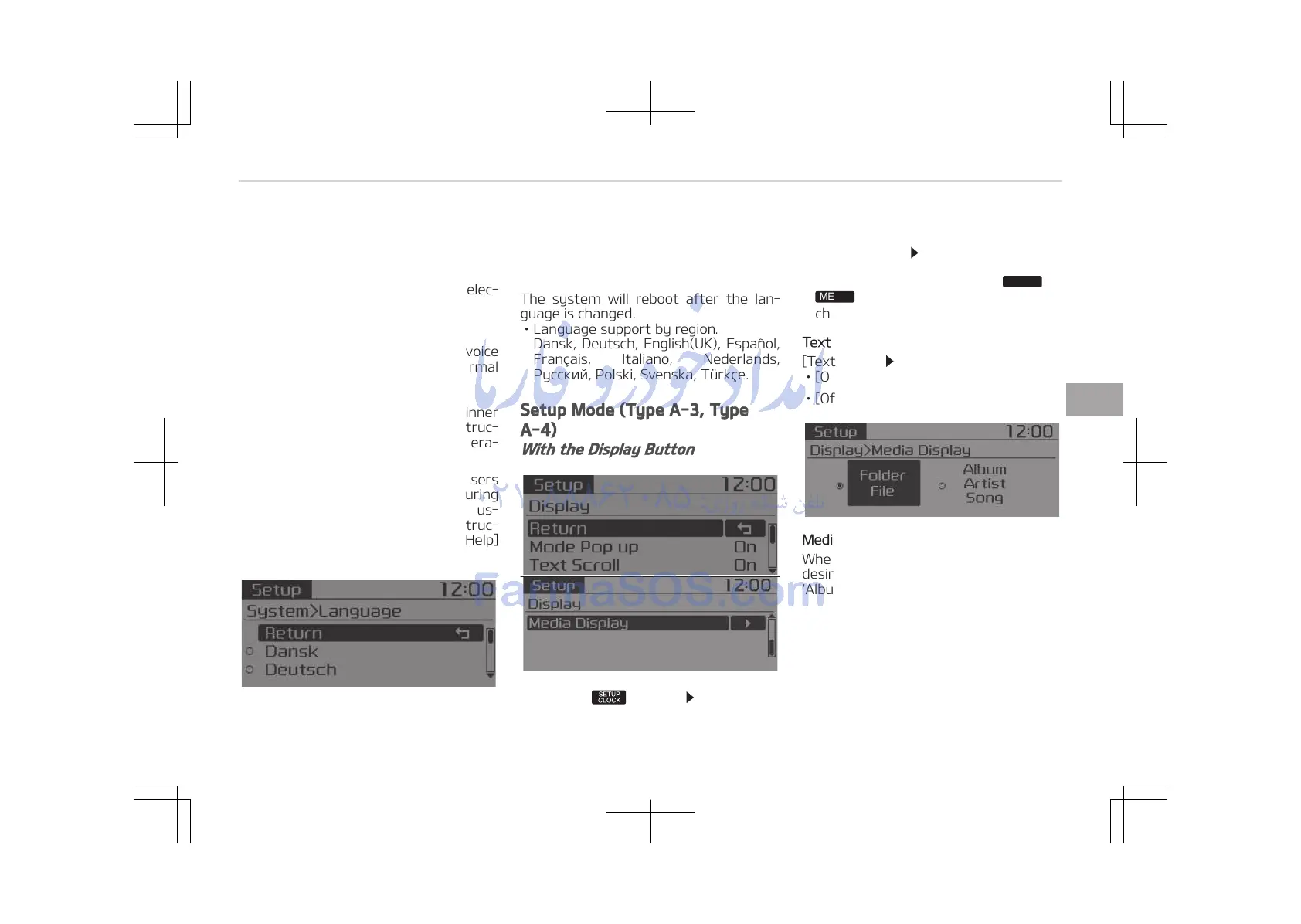
Setup Mode (Type A-3, Type
A-4)
With the Display Button
Press the button Select [Dis‐
play]
Mode Pop up
[Mode Pop up]
Changes [On] selec‐
tion mode
• During On state, press the
button to display the mode
change pop up screen.
Text Scroll
[Text Scroll]
Set [On/Off]
• [On]: Maintains scroll
• [Off]: Scrolls only one (1) time.
Media Display
When playing an MP3 file, select the
desired display info from Folder/File or
Album/Artist/Song.
5-43
5
Audio system















 To Next Page