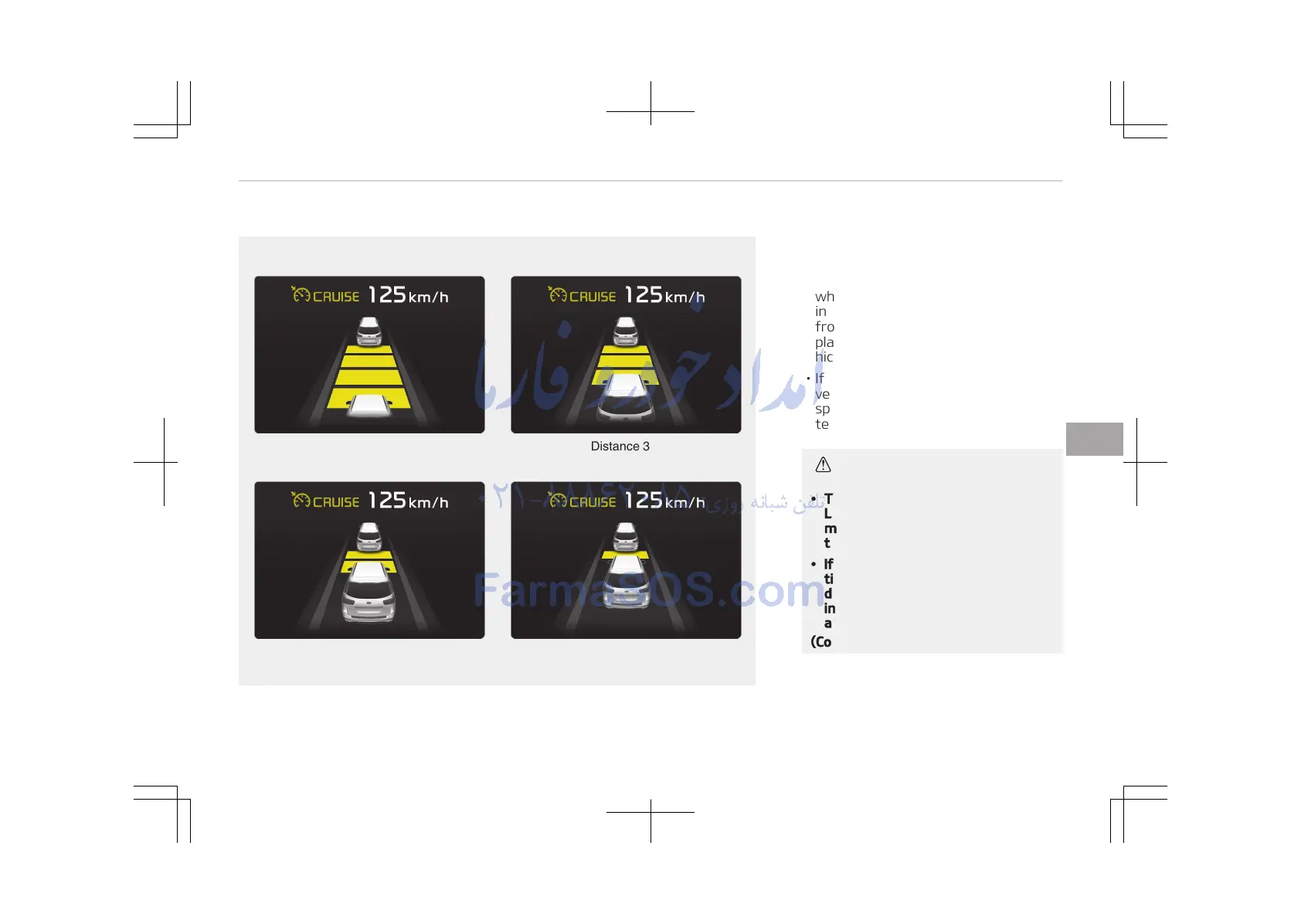
• The vehicle will maintain the set
speed, when the lane ahead is clear.
• The vehicle will slow down or speed
up to maintain the selected distance,
when there is a vehicle ahead of you
in the lane. (A vehicle will appear in
front of your vehicle in the LCD dis‐
play only when there is an actual ve‐
hicle in front of you)
• If the vehicle ahead speeds up, your
vehicle will travel at a steady cruising
speed after accelerating to the selec‐
ted speed.
CAUTION
• The warning chime sounds and
LCD display blinks if it is hard to
maintain the selected distance to
the vehicle ahead.
• If the warning chime sounds, ac‐
tively adjust the vehicle speed by
depressing the brake pedal accord‐
ing to the road condition ahead
and driving condition.
(Continued)
6-87
6
Driving your vehicle















 To Next Page