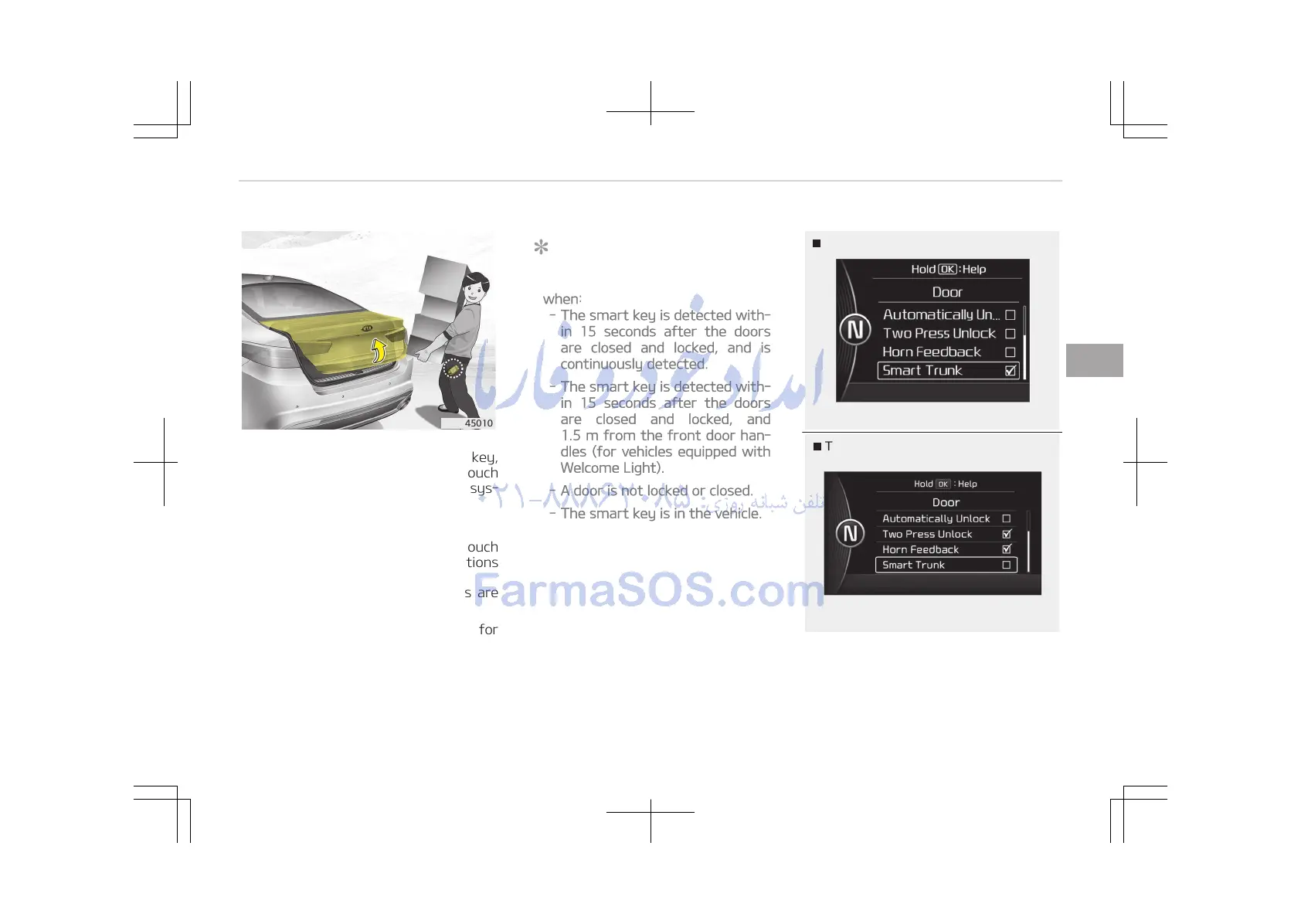
On a vehicle equipped with a smart key,
the trunk can be opened with no-touch
activation using the Smart Trunk sys‐
tem.
How to use the Smart Trunk
The trunk can be opened with no-touch
activation satisfying all the conditions
below.
• After 15 seconds when all doors are
closed and locked.
• Positioned in the detecting area for
more than 3 seconds.
NOTICE
• The Smart Trunk does not operate
when:
- The smart key is detected with‐
in 15 seconds after the doors
are closed and locked, and is
continuously detected.
- The smart key is detected with‐
in 15 seconds after the doors
are closed and locked, and
1.5 m from the front door han‐
dles (for vehicles equipped with
Welcome Light).
- A door is not locked or closed.
- The smart key is in the vehicle.
1. Setting
To activate the Smart Trunk, go to
User Settings Mode and select
Smart Trunk on the LCD display.
4-23
4
Features of your vehicle















 To Next Page