Outgoing Volume
This is used to set the volume of your
voice as heard by the other party while
on a Bluetooth
®
Wireless Technology
enabled handsfree call.
Select [Outgoing Volume]
Set volume
Even while on a call, the volume can be
changed by using the
button.
Bluetooth System Off
This feature is used when you do not
wish to use the Bluetooth
®
Wireless
Technology system.
Select [Bluetooth System Off].
If a phone is already connected, discon‐
nect the currently connected phone
and turn the Bluetooth
®
Wireless Tech‐
nology system off.
Using the Bluetooth
®
Wireless Technol‐
ogy
To use Bluetooth
®
Wireless Technology
when the system is currently off, fol‐
low these next steps.
•
Turning On Bluetooth
®
Wireless Tech‐
nology through the
button.
Press the button Screen
Guidance
Moves to the screen where Blue‐
tooth
®
Wireless Technology functions
can be used and displays guidance.
•
Turning On Bluetooth
®
Wireless Tech‐
nology through the
button.
Press the button Select
[Phone]
1. A screen asking whether to turn
on Bluetooth
®
Wireless Technology
will be displayed.
2. On the screen, select [YES] to turn
on Bluetooth
®
Wireless Technology
and display guidance.
If the Bluetooth
®
Wireless Technology
system is turned on, the system will
automatically try to connect the most
recently connected Bluetooth
®
Wireless
Technology mobile phone.
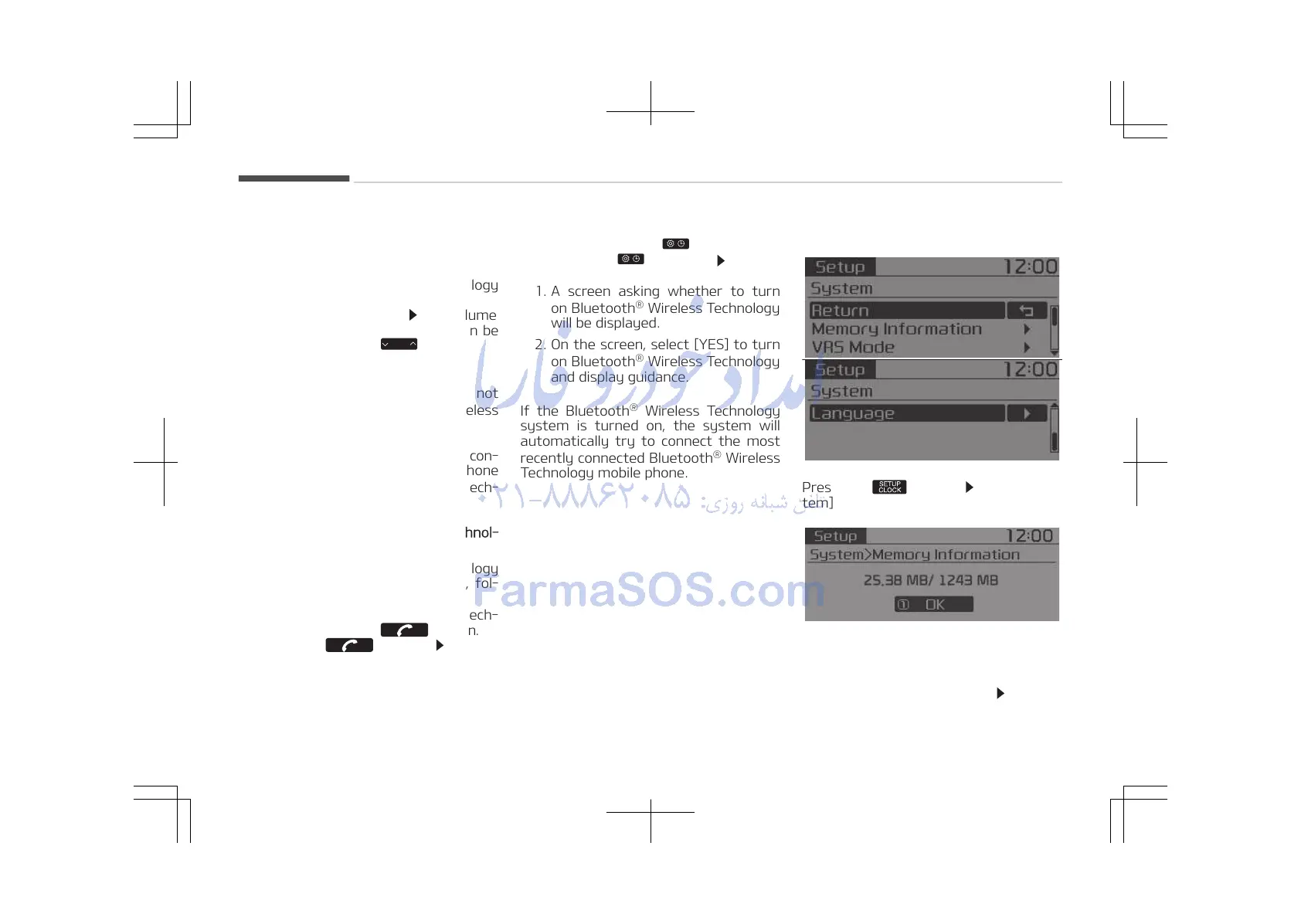
With the System Button
Press the button Select [Sys‐
tem]
Memory Information (if equipped)
Displays currently used memory and
total system memory.
Select [Memory Information]
OK
Audio system
5-42















 To Next Page