With the iPod
®
Mode
Playing/Pausing iPod
®
Songs
Once an iPod
®
is connected, the mode
will automatically start and begin play‐
ing an iPod
®
song.
While playing, press the [II] button to
pause and press [
] button to play.
iPod
®
s with unsupported communica‐
tion protocols may not properly oper‐
ate in the audio system.
Changing Songs
Press the
button before the
song has been playing for 1 second will
start the previous song.
Slight time differences may exist de‐
pending your iPod
®
product.
Rewinding / Fast-forwarding Songs
While playing, press and hold the
button to rewind or fast-forward the
current song.
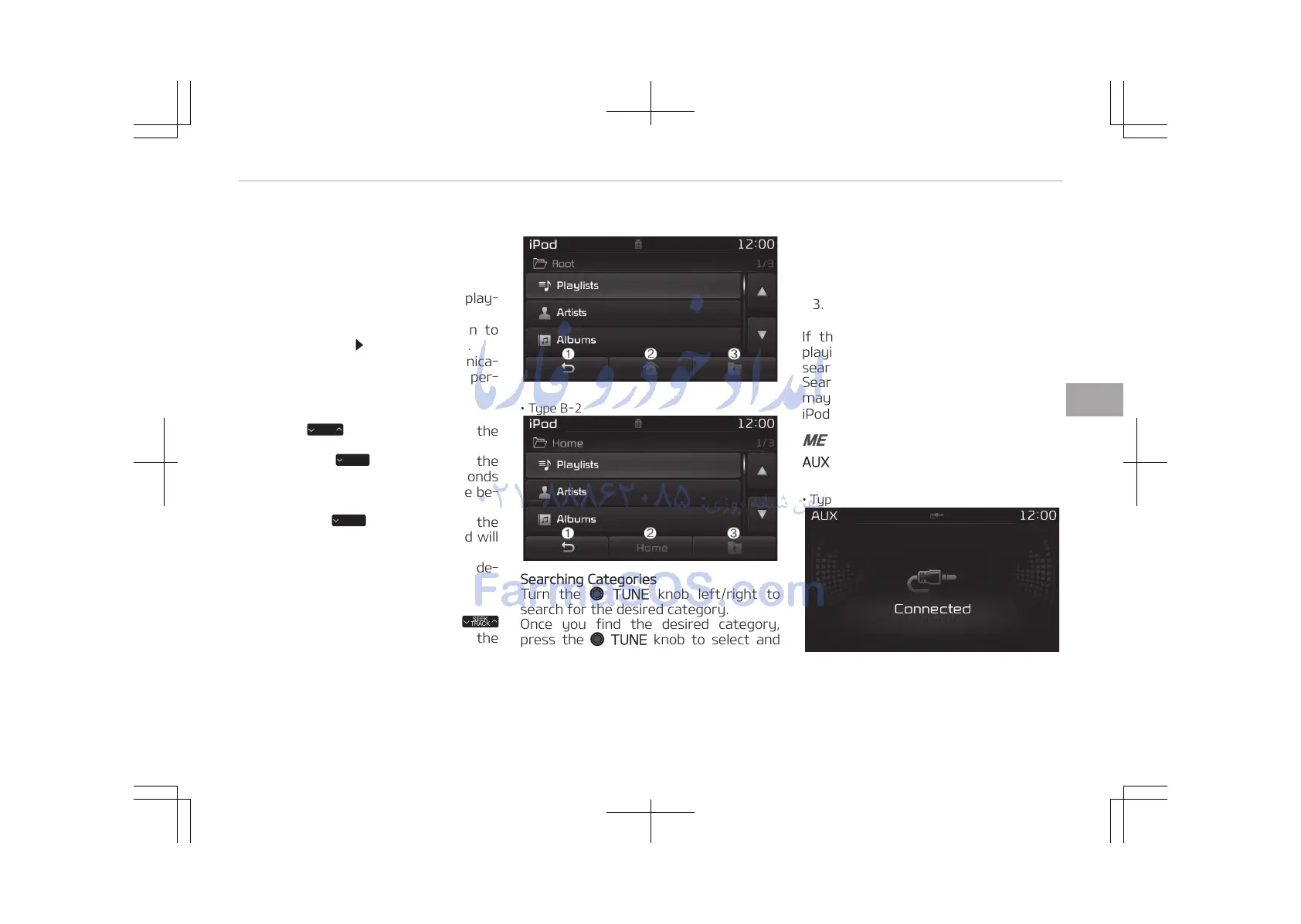
• Type B-1
• Type B-2
Searching Categories
Turn the TUNE knob left/right to
search for the desired category.
Once you find the desired category,
press the
TUNE knob to select and
play.
There are eight categories that can be
searched, including Playlists, Artists, Al‐
bums, Genres, Songs, Composers, Au‐
diobooks and Podcasts.
Category Menu
1. Displays the play screen.
2.
Moves to the iPod
®
root category
screen.
3. Moves to the previous category.
If the search mode is accessed while
playing a song, the most recently
searched category is displayed.
Search steps upon initial connection
may differ depending on the type of
iPod
®
device.
MENU: AUX
AUX Mode Display Controls
• Type B-1
5-79
5
Audio system















 To Next Page