(Continued)
- Lanes beside guard rail on a
road
- Slippery road with rain, ice , or
snow covered
- Abrupt curved road
- Steep hills
- Windy roads
- Off roads
- Roads under construction
- Rumble strip
- The sensing ability decreases if
the level of front and rear vehi‐
cle is changed from the factory.
• Pay particular attention to the
driving conditions whenever using
the advanced smart cruise control
system.
• The advanced smart cruise control
system is not a substitute for safe
driving. It is the responsibility of
the driver to always check the
speed and distance of the vehicle
ahead.
(Continued)
(Continued)
• Be careful when driving downhill
using the advanced smart cruise
control system.
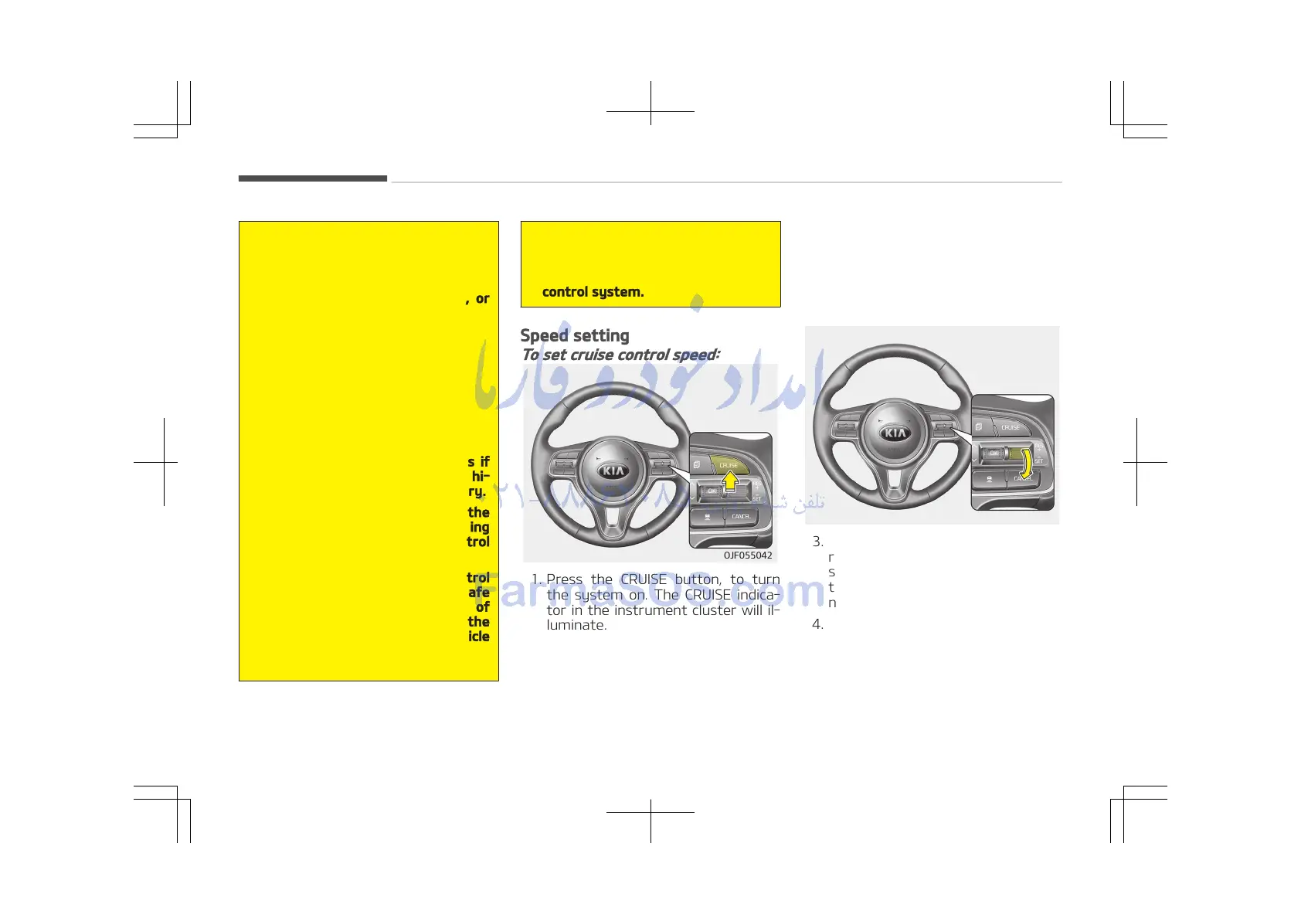
Speed setting
To set cruise control speed:
1. Press the CRUISE button, to turn
the system on. The CRUISE indica‐
tor in the instrument cluster will il‐
luminate.
2. Accelerate to the desired speed.
The smart cruise control speed can
be set as follows:
• 30 km/h (20 mph) ~ 180 km/h
(110 mph): when there is no vehi‐
cle in front
• 0 km/h (0 mph) ~ 180 km/h
(110 mph): when there is a vehi‐
cle in front
3. Move the lever down (to SET-), and
release it at the desired speed. The
set speed and vehicle to vehicle dis‐
tance on the LCD screen will illumi‐
nate.
4. Release the accelerator pedal.
The desired speed will automatical‐
ly be maintained.
If there is a vehicle in front of you, the
speed may decrease to maintain the
distance to the vehicle ahead.
Driving your vehicle
6-82















 To Next Page