• Select the appropriate set speed on
curves and adjust your vehicle speed
by depressing the accelerator or
brake pedal according to the road
condition ahead and driving condition.
• Your vehicle speed can be reduced
due to a vehicle in the adjacent lane.
Adjust your vehicle speed by depress‐
ing the brake pedal according to the
road condition ahead and driving con‐
dition. Apply the accelerator pedal
and select the appropriate set speed.
Check to be sure that the road condi‐
tions permit safe operation of the
smart cruise control.
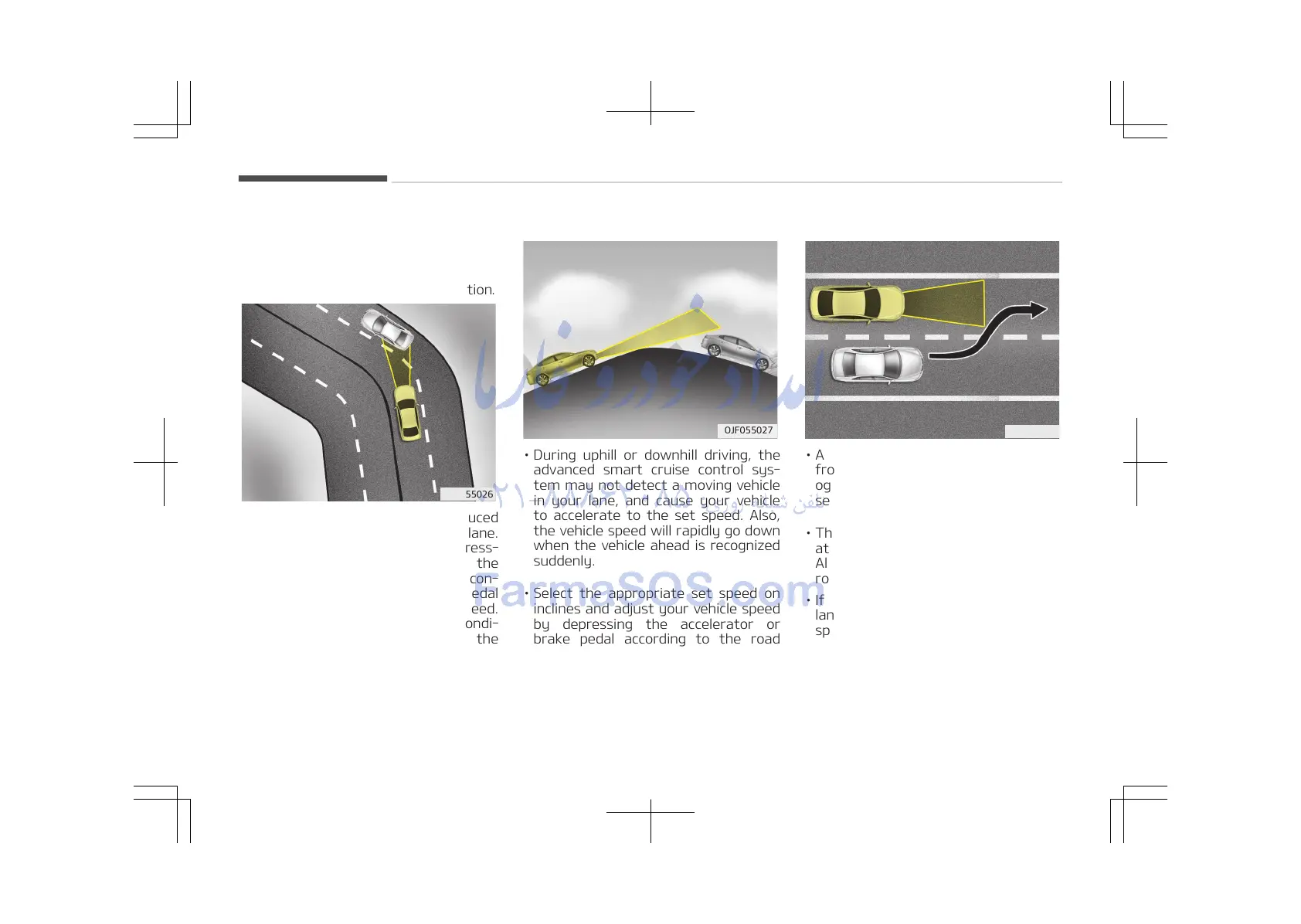
On inclines
• During uphill or downhill driving, the
advanced smart cruise control sys‐
tem may not detect a moving vehicle
in your lane, and cause your vehicle
to accelerate to the set speed. Also,
the vehicle speed will rapidly go down
when the vehicle ahead is recognized
suddenly.
• Select the appropriate set speed on
inclines and adjust your vehicle speed
by depressing the accelerator or
brake pedal according to the road
condition ahead and driving condition.
Lane changing
• A vehicle which moves into your lane
from an adjacent lane cannot be rec‐
ognized by the sensor until it is in the
sensor's detection range.
• The sensor may not detect immedi‐
ately when a vehicle cuts in suddenly.
Always pay attention to the traffic,
road and driving conditions.
• If a vehicle which moves into your
lane is slower than your vehicle, your
speed may decrease to maintain the
distance to the vehicle ahead.
• If a vehicle which moves into your
lane is faster than your vehicle, your
vehicle will accelerate to the selected
speed.
Driving your vehicle
6-92















 To Next Page