• Incoming Number: Displays the in‐
coming number.
• Call time: Displays the call time.
• End: Ends call.
• Private: Converts to Private mode.
• Out Vol.: Sets call volume as heard by
the other party.
• Mute: Turns Mic Mute On/Off.
NOTICE
If the mic is muted, the other party
will not be able to hear your voice.
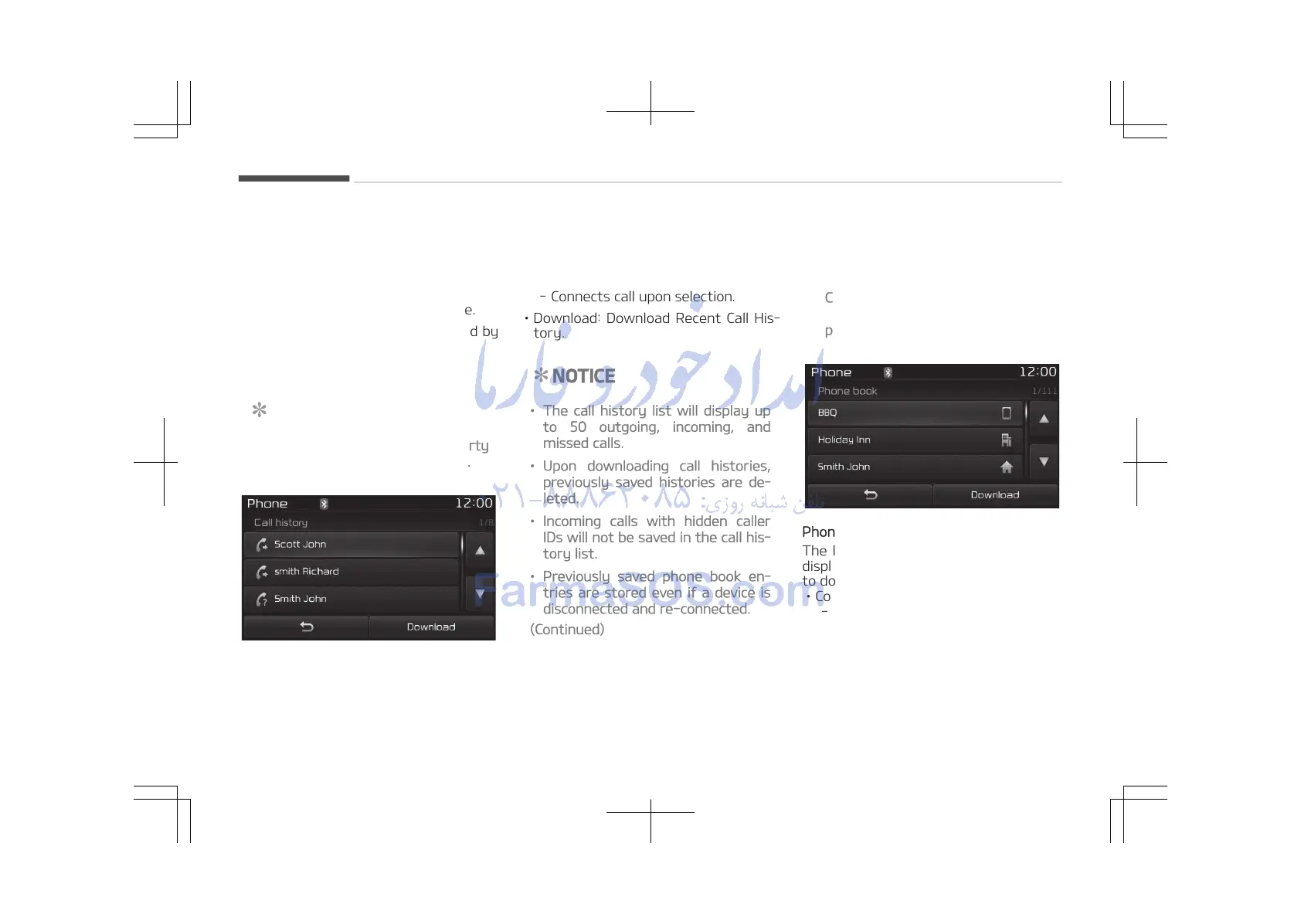
Call History
A list of incoming, outgoing and missed
calls is displayed.
Press the [Download] button to down‐
load the call history.
• Call History:
- Displays recent calls (call history).
- Connects call upon selection.
• Download: Download Recent Call His‐
tory.
NOTICE
• The call history list will display up
to 50 outgoing, incoming, and
missed calls.
• Upon downloading call histories,
previously saved histories are de‐
leted.
• Incoming calls with hidden caller
IDs will not be saved in the call his‐
tory list.
• Previously saved phone book en‐
tries are stored even if a device is
disconnected and re-connected.
(Continued)
(Continued)
• The download feature may not be
supported in some mobile phones.
Check to see that the Bluetooth
®
Wireless Technology device sup‐
ports the download feature.
Phone Book
The list of saved phone book entries is
displayed. Press the [Download] button
to download the call history.
• Contact List:
- Displays downloaded phone book
entries.
- Connects call upon selection.
• Download: Download phone book en‐
tries.
Audio system
5-88















 To Next Page