• To activate the alarm:
Go to the User Settings Mode
Sound and select "BSD" on the LCD
display.
• To deactivate the alarm:
Go to the User Settings Mode
Sound and deselect "BSD" on the LCD
display.
CAUTION
The alarm function helps alert the
driver. Deactivate this function only
when it is necessary.
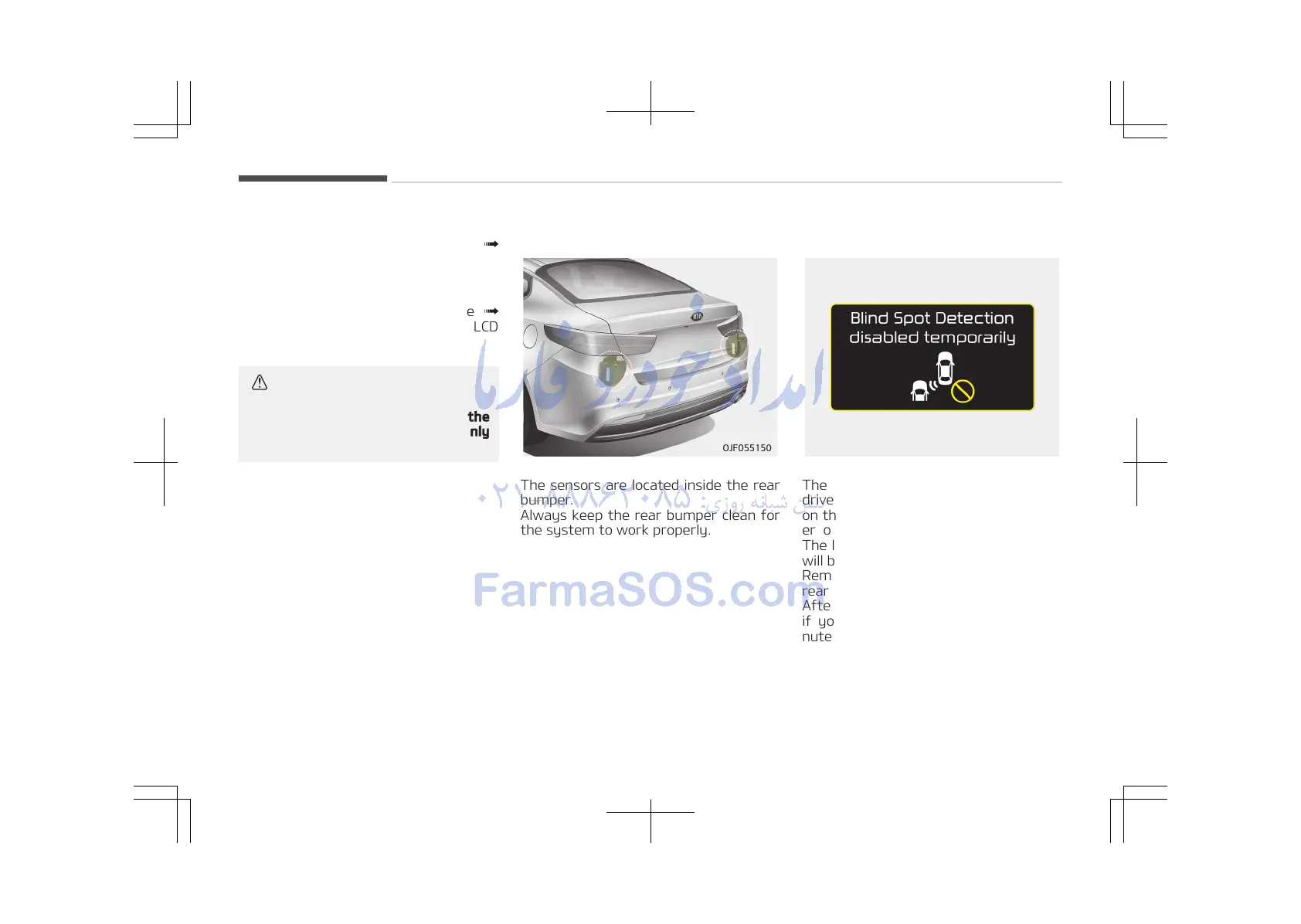
Detecting sensor
The sensors are located inside the rear
bumper.
Always keep the rear bumper clean for
the system to work properly.
Warning message
The message will appear to notify the
driver if there are foreign substances
on the surface or inside the rear bump‐
er or it is hot near the rear bumper.
The light on the switch and the system
will be turned off automatically.
Remove the foreign substance on the
rear bumper.
After the foreign substance is removed,
if you drive for approximately 10 mi‐
nutes, the system will work normally.
If the system does not work normally
even though the foreign substance is
removed, take your vehicle to an au‐
thorized Kia dealer and have the sys‐
tem checked.
Driving your vehicle
6-116















 To Next Page