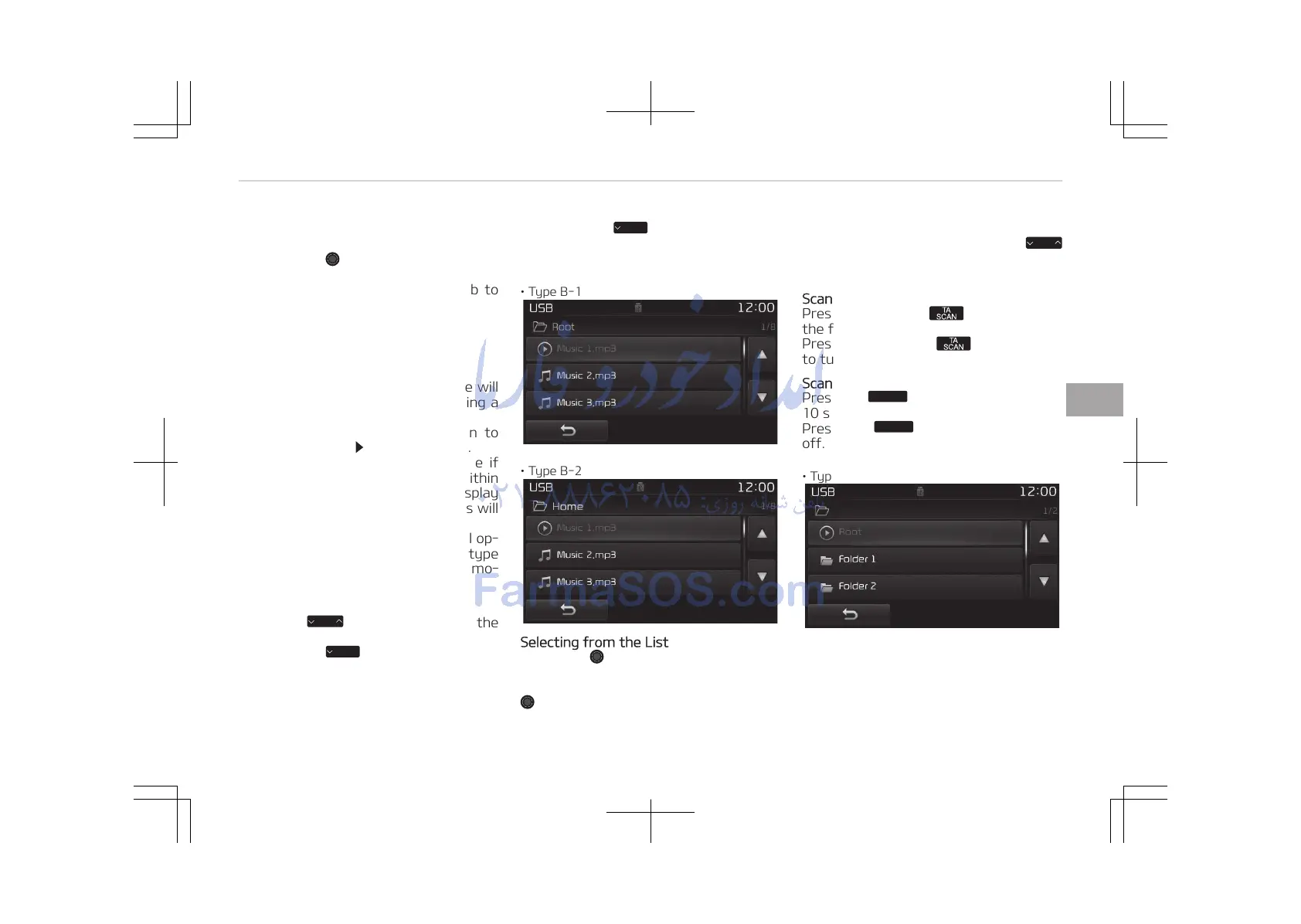
11. List
Moves to the list screen.
Turn the TUNE knob left/right to
search for files. Once the desired
file is displayed, press the knob to
select and play.
With the USB Mode
Playing/Pausing USB Files
Once a USB is connected, the mode will
automatically start and begin playing a
USB file.
While playing, press the [II] button to
pause and press [ ] button to play.
Loading may require additional time if
there are many files and folders within
the USB and result in faulty list display
or file searching. Normal operations will
resume once loading is complete.
The device may not support normal op‐
eration when using a USB memory type
besides (Metal Cover Type) USB Memo‐
ry.
Changing Files
Press the
button before the
file has been playing for 1 second will
start the previous file.
• Type B-1
• Type B-2
Selecting from the List
Turn the TUNE knob left/right to
search for the desired file.
Once you find the desired file, press the
TUNE knob to start playing.
Rewinding / Fast-forwarding Files
While playing, press and hold the
button to rewind or fast-forward the
current file.
Scan (With RDS)
Press and hold the button to play
the file 10 seconds of each file.
Press and hold the button again
to turn off.
Scan (Without RDS)
Press the















 To Next Page