(Continued)
• Some non-standard USB devices
(METAL COVER TYPE USB) can be
unrecognizable.
• Some USB flash memory readers
(such as CF, SD, micro SD, etc.) or
external-HDD type devices can be
unrecognizable.
• Music files protected by DRM (DIG‐
ITAL RIGHTS MANAGEMENT) are
not recognizable.
• The data in the USB memory may
be lost while using this audio. Al‐
ways back up important data on a
personal storage device.
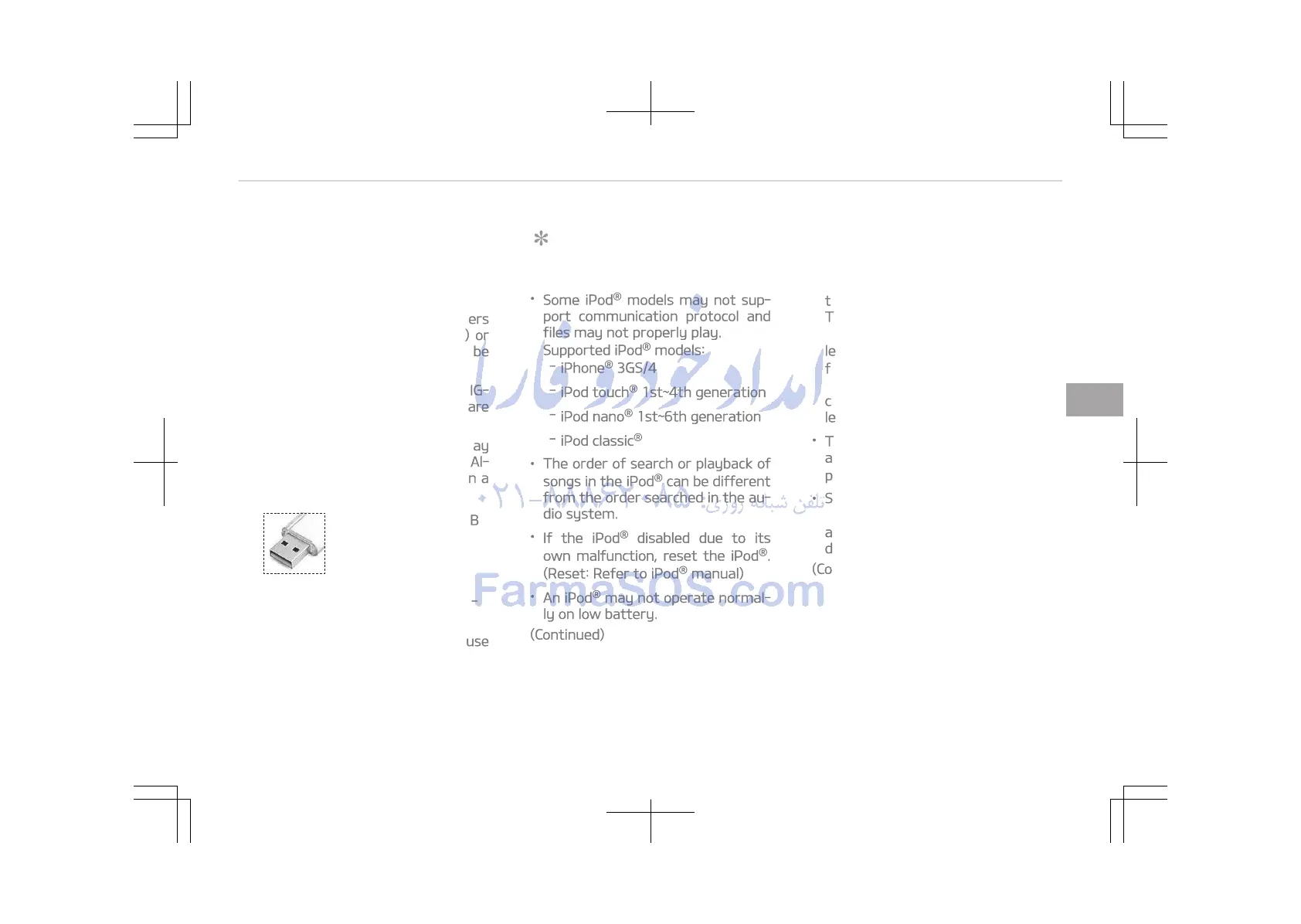
•
Please avoid using USB
memory products
which can be used as
key chains or cellular
phone accessories as
they could cause dam‐
age to the USB jack.
Please make certain only to use
plug type connector products.
NOTICE
n
Using the iPod
®
device
•
Some iPod
®
models may not sup‐
port communication protocol and
files may not properly play.
Supported iPod
®
models:
-
iPhone
®
3GS/4
-
iPod touch
®
1st~4th generation
-
iPod nano
®
1st~6th generation
-
iPod classic
®
• The order of search or playback of
songs in the iPod
®
can be different
from the order searched in the au‐
dio system.
•
If the iPod
®
disabled due to its
own malfunction, reset the iPod
®
.
(Reset: Refer to iPod
®
manual)
•
An iPod
®
may not operate normal‐
ly on low battery.
(Continued)
(Continued)
•
Some iPod
®
devices, such as the
iPhone
®
, can be connected
through the Bluetooth
®
Wireless
Technology interface. The device
must have audio Bluetooth
®
Wire‐
less Technology capability (such as
for stereo headphone Bluetooth
®
Wireless Technology). The device
can play, but it will not be control‐
led by the audio system.
•
To use iPod
®
features within the
audio, use the cable provided upon
purchasing an iPod
®
device.
• Skipping or improper operation
may occur depending on the char‐
acteristics of your iPod
®
/iPhone
®
device.
(Continued)
5-17
5
Audio system















 To Next Page