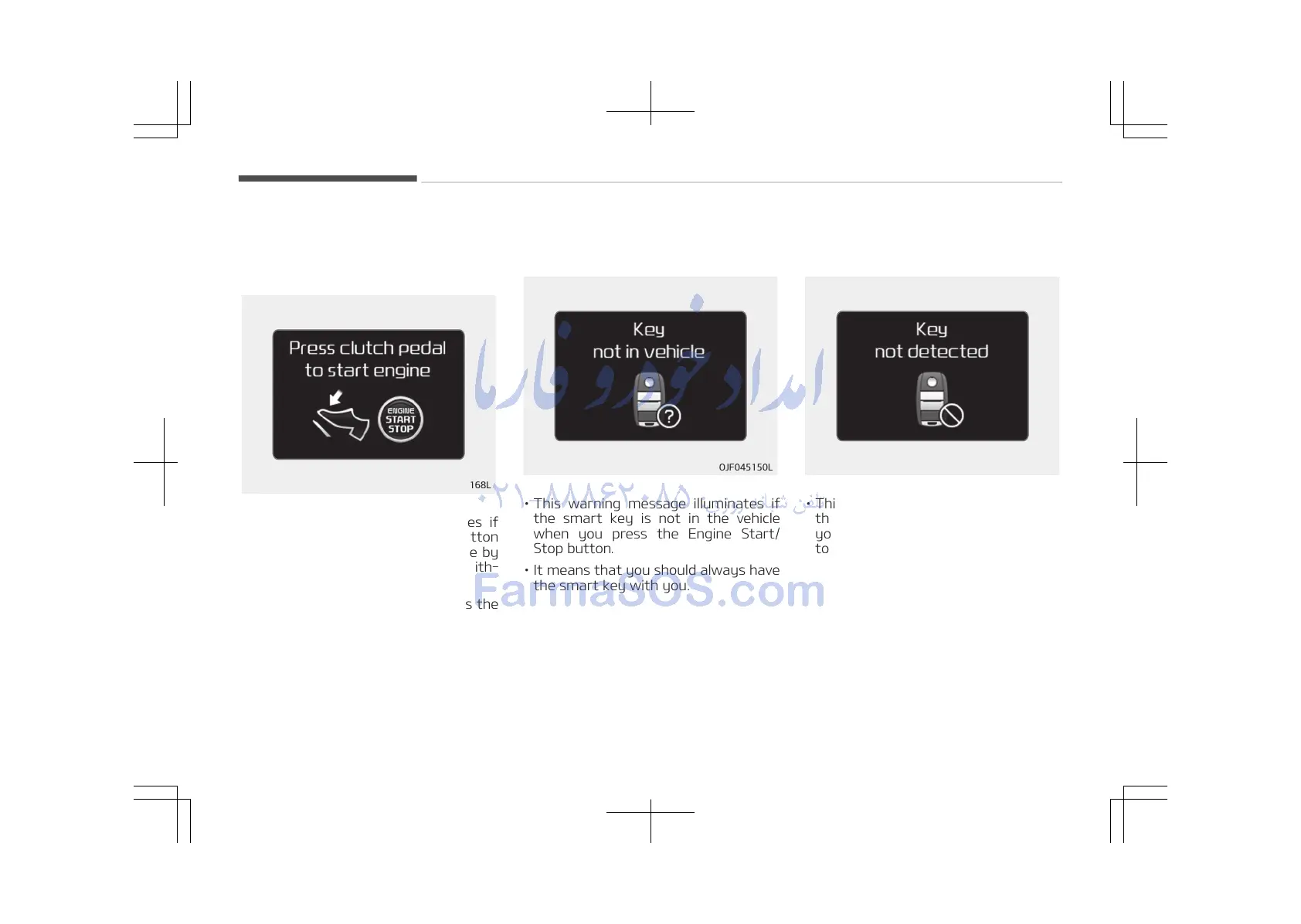
Press clutch pedal to start engine
(for smart key system and manual
transaxle)
• This warning message illuminates if
the Engine Start/Stop button
changes to the ACC position twice by
pressing the button repeatedly with‐
out depressing the clutch pedal.
• It means that you should depress the
clutch pedal to start the engine.
Key not in vehicle (for smart key
system)
• This warning message illuminates if
the smart key is not in the vehicle
when you press the Engine Start/
Stop button.
• It means that you should always have
the smart key with you.
Key not detected (for smart key
system)
• This warning message illuminates if
the smart key is not detected when
you press the Engine Start/Stop but‐
ton.
Features of your vehicle
4-80















 To Next Page