While Scan is operating, pressing and
holding the button will cancel the
scan operation.
TA (Traffic Announcement)
Press the button to turn the TA
(Traffic Announcement) feature On/Off.
Radio Mode (Type B-2)
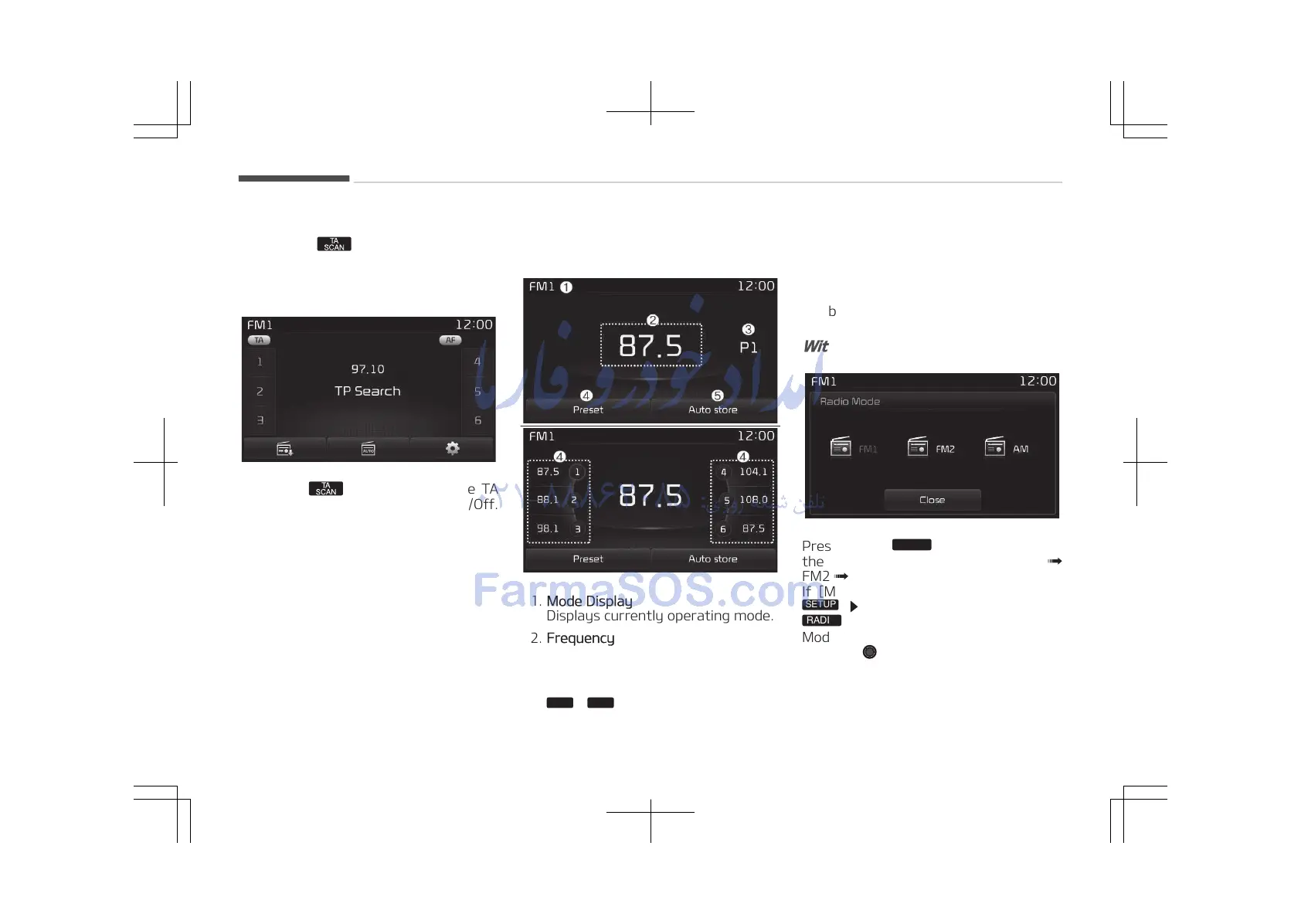
Radio Mode Display Controls
1. Mode Display
Displays currently operating mode.
2. Frequency
Displays the current frequency.
3. Preset
Displays current preset number
.
4. Preset Display
Displays preset buttons.
5. Auto store
Automatically saves frequencies
with superior reception to Preset
buttons.
With the Radio Mode Button
Pressing the
button will display the Radio
Mode Pop-up screen.
Turn the TUNE knob to move the fo‐
cus. Press the knob to select.
Audio system
5-70















 To Next Page