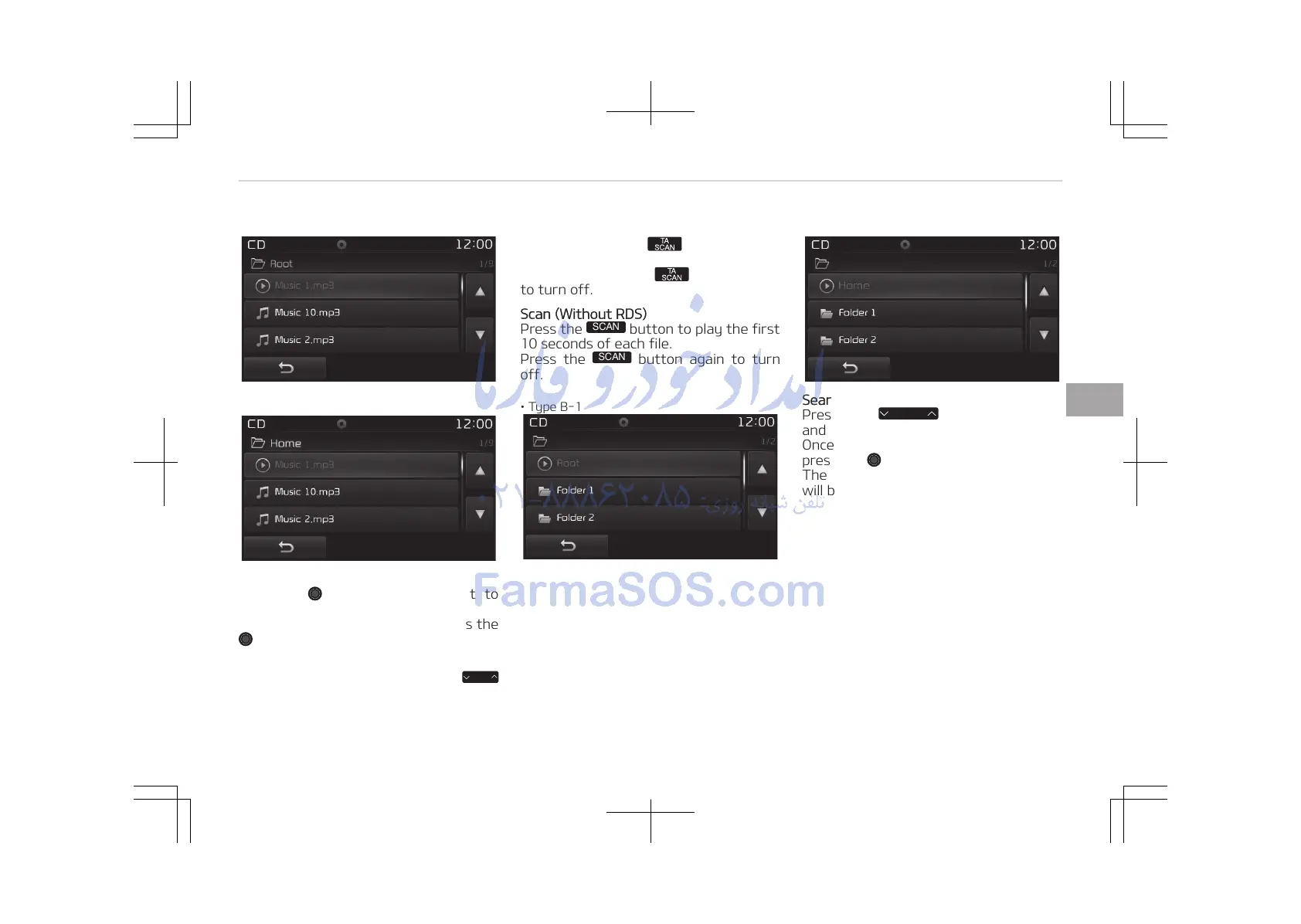
• Type B-1
• Type B-2
Selecting from the List
Turn the TUNE knob left/right to
search for the desired file.
Once you find the desired file, press the
TUNE knob to start playing.
Rewinding / Fast-forwarding Files
While playing, press and hold the
button to rewind or fast-forward the
current file.
Scan (With RDS)
Press and hold the button to play
the file 10 seconds of each file.
Press and hold the button again
to turn off.
Scan (Without RDS)
Press the
button to play the first
10 seconds of each file.
Press the
button again to turn
off.
• Type B-1
• Type B-2
Searching Folders
Press the
button to select
and search folders.
Once the desired folder is displayed,
press the TUNE knob to select.
The first file within the selected folder
will begin playing.
5-75
5
Audio system















 To Next Page