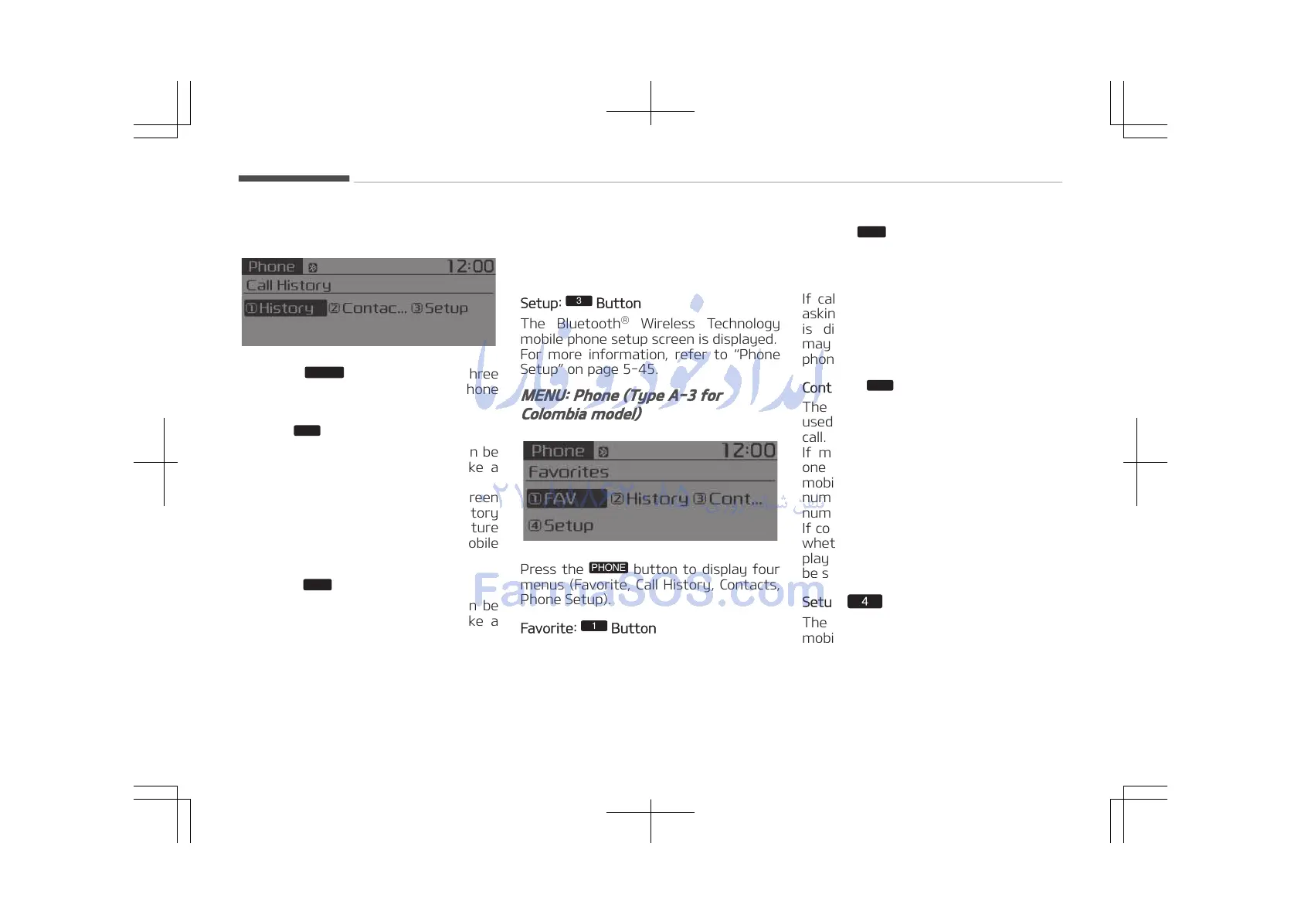
MENU: Phone (Type A-3)
Press the
button to display three
menus (Call History, Contacts, Phone
Setup).
History:
Button
The call history is displayed and can be
used to select a number and make a
call.
If call history does not exist, a screen
asking whether to download call history
is displayed. (The download feature
may not be supported in some mobile
phones.)
Contacts:
Button
The contacts are displayed and can be
used to select a number and make a
call.
If more than one number is saved to
one contact, then a screen showing the
mobile phone number, Home and office
number is displayed. Select the desired
number to make the call.
If contacts do not exist, a screen asking
whether to download contacts are dis‐
played. (The download feature may not
be supported in some mobile phones.)
Setup:
Button
The Bluetooth
®
Wireless Technology
mobile phone setup screen is displayed.
For more information, refer to Phone
Setup on page 5-45.
MENU: Phone (Type A-3 for
Colombia model)
Press the
button to display four
menus (Favorite, Call History, Contacts,
Phone Setup).
Favorite:
Button
Up to 20 frequently used contacts
saved for easy access
History:
Button
The call history is displayed and can be
used to select a number and make a
call.
If call history does not exist, a screen
asking whether to download call history
is displayed. (The download feature
may not be supported in some mobile
phones.)
Contacts:
Button
The contacts are displayed and can be
used to select a number and make a
call.
If more than one number is saved to
one contact, then a screen showing the
mobile phone number, Home and office
number is displayed. Select the desired
number to make the call.
If contacts do not exist, a screen asking
whether to download contacts are dis‐
played. (The download feature may not
be supported in some mobile phones.)
Setup: Button
The Bluetooth
®
Wireless Technology
mobile phone setup screen is displayed.
For more information, refer to Phone
Setup on page 5-50.
Audio system
5-30















 To Next Page