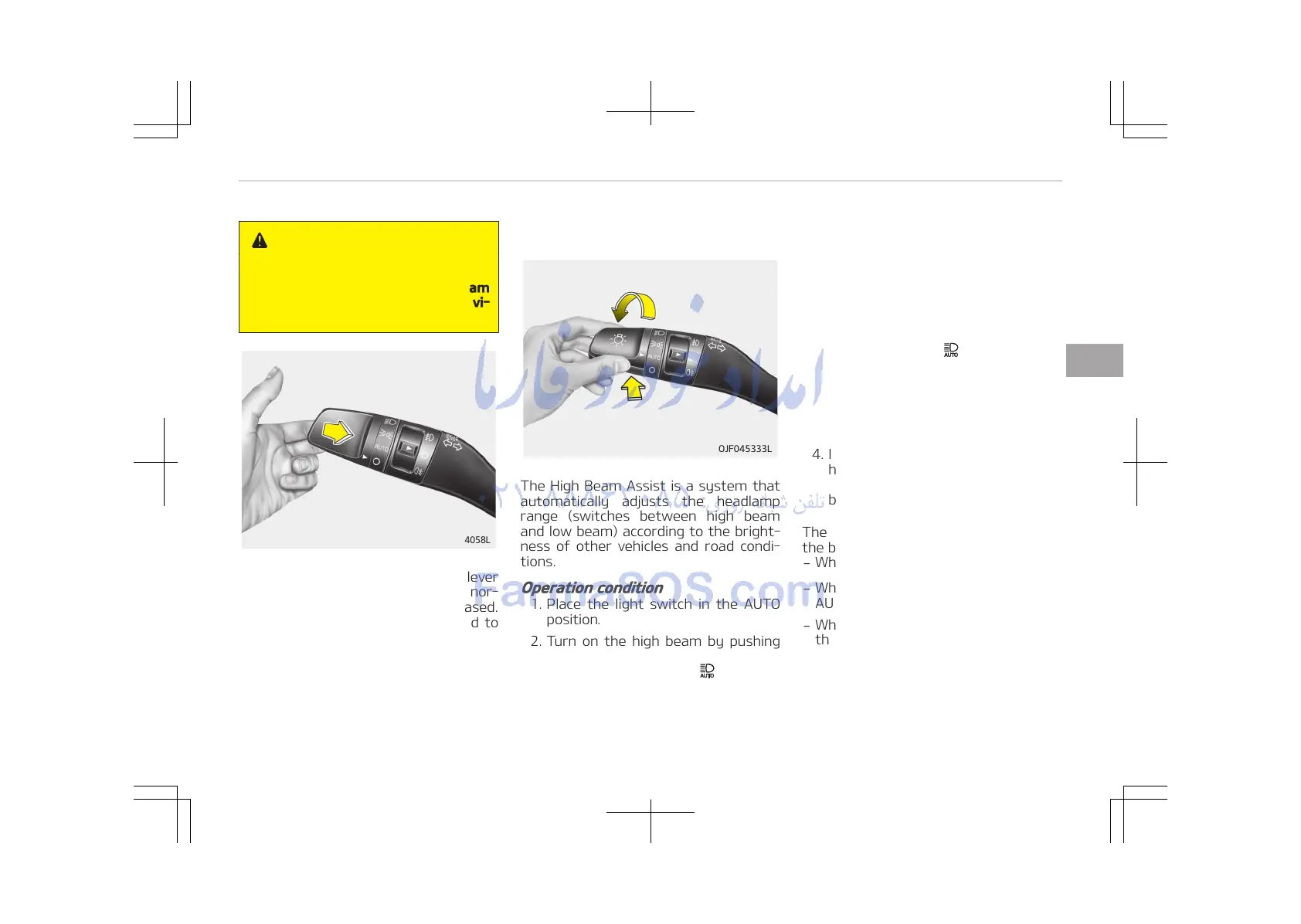
To flash the headlights, pull the lever
towards you. It will return to the nor‐
mal (low beam) position when released.
The headlight switch does not need to
be on to use this flashing feature.
High beam assist (if equipped)
The High Beam Assist is a system that
automatically adjusts the headlamp
range (switches between high beam
and low beam) according to the bright‐
ness of other vehicles and road condi‐
tions.
Operation condition
1. Place the light switch in the AUTO
position.
2. Turn on the high beam by pushing
the lever away from you.
The High Beam Assist ( ) indicator
will illuminate.
3. The High Beam Assist will turn on
when vehicle speed is above
45 km/h (28 mph).
• If the lever is pushed away when
the High Beam Assist is operat‐
ing, the High Beam Assist will
turn off and the high beam will
be on continuously. The High
Beam Assist ( ) indicator will
turn off.
• If the lever is pulled towards you
when the high beam is on with
operating High Beam Assist, the
High Beam Assist will turn off.
4. If the light switch is placed to the
headlamp position, the High Beam
Assist will turn off and the low
beam will be on continuously.
The high beam switches to low beam in
the below conditions.
-
When the High Beam Assist is off.
-
When the light switch is not in the
AUTO position.
-
When the headlamp is detected from
the on-coming vehicle.
-
When the tail lamp is detected from
the front vehicle.
-
When the surrounding is bright
enough high beams are not needed.
4-129
4
Features of your vehicle















 To Next Page