1. A screen asking whether to turn on
Bluetooth
®
Wireless Technology will
be displayed.
2. On the screen, select [YES] to turn
on Bluetooth
®
Wireless Technology
and display guidance.
If the Bluetooth
®
Wireless Technology
system is turned on, the system will
automatically try to connect the most
recently connected Bluetooth
®
Wireless
Technology mobile phone.
With the System Button
Press the button Select [Sys‐
tem] Select menu
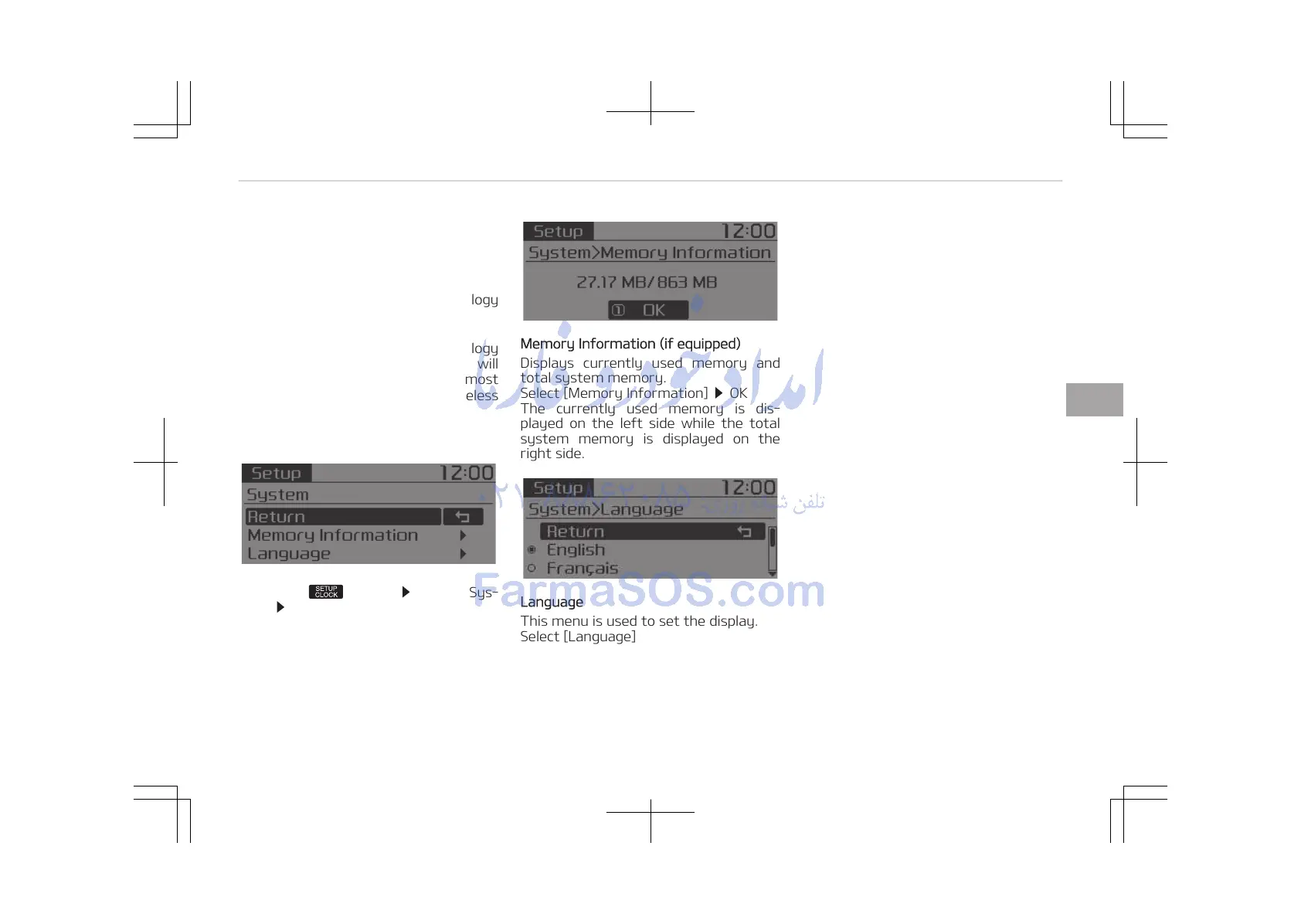
Memory Information (if equipped)
Displays currently used memory and
total system memory.
Select [Memory Information]
OK
The currently used memory is dis‐
played on the left side while the total
system memory is displayed on the
right side.
Language
This menu is used to set the display.
Select [Language]
The system will reboot after the lan‐
guage is changed.
• Language support by region.
English, Français, Español
5-53
5
Audio system















 To Next Page