DVR Settings
Selecting & Configuring Record Triggers
Flashback3 & Flashback HD User’s Guide
L3 Mobile-Vision 6.23.2017 Page 105
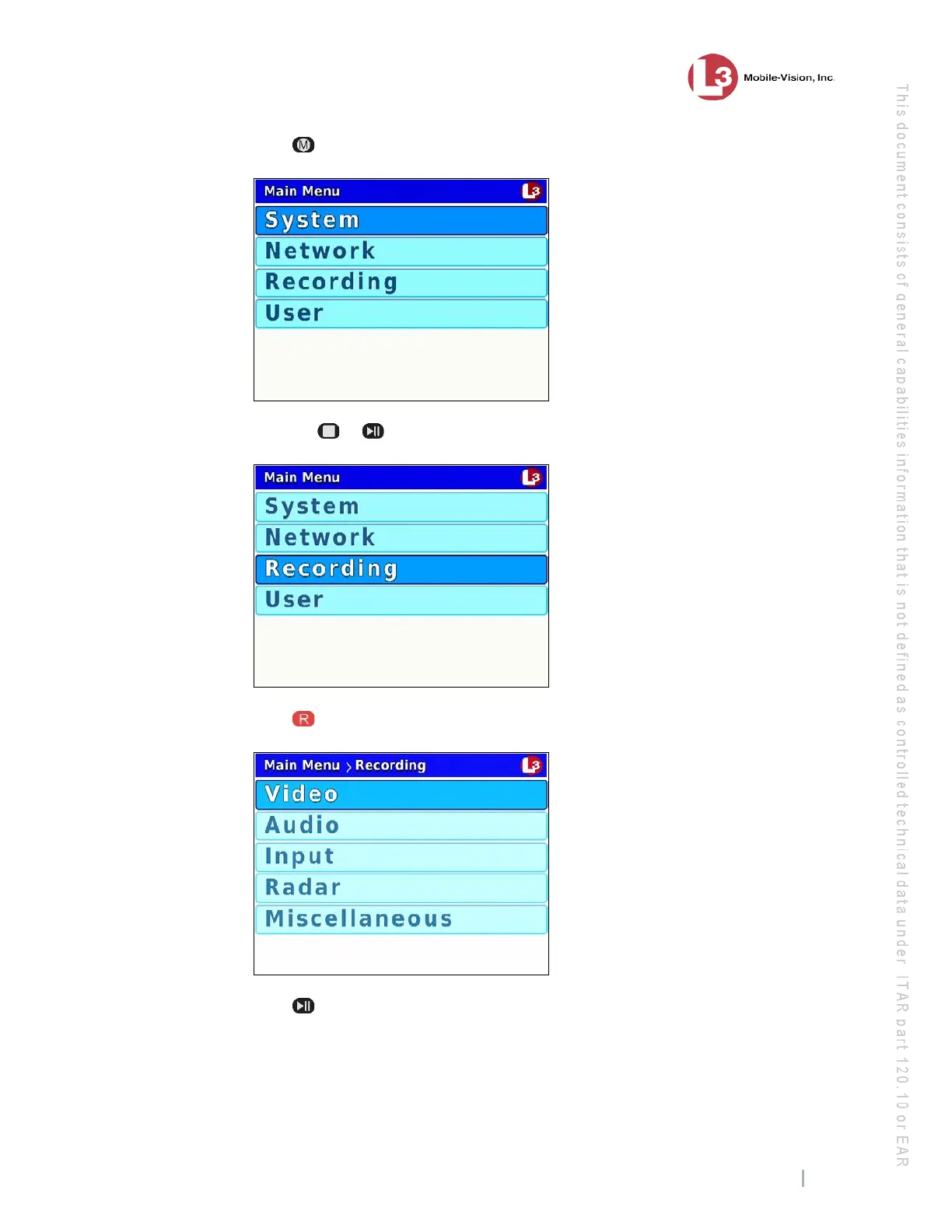
2 Press . The Main Menu displays.
3 Press the or
button until Recording is highlighted.
4 P
ress to select the Recording option. The Recording menu displays.
5 P
ress twice to advance to the Input option.



 To Next Page