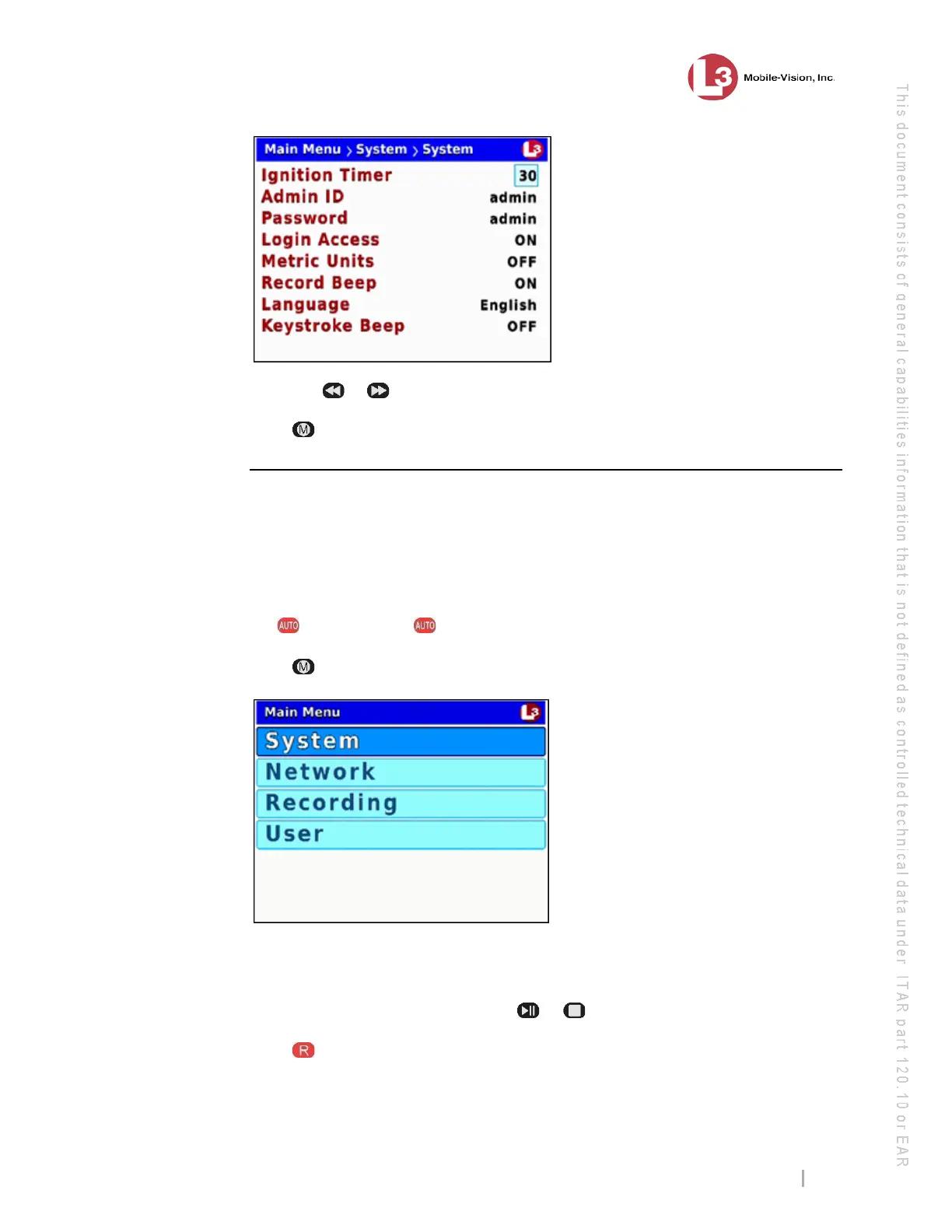
DVR Settings
Entering/Changing System Settings
Flashback3 & Flashback HD User’s Guide
L3 Mobile-Vision 6.23.2017 Page 199
8 Us
ing the
or buttons, display the number of minutes you wish to select.
9 Press four times to save your changes and exit this option.
Changing the DES Admin ID and Password
During wireless transmission, your videos move from DVR to access point to storage
server. In order for the system to login to the storage server, it requires a valid
Administrator’s User ID and Password. By default, both the Admin ID and Password
fields are set to admin. To change these values, use the following procedure.
1 Make sure the door to your DVR is open and Auto mode is off. (If necessary, press
the button until the light turns off.)
2 Pr
ess . The Main Menu displays.
3 If System is highlighted, proceed to the next step.
– OR –
If System is not highlighted, press the or button to advance to that option.
4 Pr
ess to select the System option. The System menu displays.



 To Next Page