DVR Settings
Changing Display Options
Flashback3 & Flashback HD User’s Guide
Page 116 L3 Mobile-Vision 6.23.2017
9 P
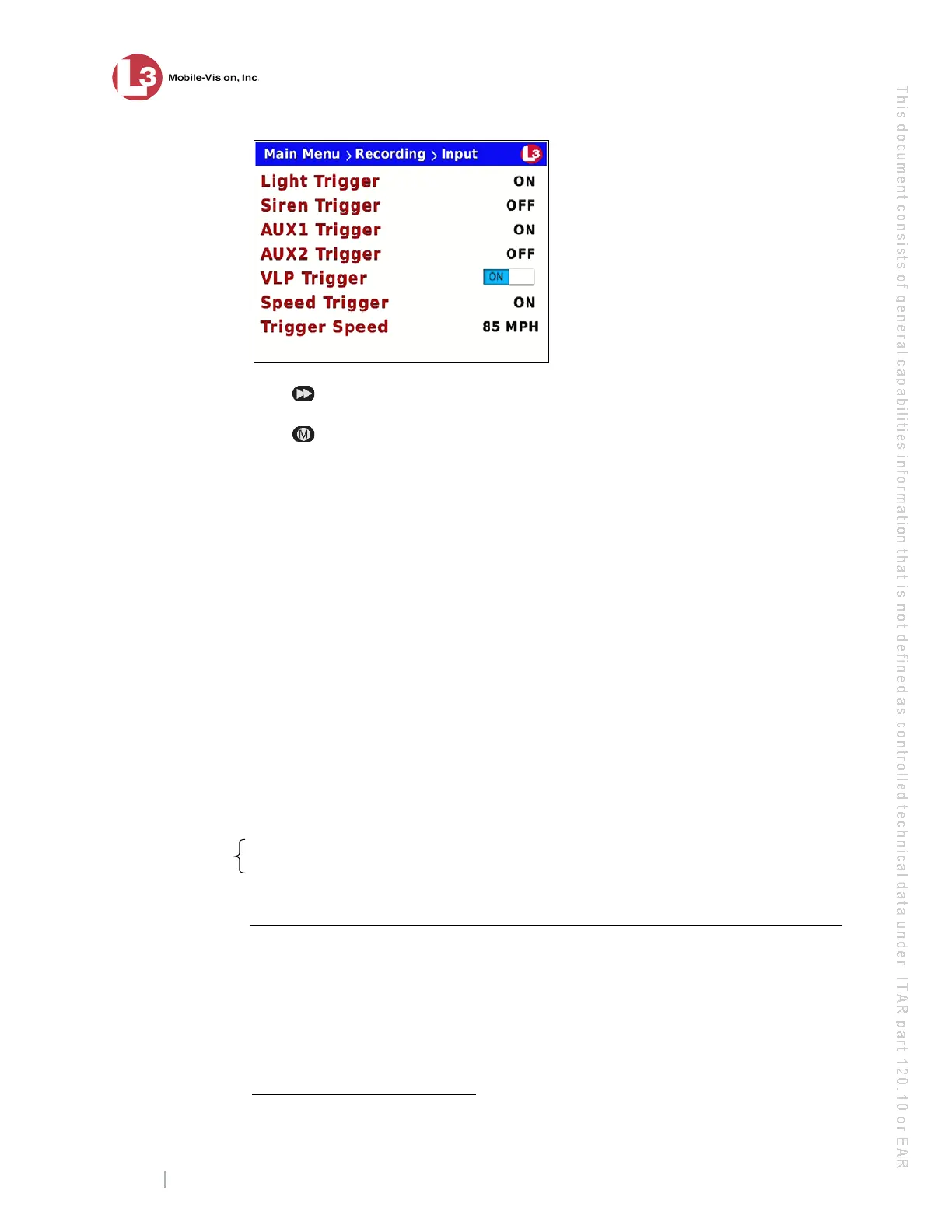
ress to toggle the field value to ON or OFF.
10 P
ress four times to save your changes and exit this option.
Changing Display Options
This section describes how to change the status indicators that will display on:
The Flashback monitor during a recording
The Vehicle Viewer while the DVR is active.
*
Vehicle Viewer is on optional PC
application that allows you to operate the DVR from your mobile data computer.
The Flashback Player while viewing a video off the server or off a backup disc.
*
F
or specific instructions, see:
Turning the Radar Display On, below
Turning the Radar Display Off, page 120
Turning the Lights Display On/Off, page 122
Turning the Siren Display On/Off, page 124
Turning the Brakes Display On/Off, page 126
Turning the Aux 1 Display On/Off, page 129
Turning the Aux 2 Display On/Off, page 131
Turning the Speed Display On/Off, page 133
Turning the Metric Units Display On/Off, page 136
Turning the ‘GPS’ Display On/Off, page 138
Turning the ‘Voltage’ Display On/Off, page 141
Turning the ‘WLAN’ Display On/Off, page 143.
Turning the Radar Display On
This section describes how to turn the radar display on. When this display is on,
selected radar indicators will display on your Flashback monitor.
In order for this feature to work, your radar device must be wired to the radar trigger
on the DVR.
*
Exceptions: The GPS and WLAN displays appear on the Flashback monitor only.
Affects Flashback
monitor only



 To Next Page