DVR Settings
Entering/Changing the Wireless Security Settings
Flashback3 & Flashback HD User’s Guide
Page 188 L3 Mobile-Vision 6.23.2017
14 Repeat steps 12 and 13 until you have entered a password with the correct number of
characters:
For 64 bits/ascii, enter 10 characters
For 128 bits/hex, enter 26 characters.
N
OTE: The Wireless Key display area can only show 22 characters at a time. Since a
128-bit Encryption Key is 26 characters long, the key characters will shift (scroll) to
the left as you enter the last 4 characters.
If you need to add or delete a character, use the following buttons:
............Move forward one character
............Move back one character
............Delete previous character
To insert a space, use the icon.
15 Once the correct key displays, press four times to exit this option.
Entering Your Wireless SSID
This section describes how to enter the name of your wireless network, also referred
to as a wireless service set identifier (SSID).
T
his field is required for all wireless modes.
1 Make sure the door to your DVR is open and Auto mode is off. (If necessary, press
the button until the light turns off.)
2 P
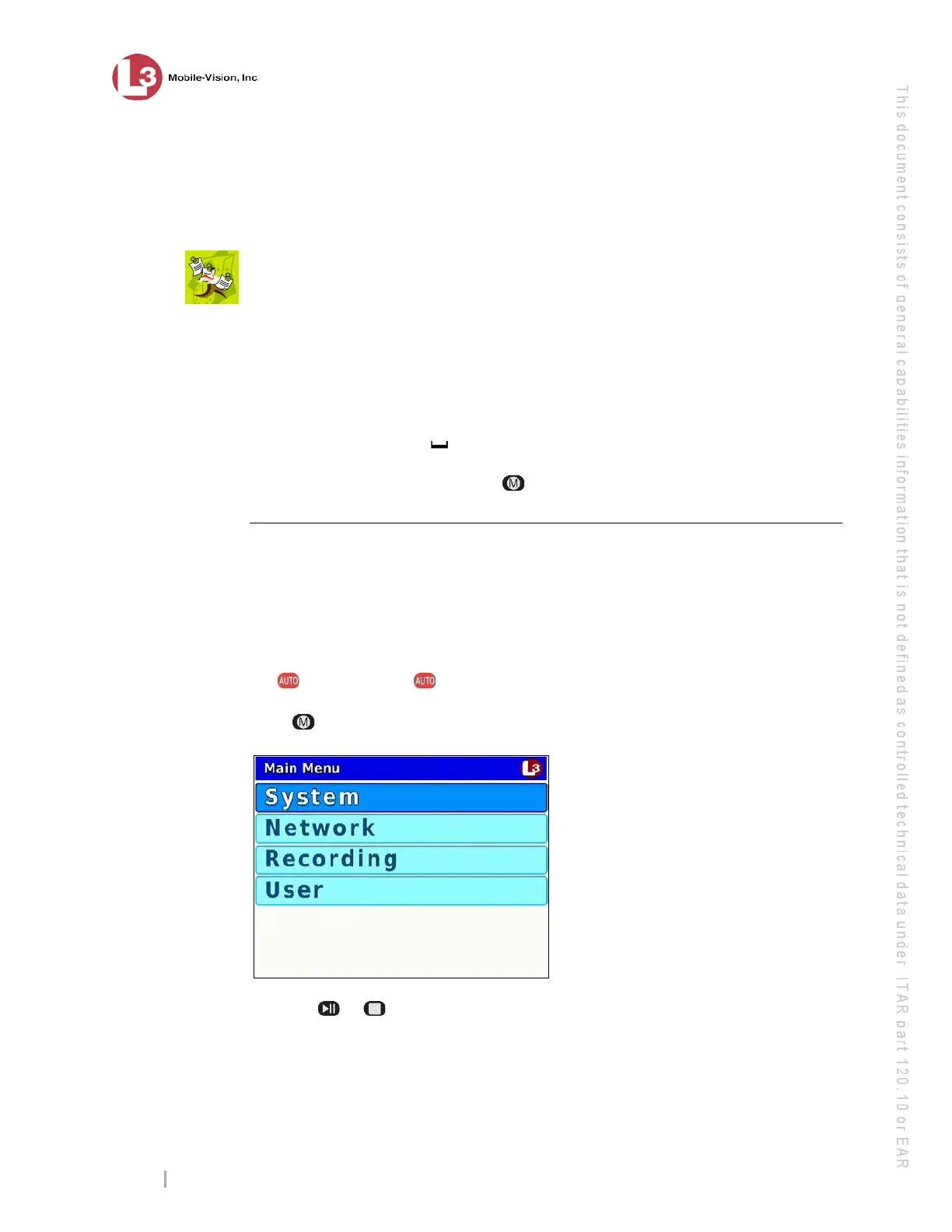
ress . The Main Menu displays.
3 P
ress the or button until Network is highlighted.



 To Next Page