Peripherals
VLP2 Wireless Microphone
Flashback3 & Flashback HD User’s Guide
L3 Mobile-Vision 6.23.2017 Page 19
Indicator Color Meaning
Green If the light blinks four times and then stops, the
docking station has just synchronized with the
wireless mic.
If the light blinks continuously, the docking station is
unable to synchronize with the wireless mic.
If the light is continuous, the audio is active (i.e., a
recording is in progress).
Red Wireless mic is docked and charging.
Green
If VLP2 is undocked: Docking station is powered on.
If VLP2 is docked: Wireless mic is fully charged.
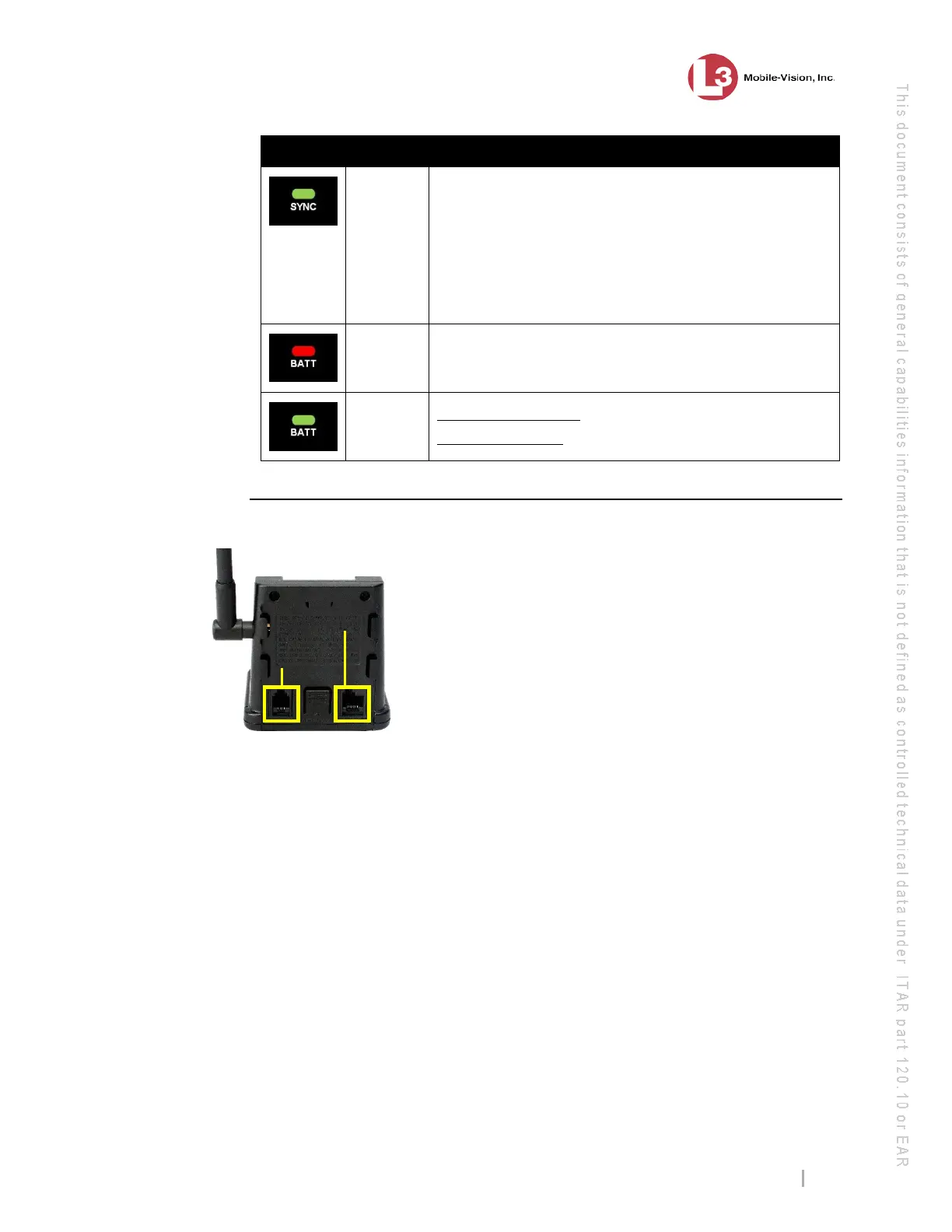
Docking Station Ports
There are two ports on the back of the docking station, as pictured below.
If your agency has chosen to use the Emergency
button feature, use the Emergency port to connect the
docking station to your agency radio via a phone jack
cable.
Use the Communications port to connect the
docking station to the DVR via the cable provided
by L3 Mobile-Vision.



 To Next Page