DVR Settings
Copying the DVR Configuration File to/from DVR
Flashback3 & Flashback HD User’s Guide
L3 Mobile-Vision 6.23.2017 Page 221
O
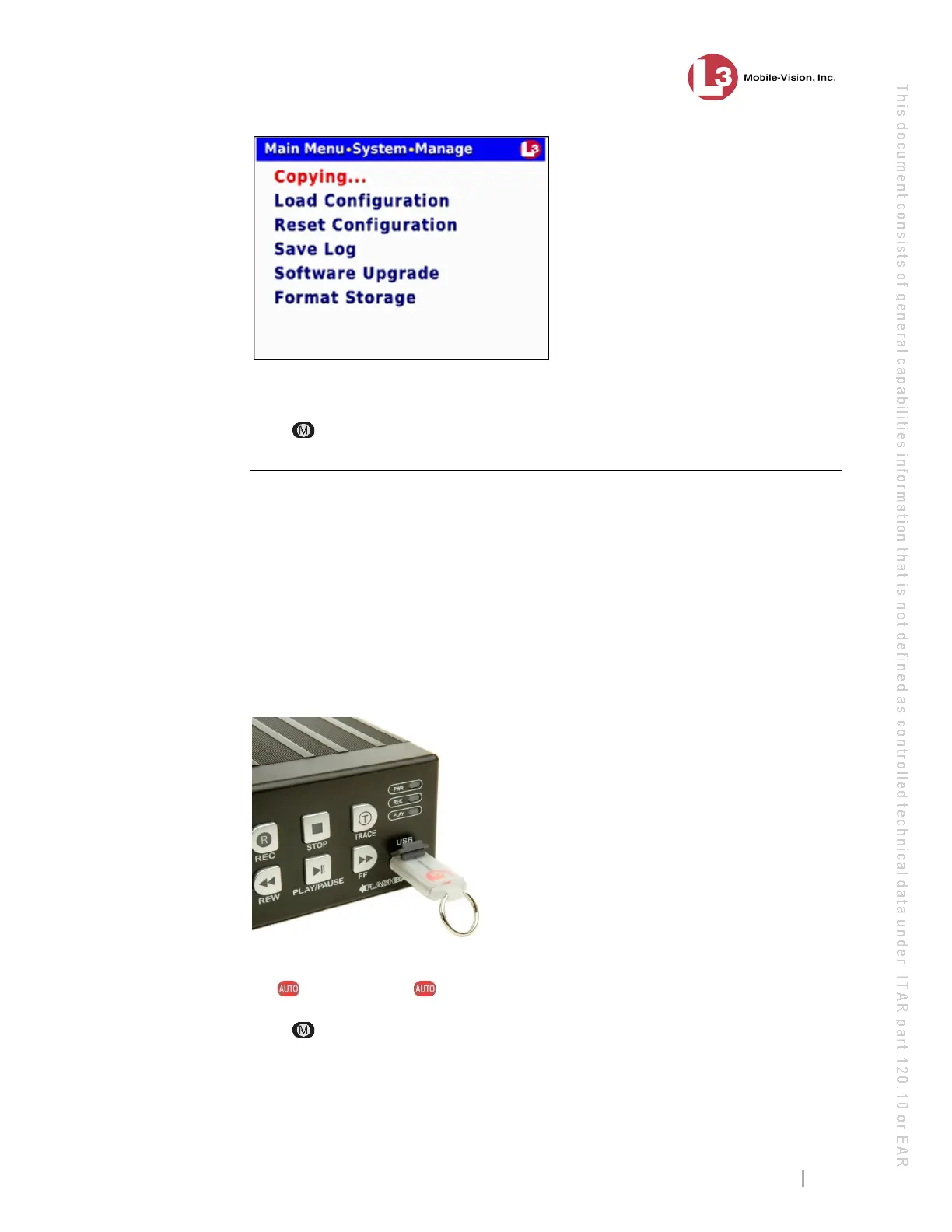
nce the Copying… message disappears, the transfer is complete.
9 P
ress three times to exit this option.
Copying the config.xml File from a USB Drive to Your DVR
This section describes how to copy a DVR configuration file—config.xml—from a
USB memory stick to your DVR. This file contains all of a DVR’s settings, allowing
you to copy settings from one DVR to another.
F
or instructions on how to obtain a config.xml file from another DVR, see the
previous section, “Copying the Configuration file from DVR to USB drive” and/or
“Exporting a DVR’s config.xml File” in chapter 5 of the DEP Administrator’s Guide.
1 T
ake the USB drive that contains the config.xml file and insert it into the USB port
on the front of your DVR.
2 M
ake sure the door to your DVR is open and Auto mode is off. (If necessary, press
the button until the light turns off.)
3 Press . The Main Menu displays.



 To Next Page