DVR Settings
Changing the Audio Settings
Flashback3 & Flashback HD User’s Guide
L3 Mobile-Vision 6.23.2017 Page 79
Turning the Pre/Post Audio On/Off
This section describes how to turn the audio on or off for your pre- and post-record-
ings. Including audio in these recordings will increase your file size; omitting audio
from these recordings will reduce your file size.
F
or more information on pre- and post-recordings, see “Changing the Pre/Post
Record Settings” on page 60.
1 M
ake sure the door to your DVR is open and Auto mode is off. (If necessary, press
the button until the light turns off.)
2 P
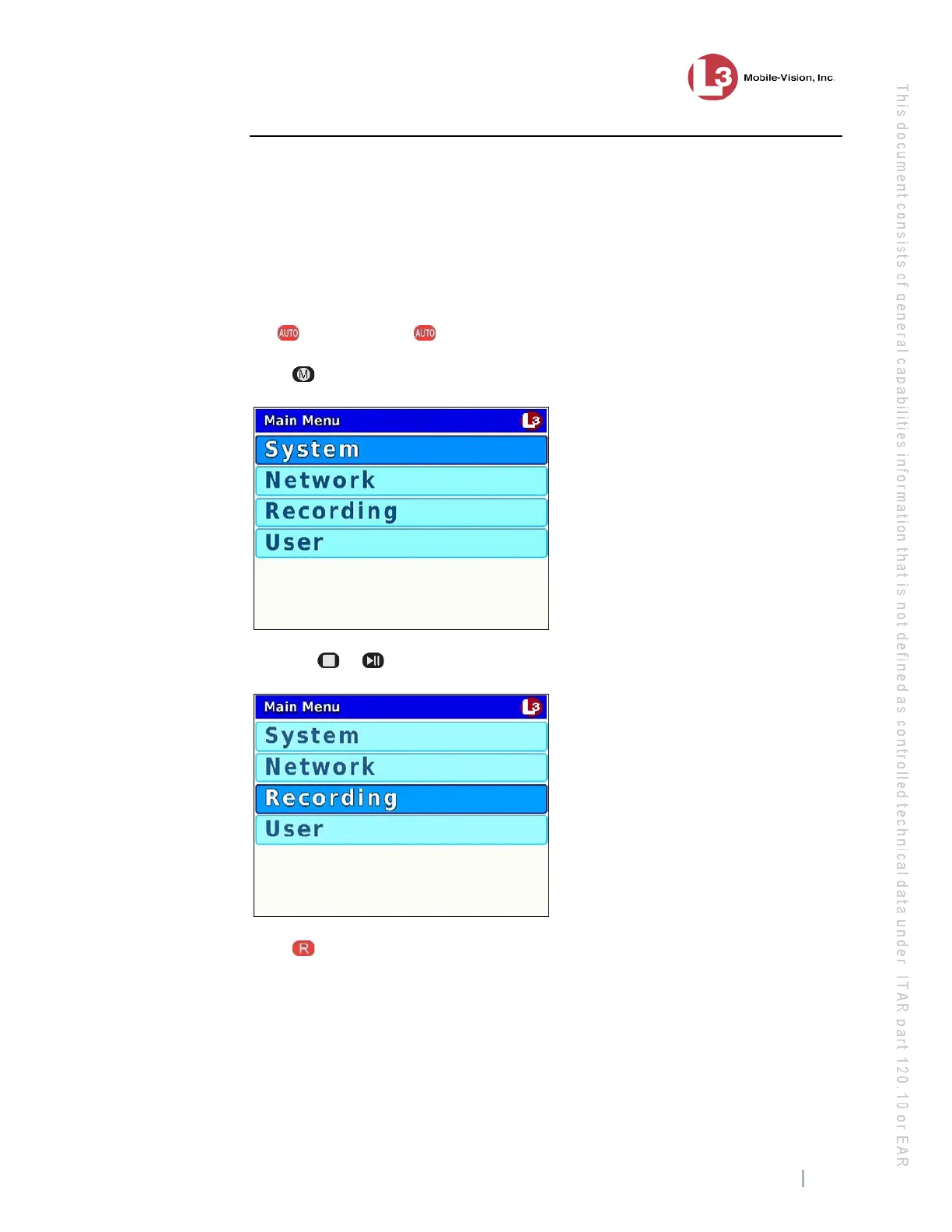
ress . The Main Menu displays.
3 P
ress the or
button until Recording is highlighted.
4 P
ress to select the Recording option. The Recording menu displays.



 To Next Page