DVR Settings
Changing Display Options
Flashback3 & Flashback HD User’s Guide
Page 120 L3 Mobile-Vision 6.23.2017
13 Use the button to select the radar information you wish to display.
14 Press four times to save your changes and exit this option.
Turning the Radar Display Off
This section describes how to turn the radar display off. When this display is on,
selected radar indicators will display on your Flashback monitor.
1 M
ake sure the door to your DVR is open and Auto mode is off. (If necessary, press
the button until the light turns off.)
2 P
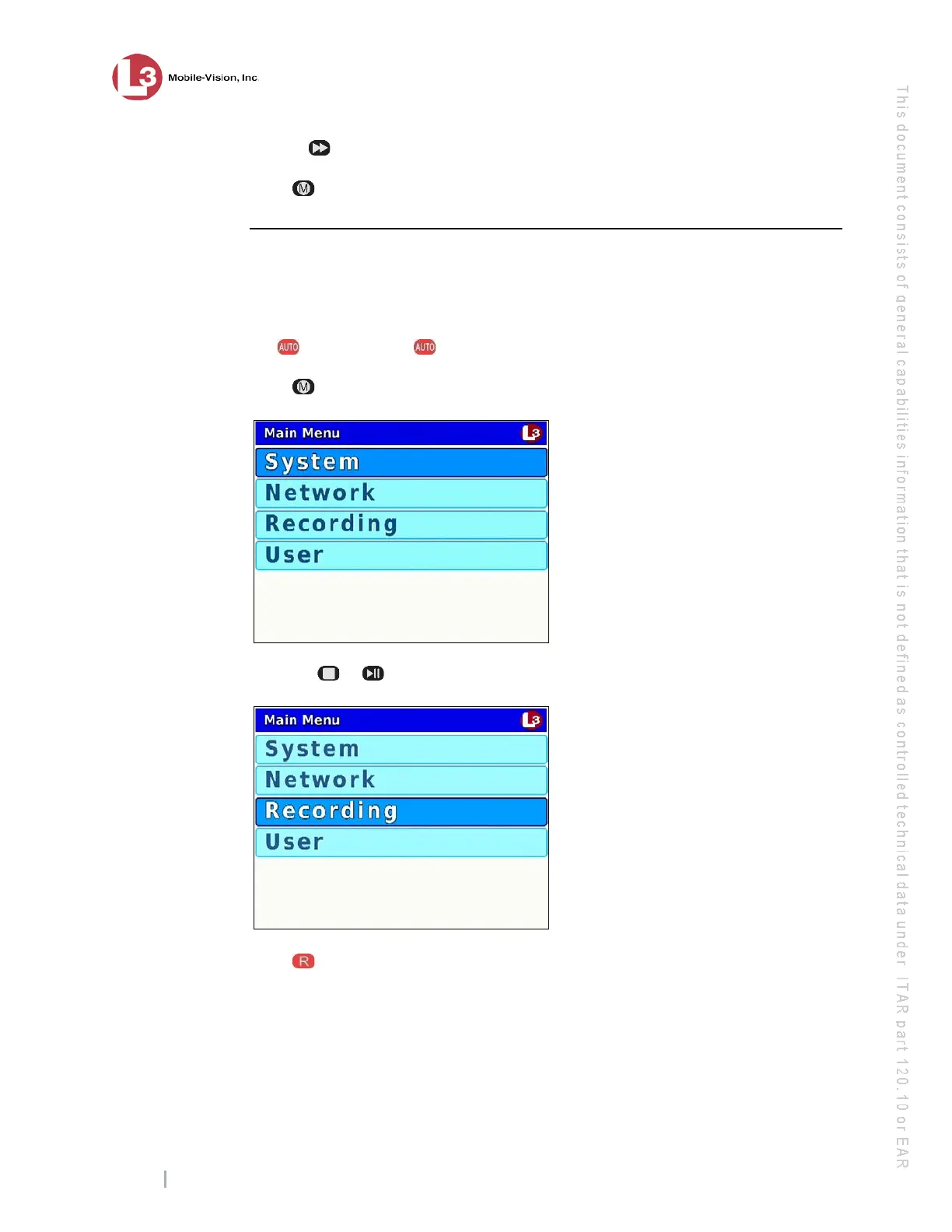
ress . The Main Menu displays.
3 P
ress the or
button until Recording is highlighted.
4 P
ress to select the Recording option. The Recording menu displays.



 To Next Page